
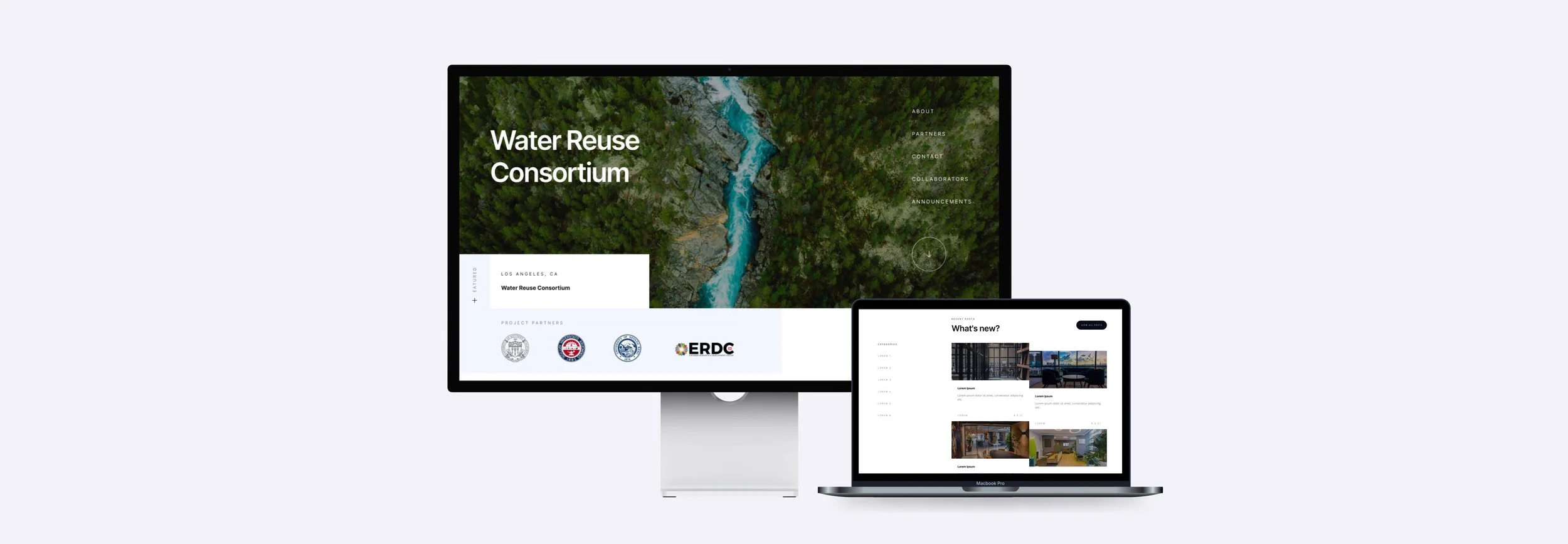
Water Reuse Consortium USC ReWater Center, Spring 2024 Launched 2024
ProblemA research program whose audience arrives once and leaves without a way back BuiltA site that earns the one visit, and a form that keeps the visitor
The Water Reuse Consortium is a federally funded research initiative at USC, and its work lived in papers and institutional pages, invisible to the agencies and researchers it was for. As the sole designer on a four-person team I redesigned the ReWater Center homepage, designed three concepts for the Consortium’s new site, and designed the template of the Potable Water Reuse Report, which the Center still publishes in. One concept was built and launched; seven months later the list it built had passed 1,000 subscribers, EPA officials among them.
Why
One visit, a short window, and research that deserved better.
The people who matter don’t arrive by search and don’t convert by browsing.
Agency staff, partner institutions and researchers in adjacent fields arrive once, from a citation or a colleague, and either leave with a way to stay connected or leave for good. The existing presence assumed a reader who would explore. So the brief was not “look credible”. It was: in one visit, establish that the research is serious, and capture the person before they go.
The old presence, and the new site
- 1A paper, and a PDF link
- 2Pages named after the org chart
- 3The overview video at the top
- 4The sign-up three screens down
- 5One visit, then nothing
- 1A hero that says what the research is
- 2Navigation by what the visitor came for
- 3People and partners as the proof
- 4Video and form on the same screen
- 5A subscriber, not a bounce
The form beside the video is the decision the project turns on: the moment a visitor has just understood why the work matters happens during the video, not after a scroll the attention pattern never supported.
The problem, in one breath
A reader who gives you one visit, and a presence built for one who would stay.
So four decisions, carried from the first concept through to the launched site. Each one was made for the visitor’s single pass, and defended to a team of researchers as a trade-off rather than a preference.
- Video and form on one screenThe persuasion and the decision share the fold on the ReWater homepage.
- Navigation by visitorA policy reader and a researcher take different paths without learning the org chart.
- The paper as a magazineA report template with hierarchy and room for the figures, so the argument survives a skim. Still in use.
- Build on what existsThe produced video, the WordPress stack and MailChimp, designed into rather than around.
How it was made
Five months, from demo concepts to a launched site.
- ILearn the readerWho actually arrives: agency staff, partner institutions, researchers nearby. Once, from a citation, with a short window.
- IIRedesign the ReWater homepageThe existing video and a new MailChimp form, side by side above the fold, in WordPress.
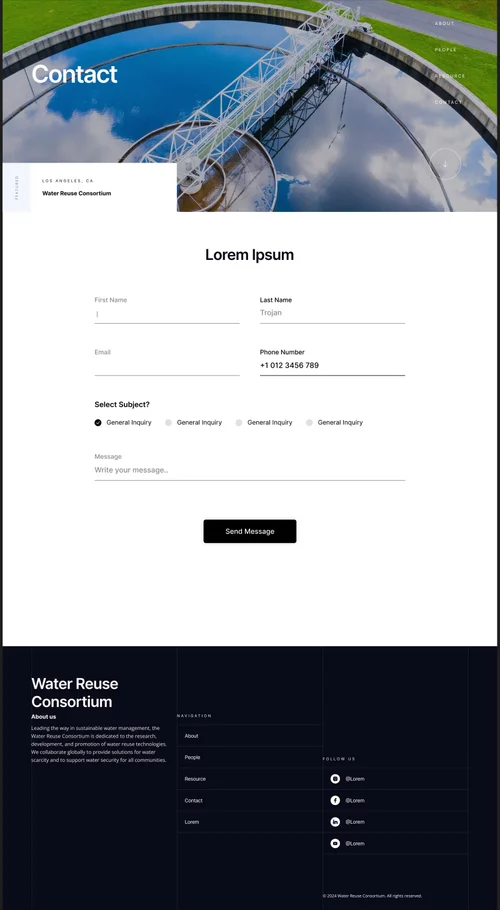
- IIIThree concepts in FigmaThree mid-fidelity sites for the Consortium, each a full set of pages: home, people, resources, contact.
- IVPresent as trade-offsResearchers and program staff with strong views; options framed against the visitor’s experience, not taste.
- VDesign the reportsA template for the Potable Water Reuse Report and the first three issues: an editorial layout for readers who won’t read linearly.
- VIHand offThe selected concept specified for development, with the reasoning written down at every step.
- VIILaunch, then measureLive in 2024; 40% more engagement and 1,000+ subscribers by December.
The concepts
Three sites from one brief. Scroll inside each.
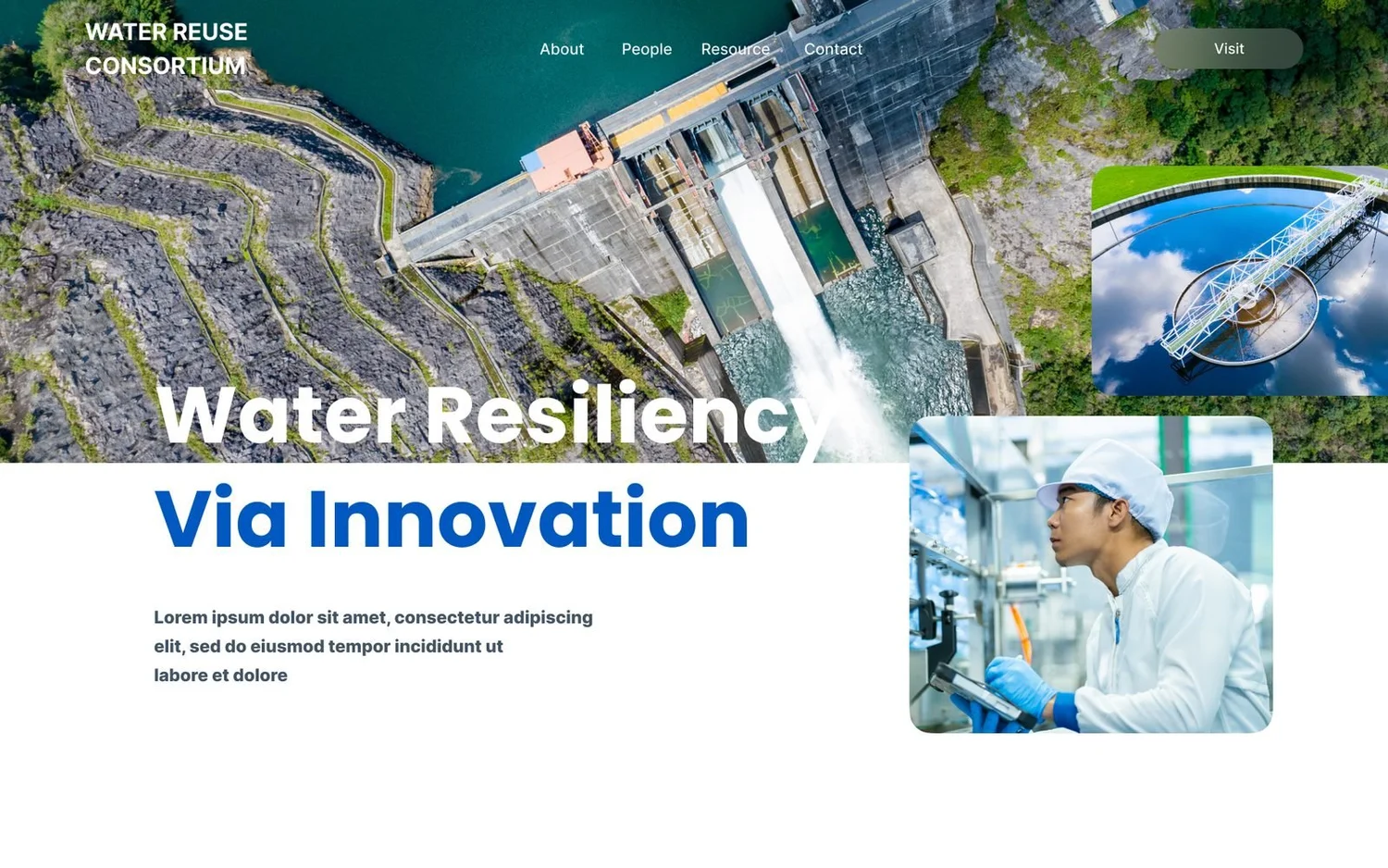
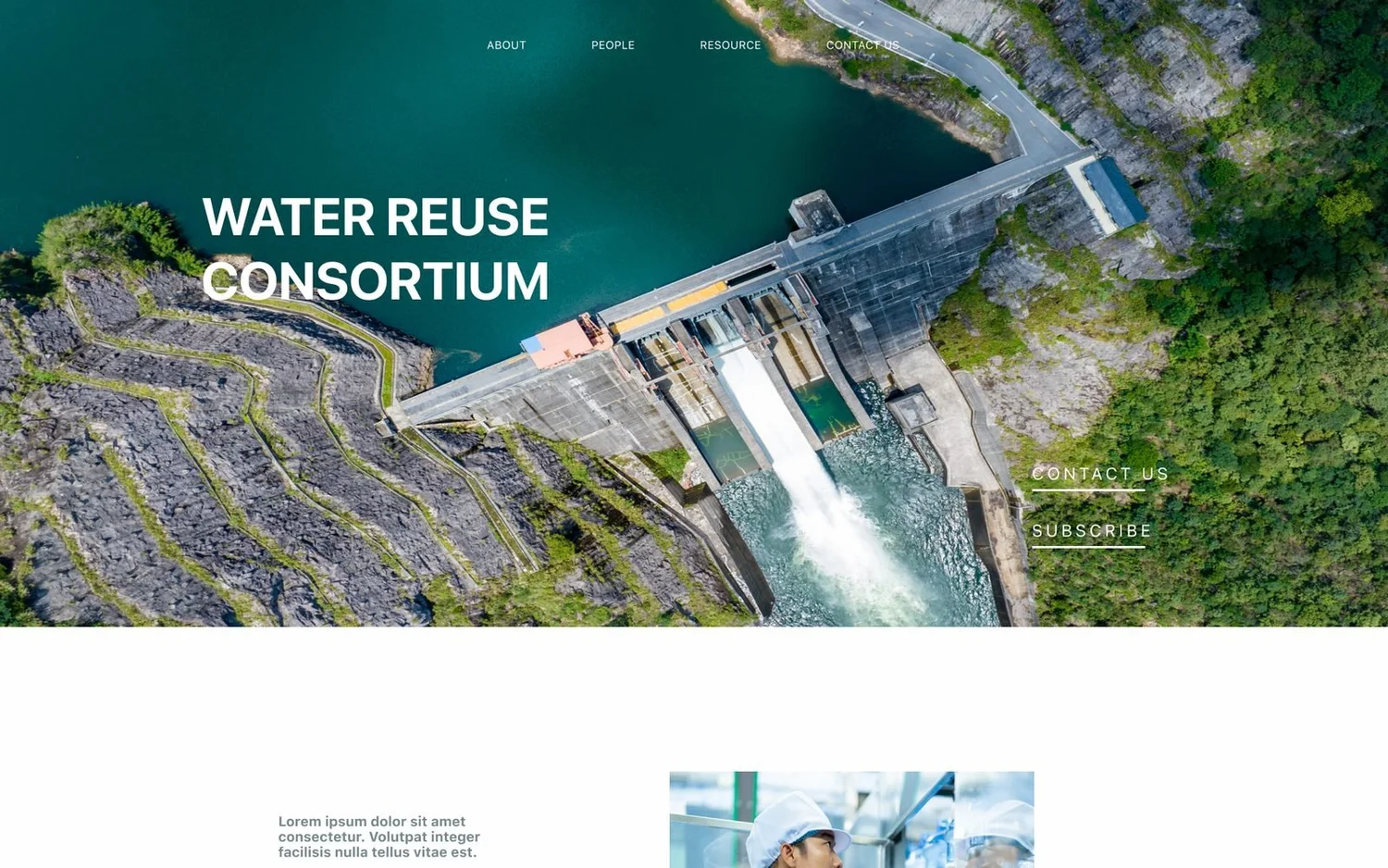
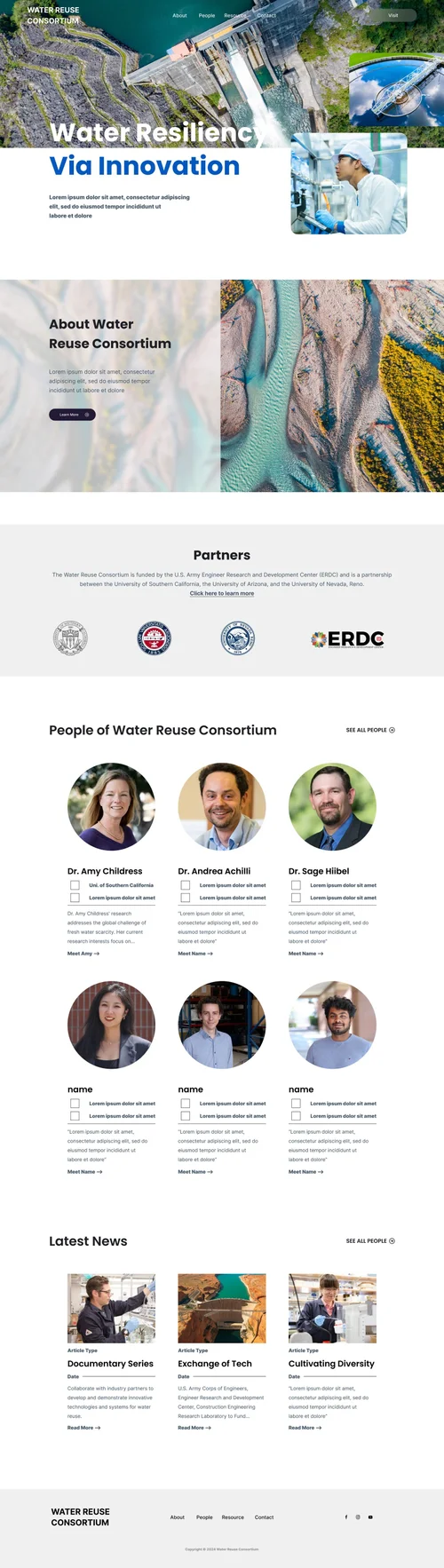
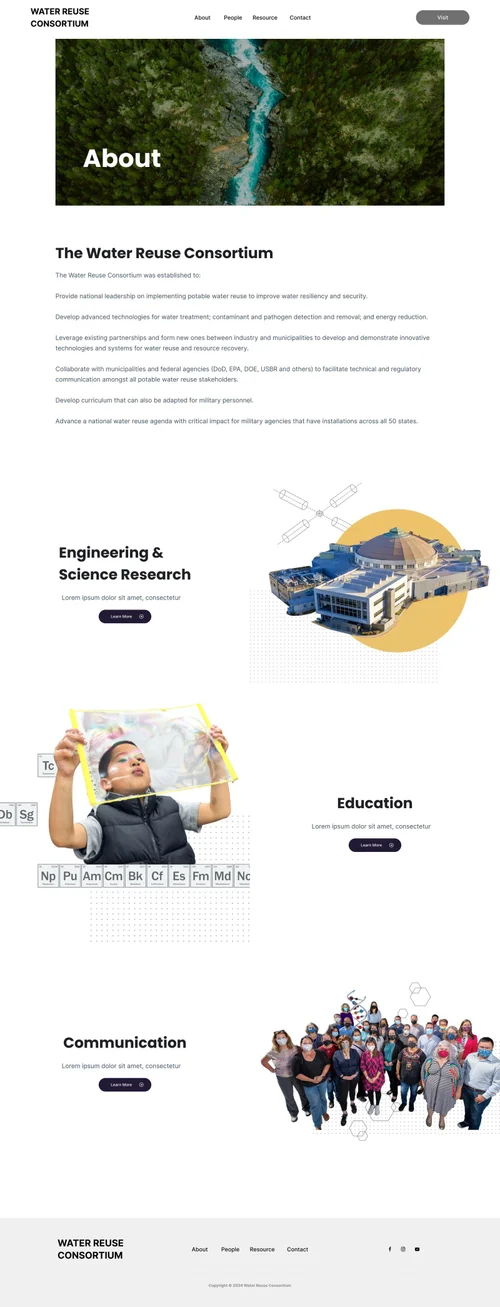
Three complete concepts, so the team could choose a direction rather than approve a page. Same content, same four sections, three different bets on how a first-time visitor reads.
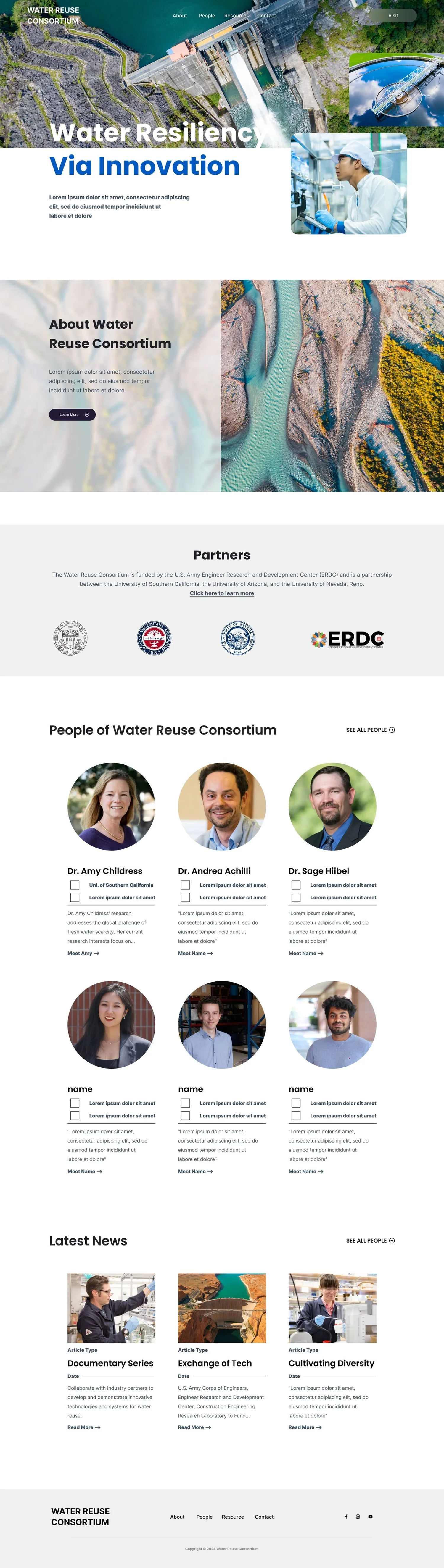
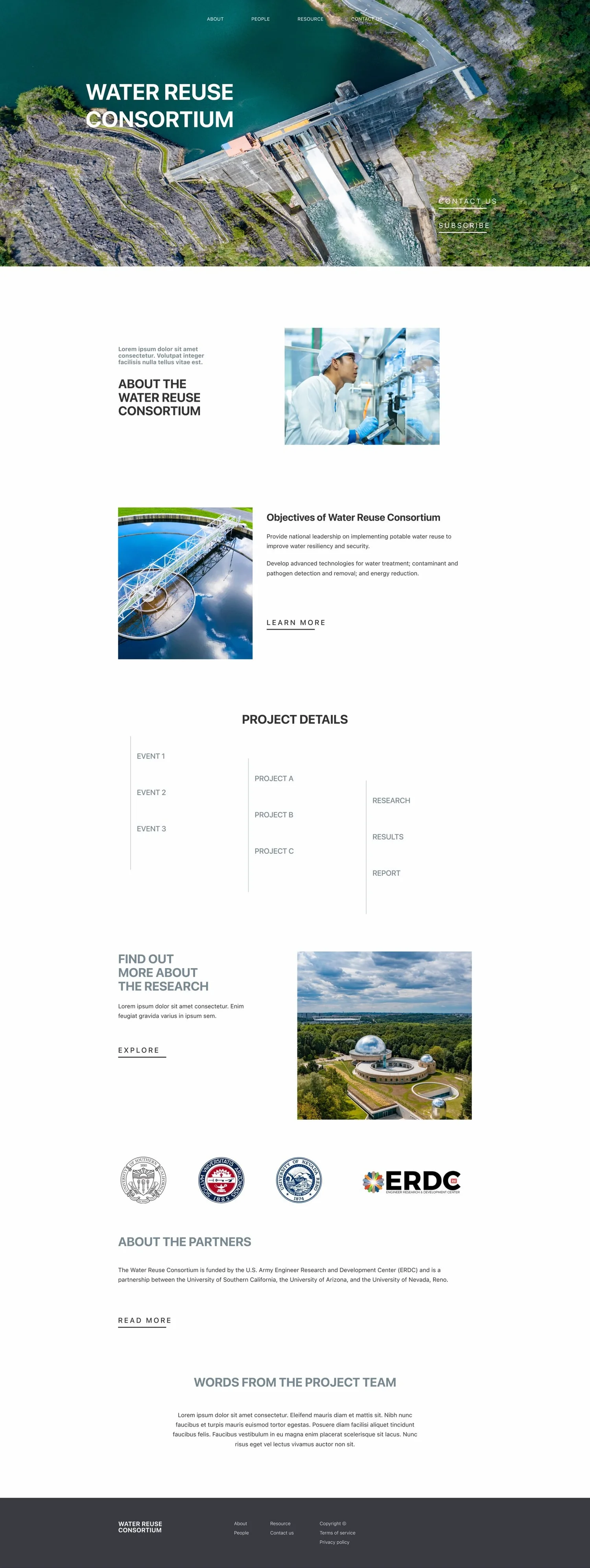

Mid-fidelity: the photography and names are placeholders from the Figma file. The live site has been updated slightly since; most of the original design is still in place.
The selected design
What a first-time visitor sees, and why it is there.
 1
2
3
1
2
3
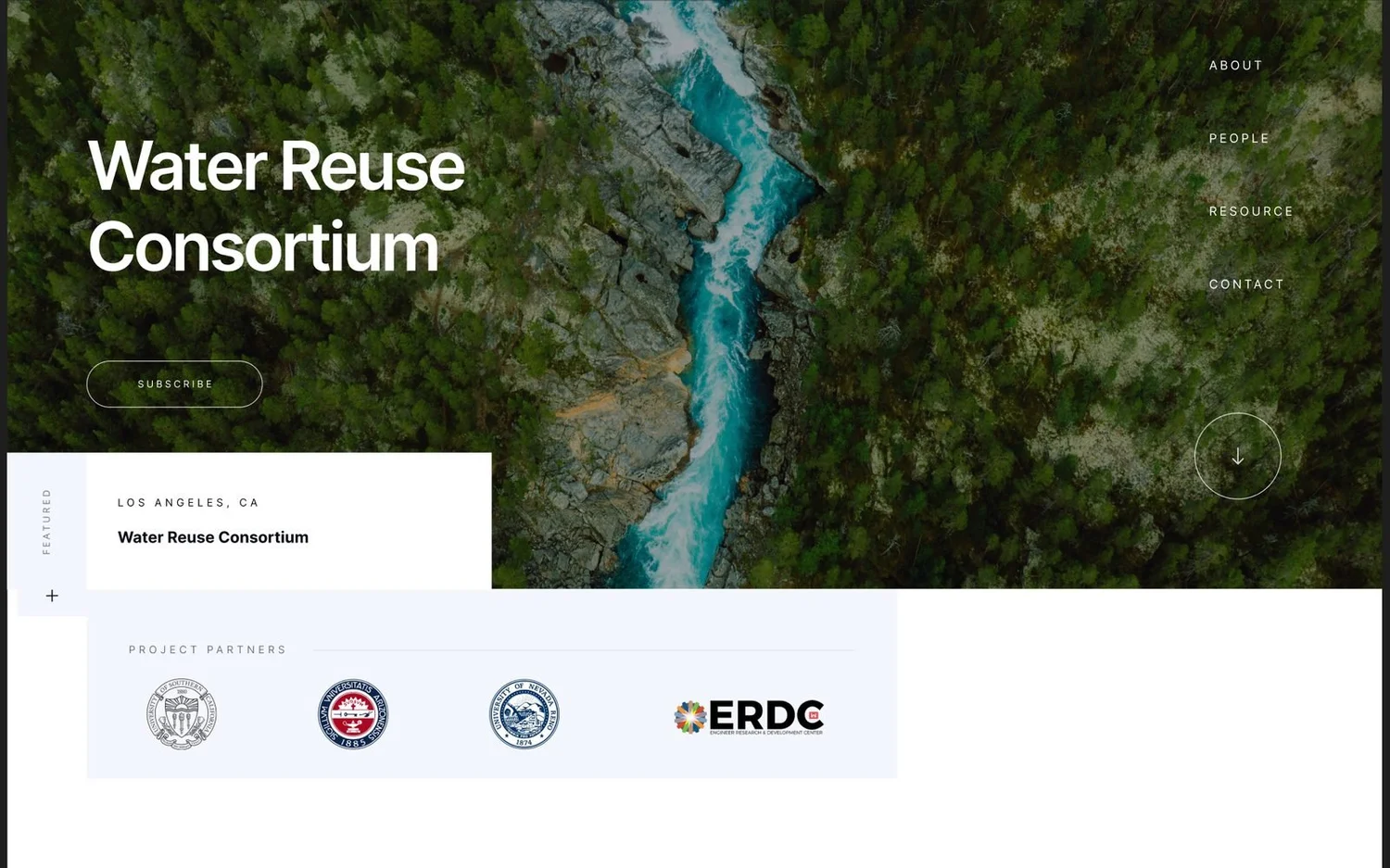
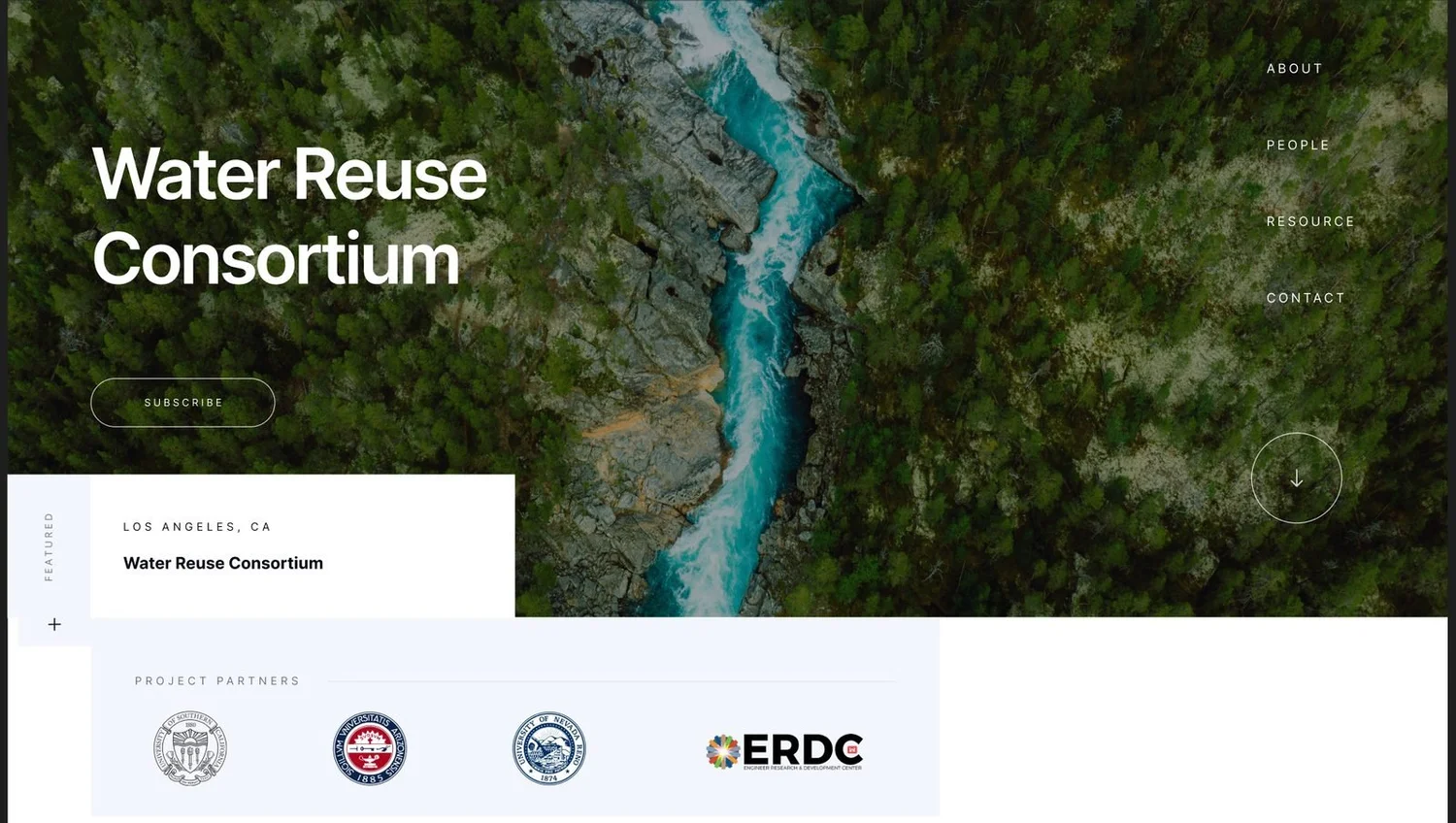
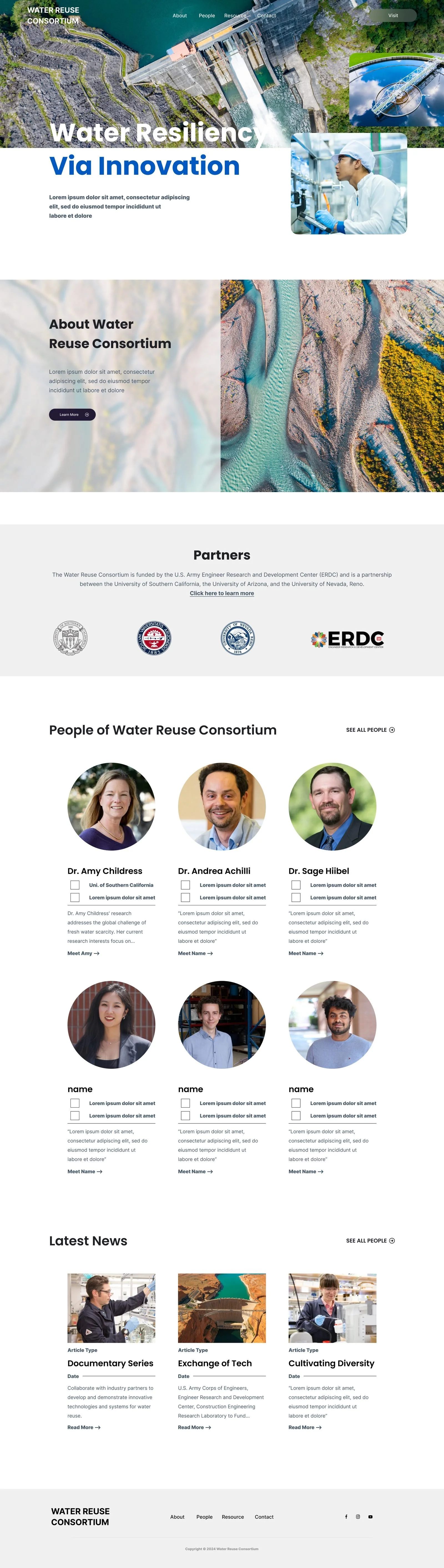
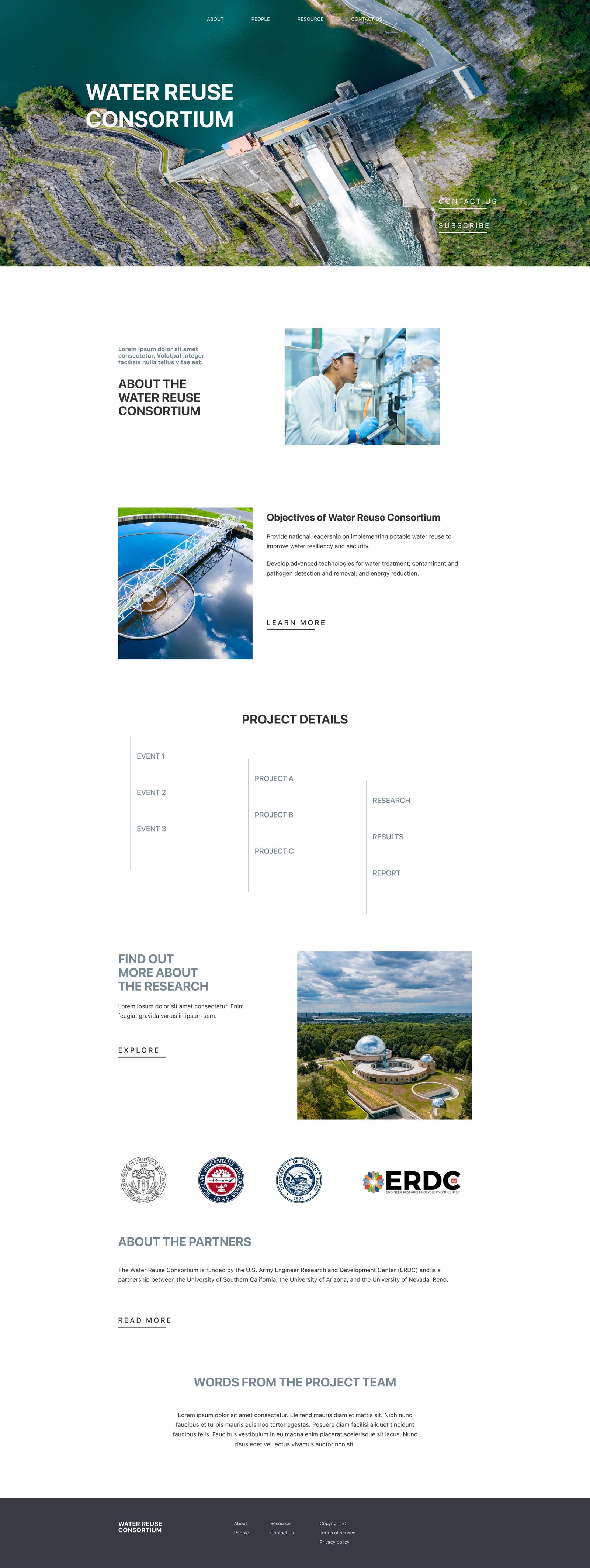
01The first screen does the whole job.
- 1A full-bleed aerial of a reservoir, the name, and one button: Subscribe. The thing the visitor is most likely to do in their first ten seconds is right there.
- 2A location card ties the Consortium to a place and a campus, so a reader from an agency knows who they are dealing with.
- 3The four partners (USC, Arizona, Nevada Reno and the Army’s ERDC) sit under the hero as the credentials. This is the row the launched site kept.
1How the institution thinks about itself
- Programs
- Partners
- Research areas
- Publications
- Events
2What a visitor arrives wanting
- About
- People
- Resource
- Contact
- 3Subscribe
02Navigation by what the visitor came for.
- 1Programs, partners, research areas: the way the Consortium is organised is not the way a first-time visitor looks for something.
- 2Four sections a reader can predict. A policy reader goes to Resource, a prospective collaborator to People, and neither needs the org chart first.
- 3Subscribe is a button in the hero, not an item in a menu: the one action the site exists to get.
 1
2
3
1
2
3
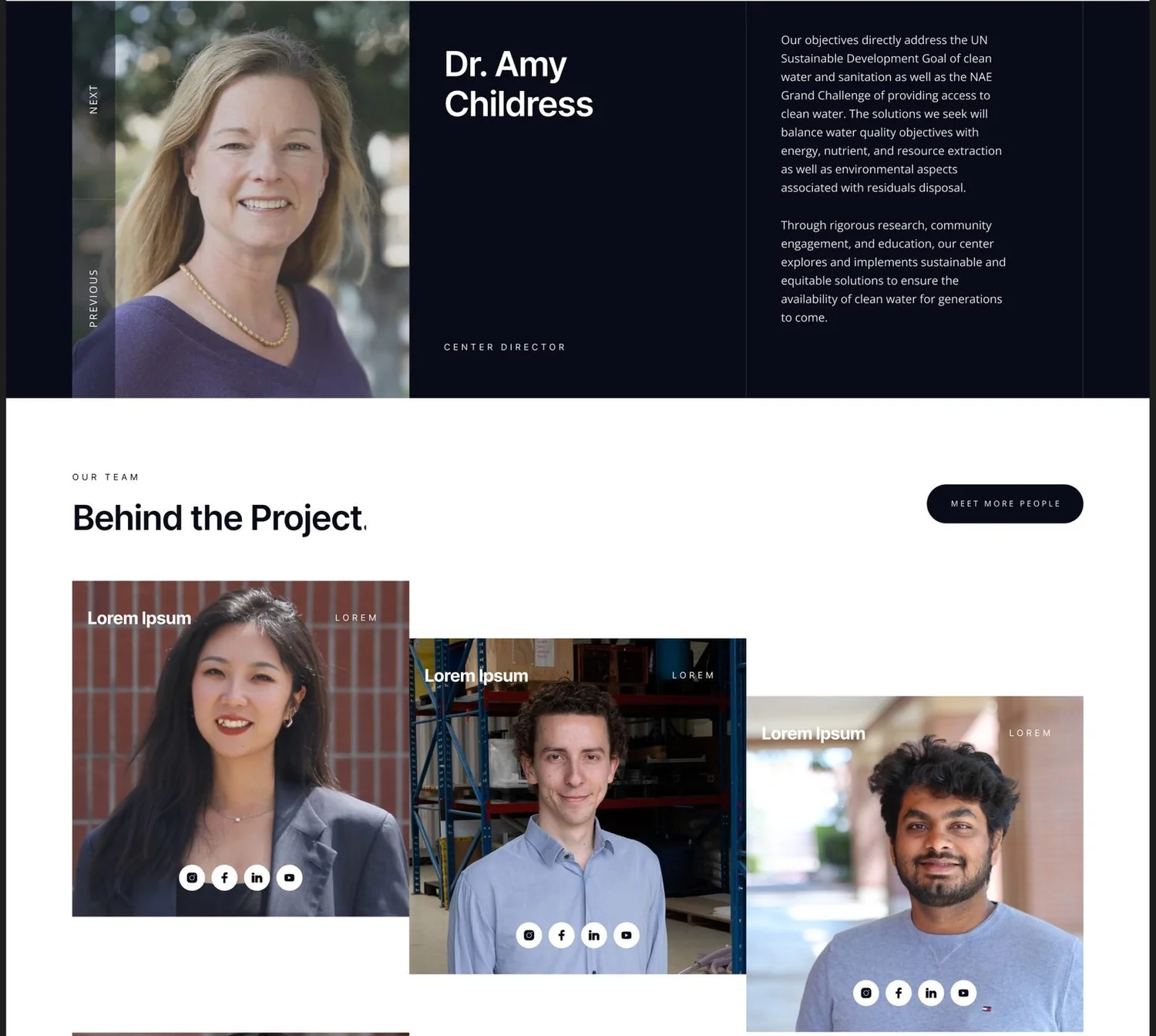
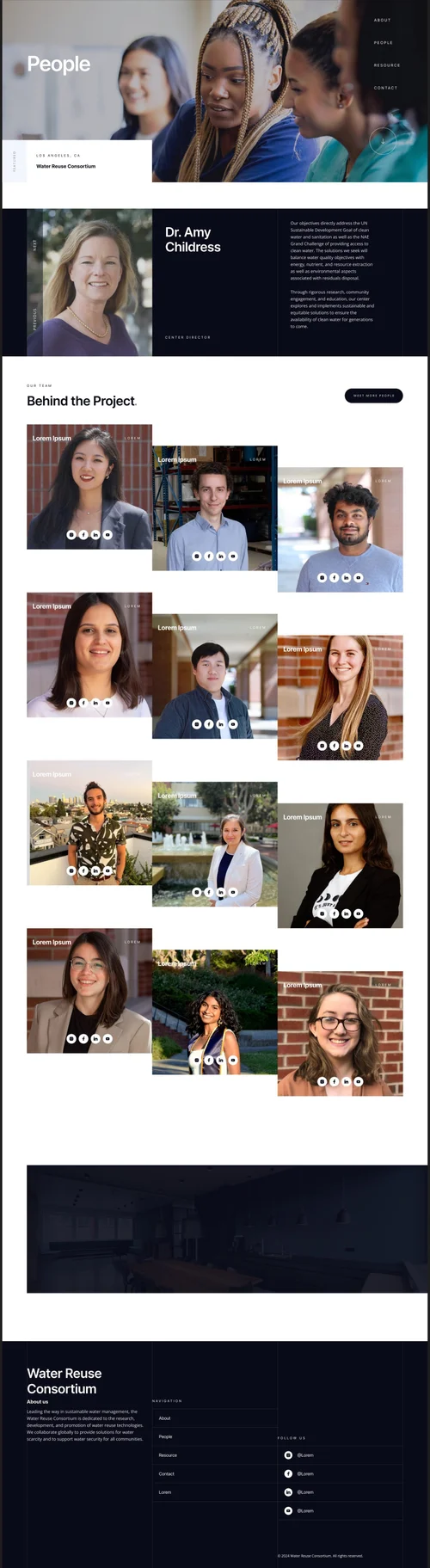
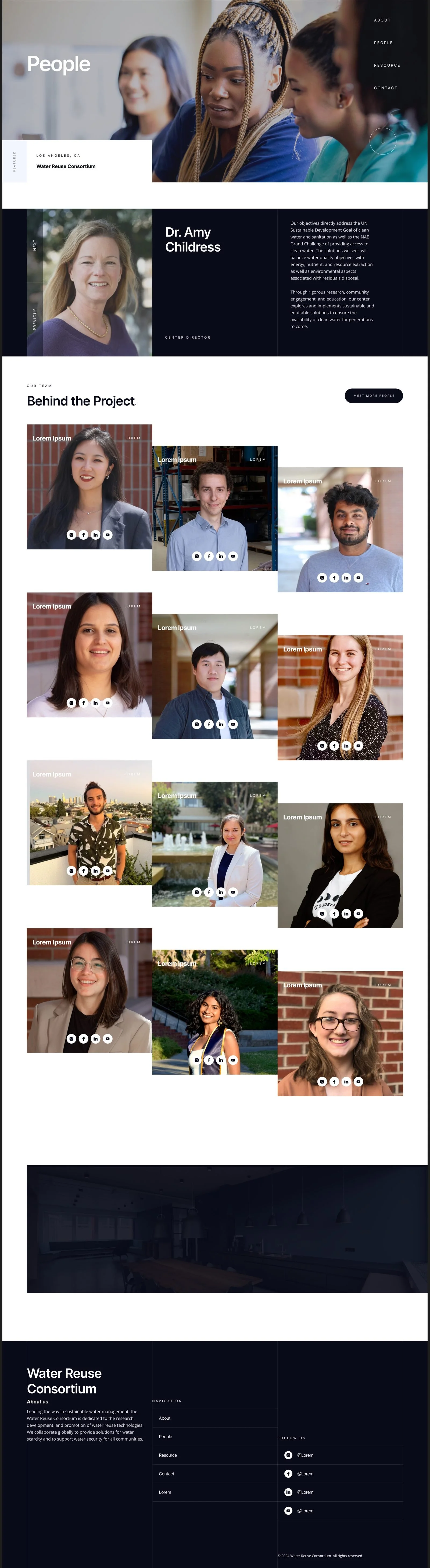
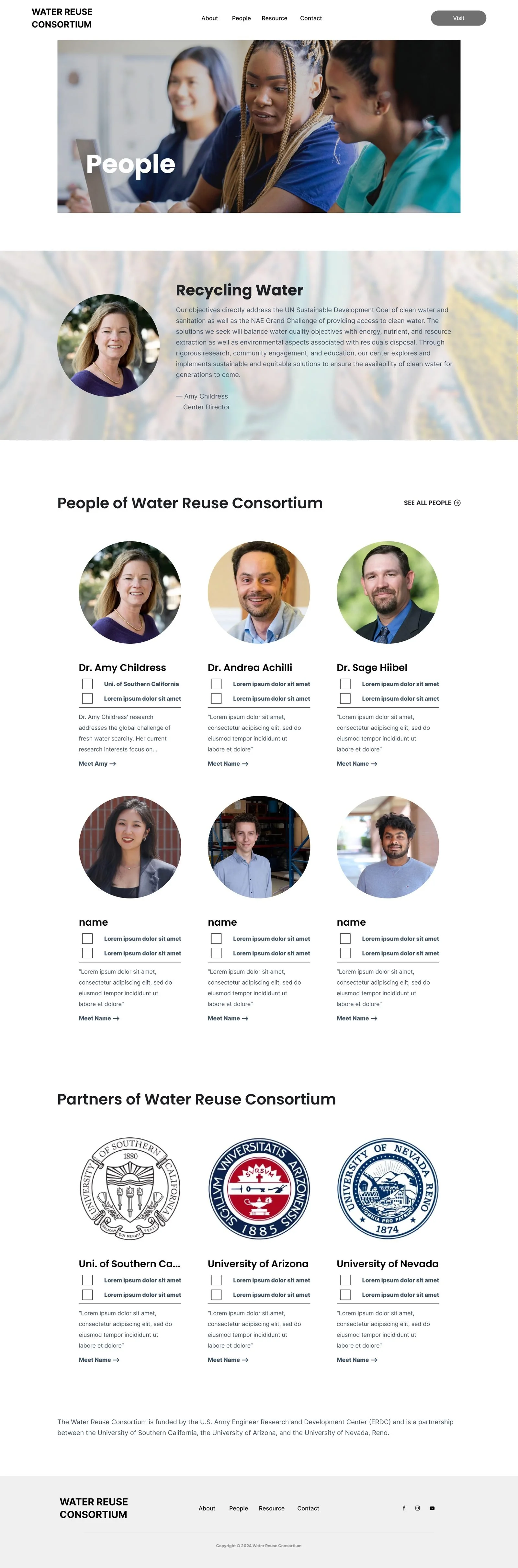
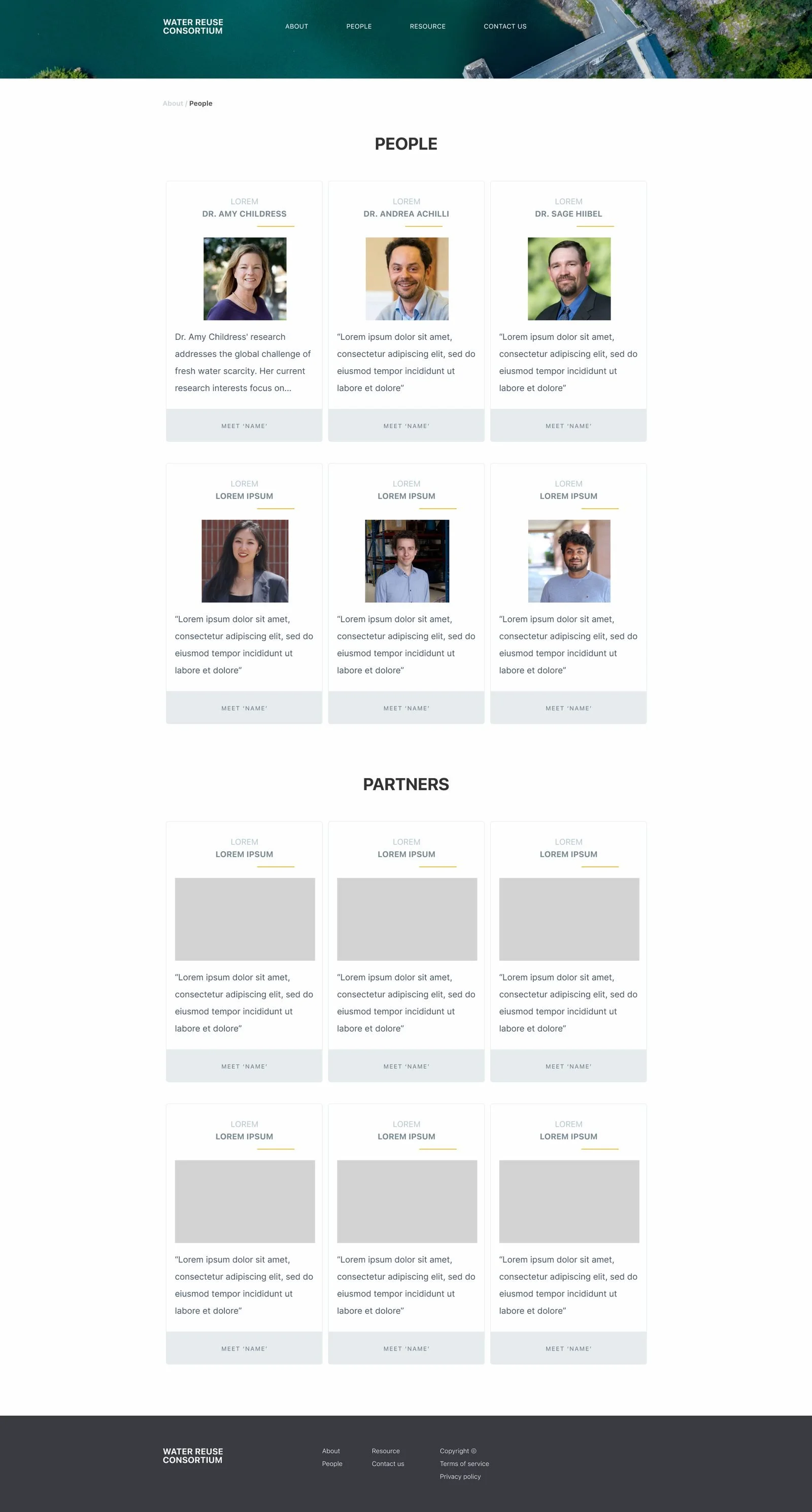
03People are the proof.
- 1Research is credible through the researchers. The director gets a full-width introduction before any project is described.
- 2Her objectives, in her words, in a reading column: the page says what the research is for, not only that it exists.
- 3The team as a staggered grid with a name, a role and the social links, so a researcher in an adjacent field can find a counterpart in one scroll.
 1
2
3
1
2
3
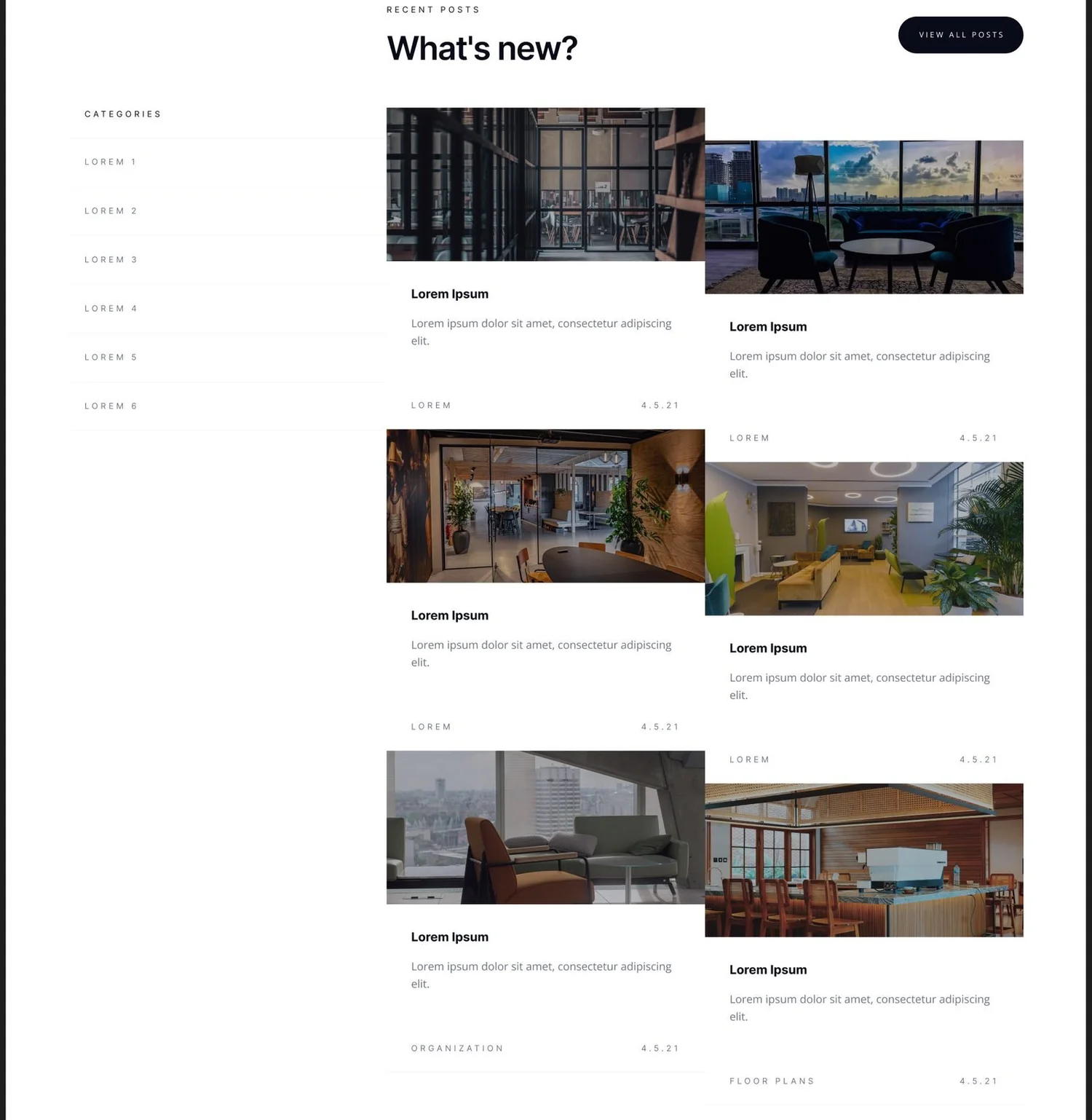
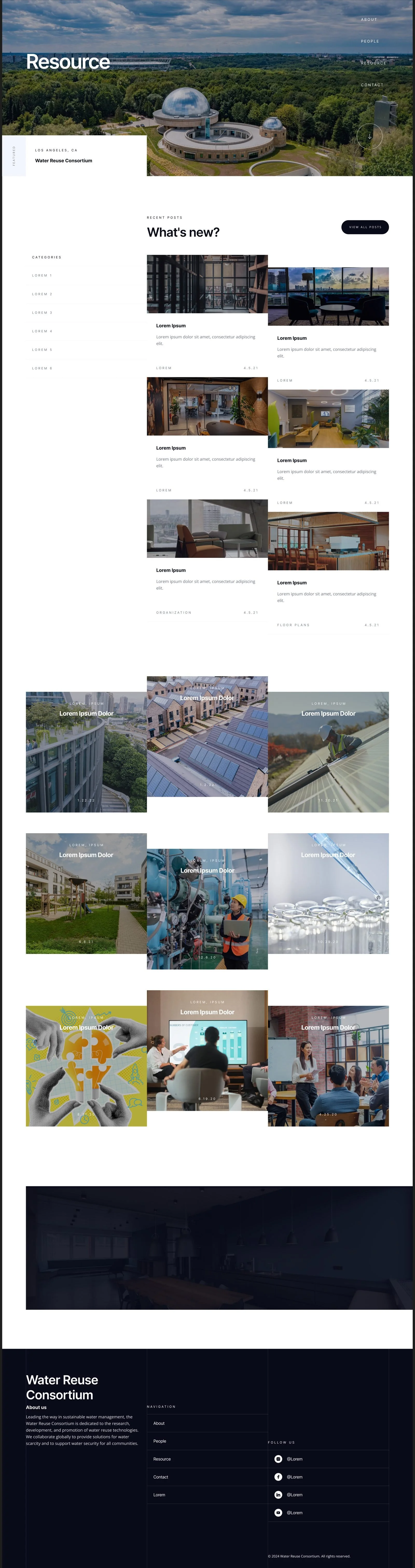
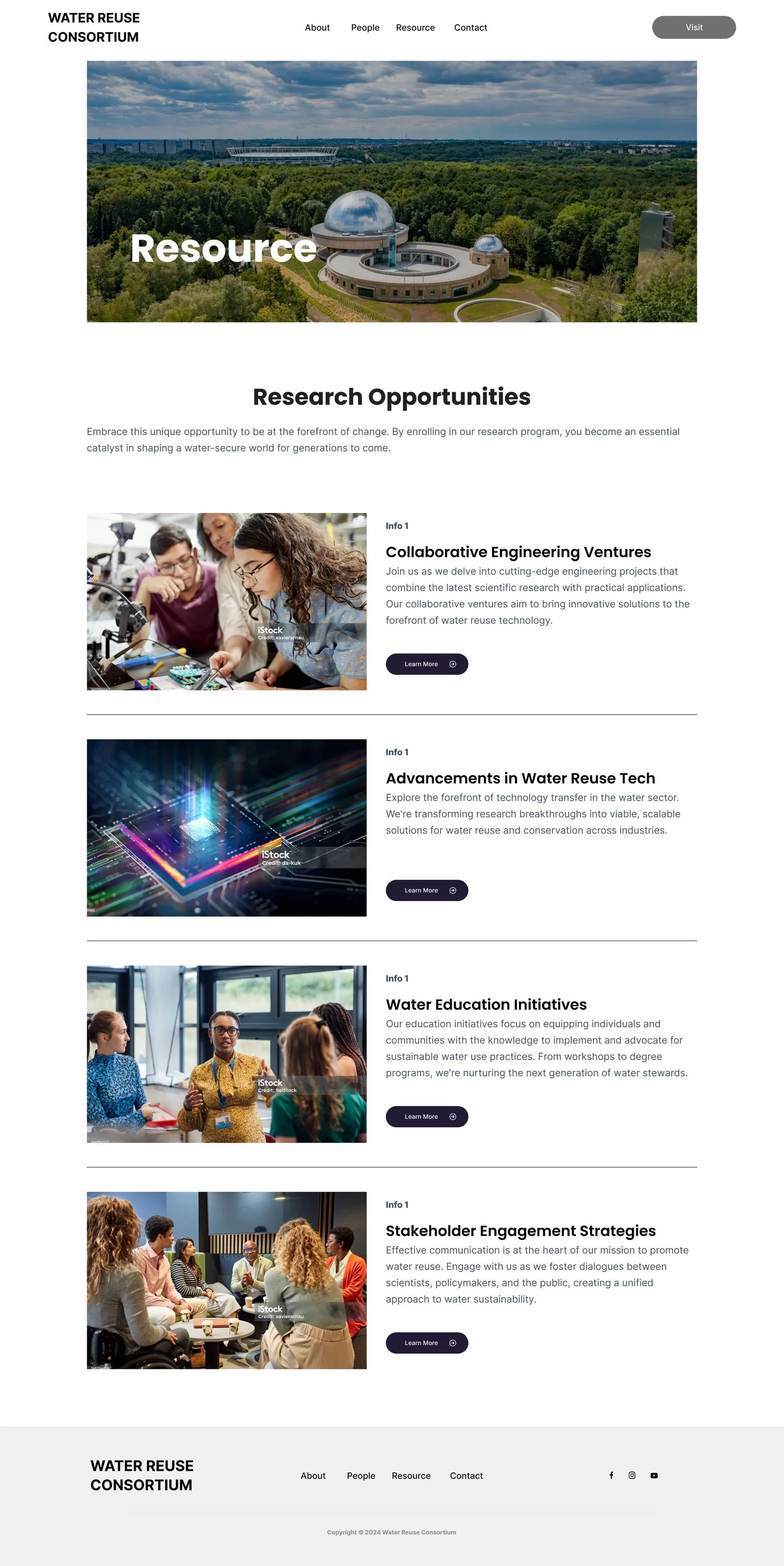
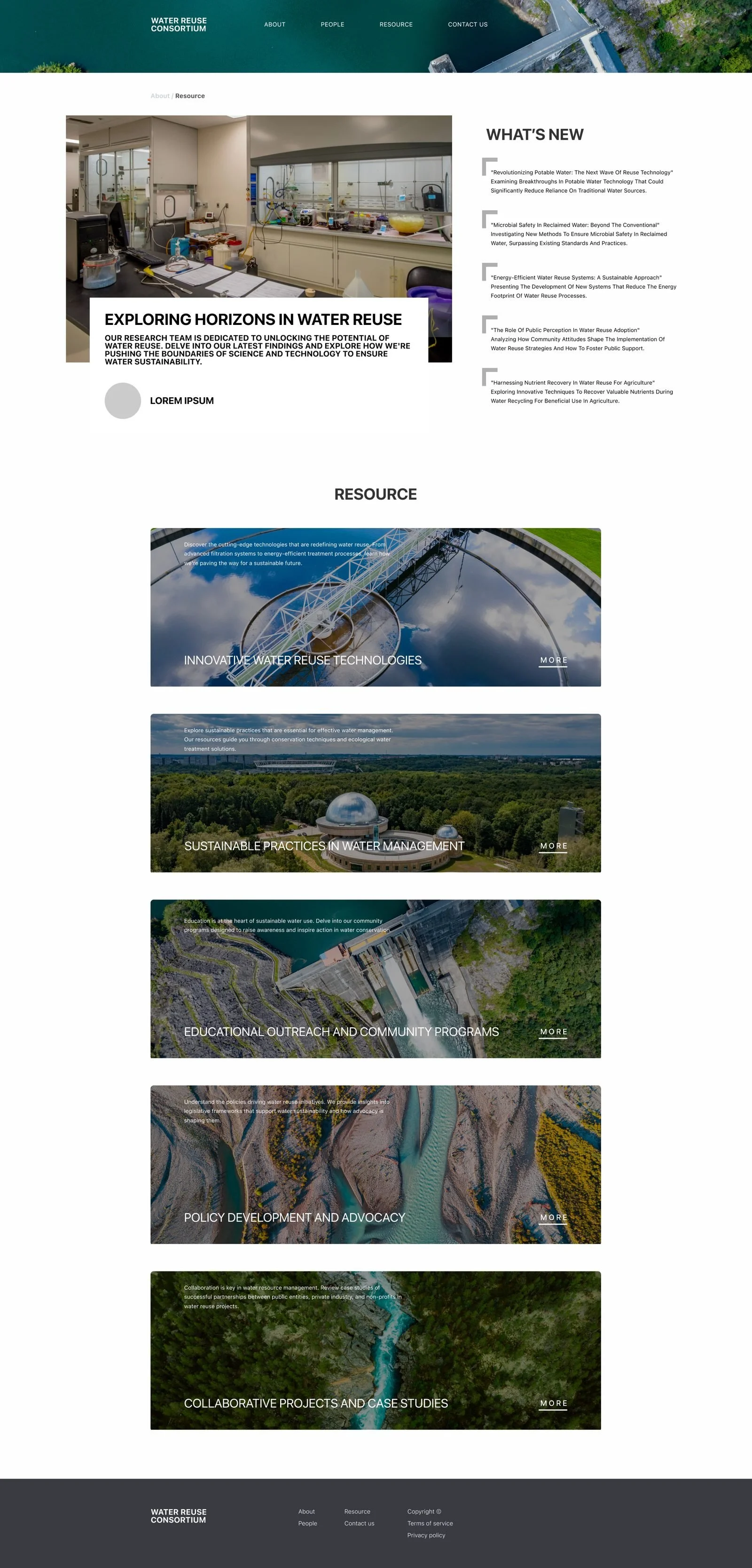
04Resources as a magazine, not a list.
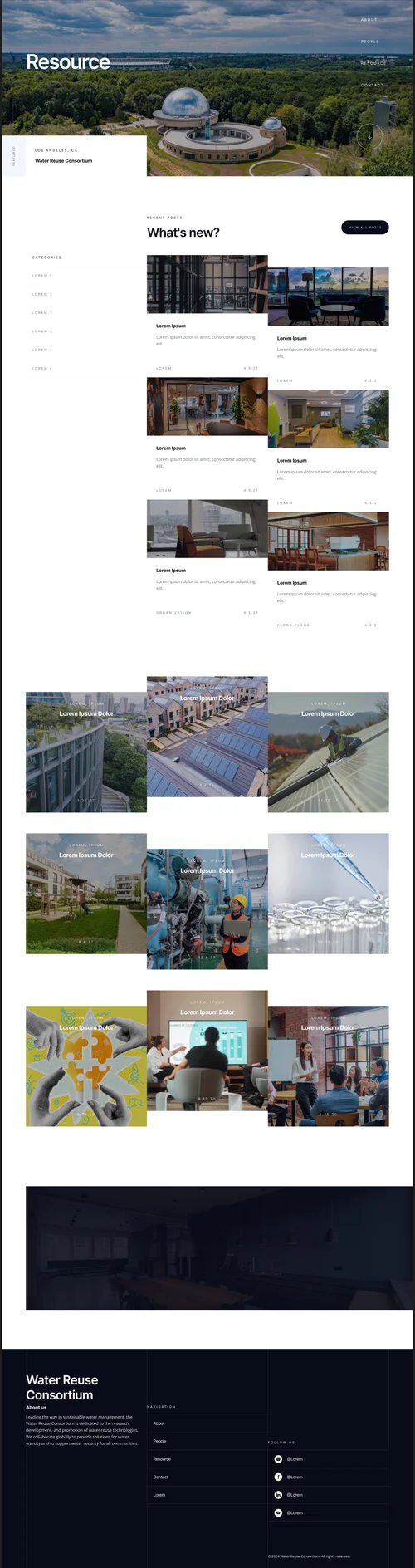
- 1“What’s new” leads: the newest findings first, with a picture each, because the audience checks back for what changed.
- 2Categories as a quiet side rail, for the reader who came for one topic.
- 3A card grid that gives each item a picture and a date, so the research reads as current work rather than an archive.
The reports
The research paper, rebuilt as a magazine.
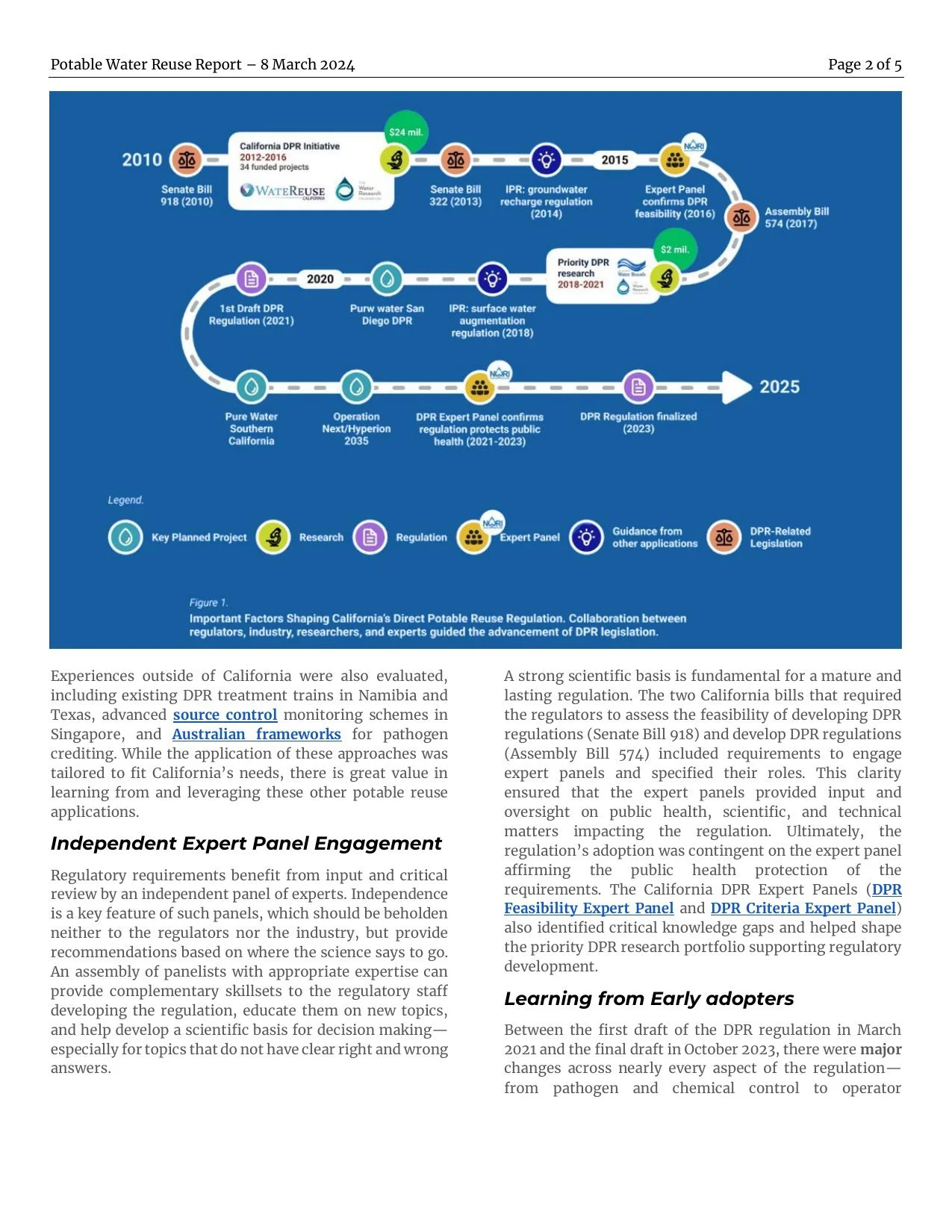
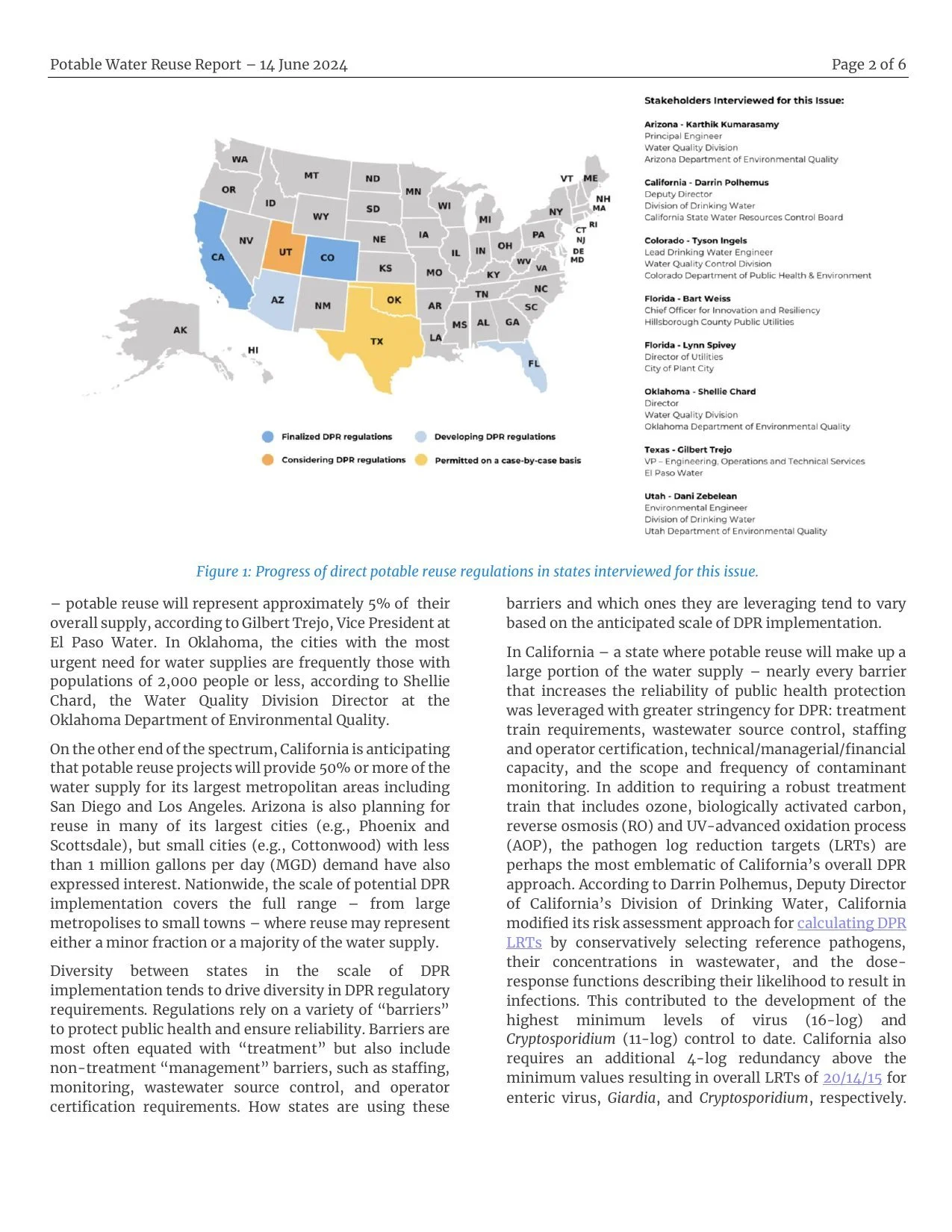
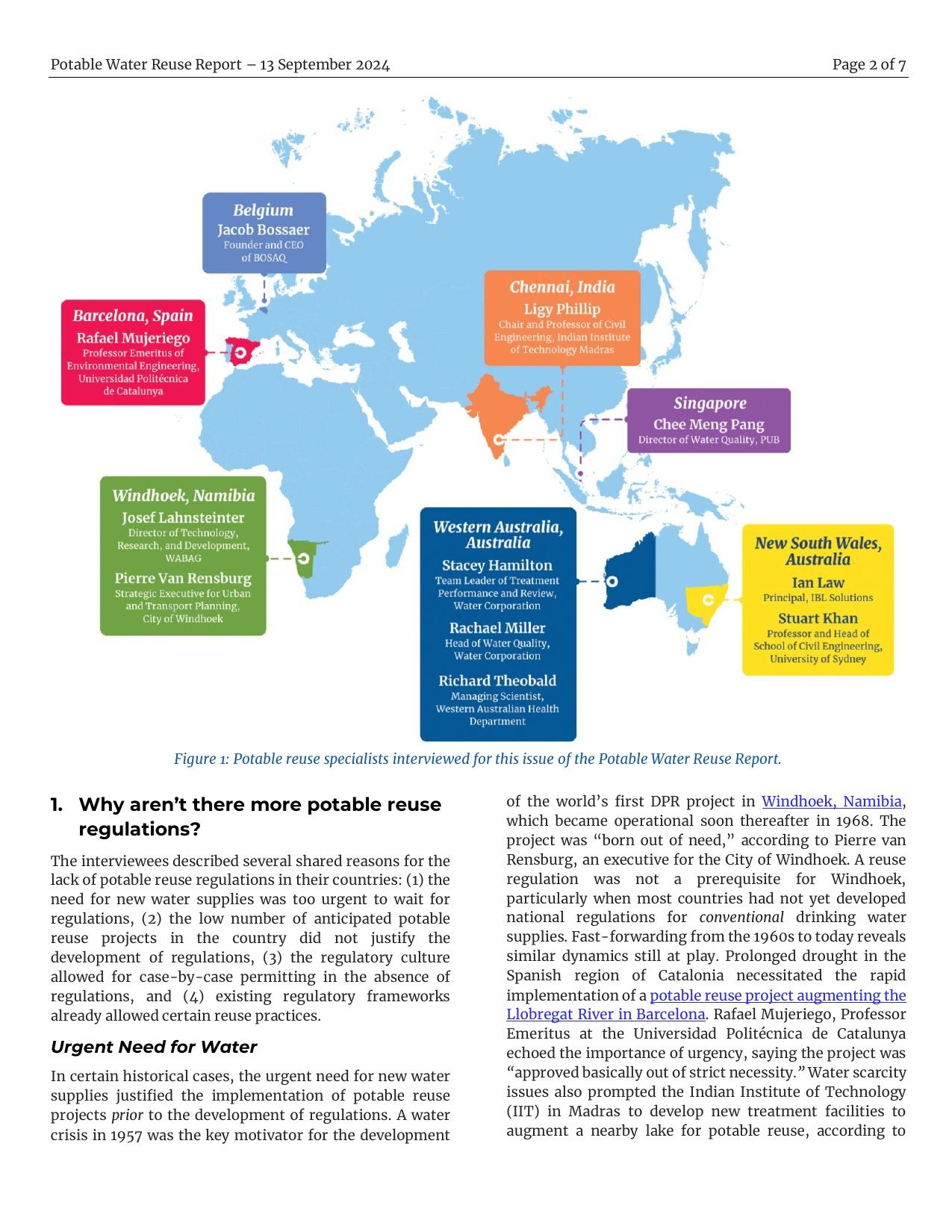
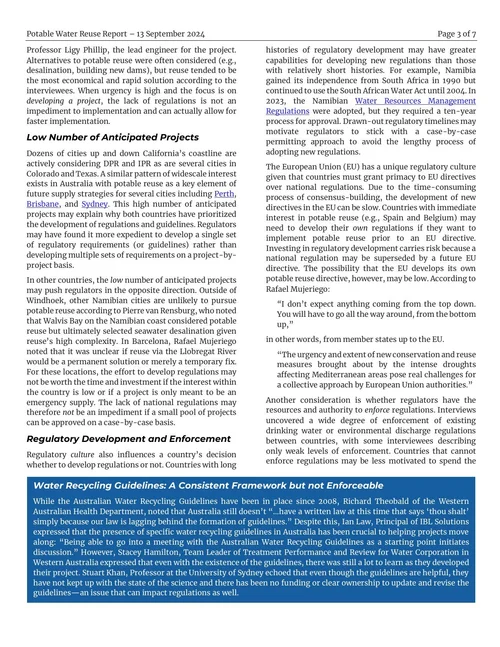
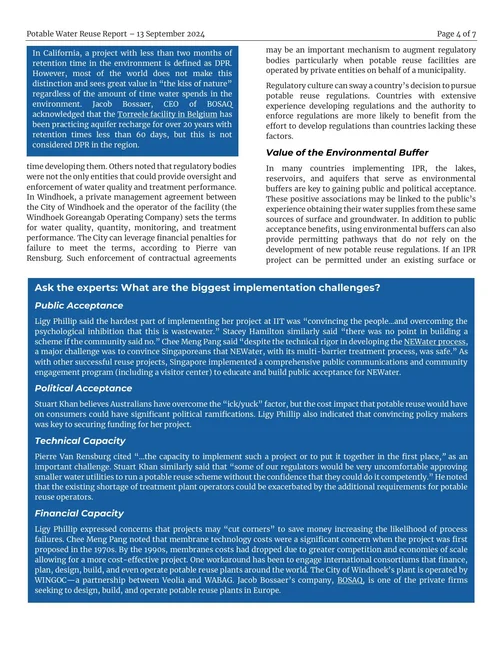
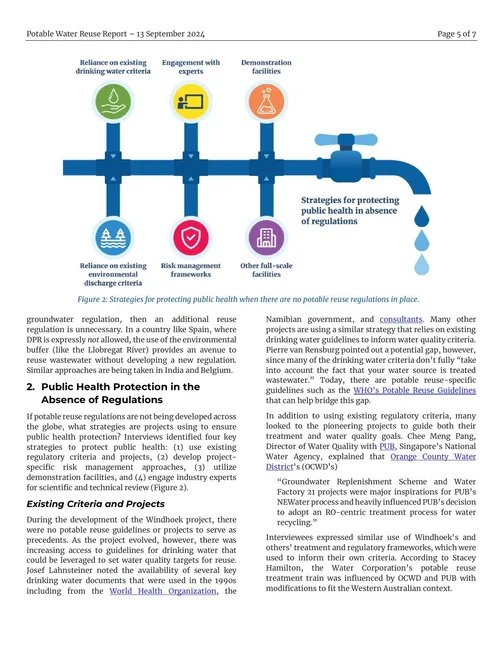
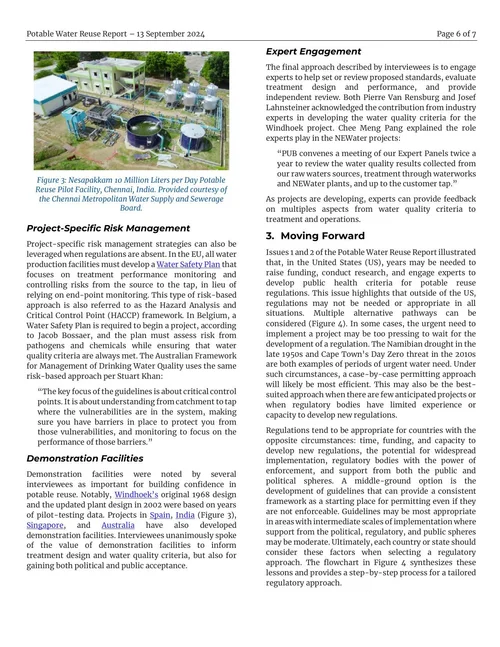
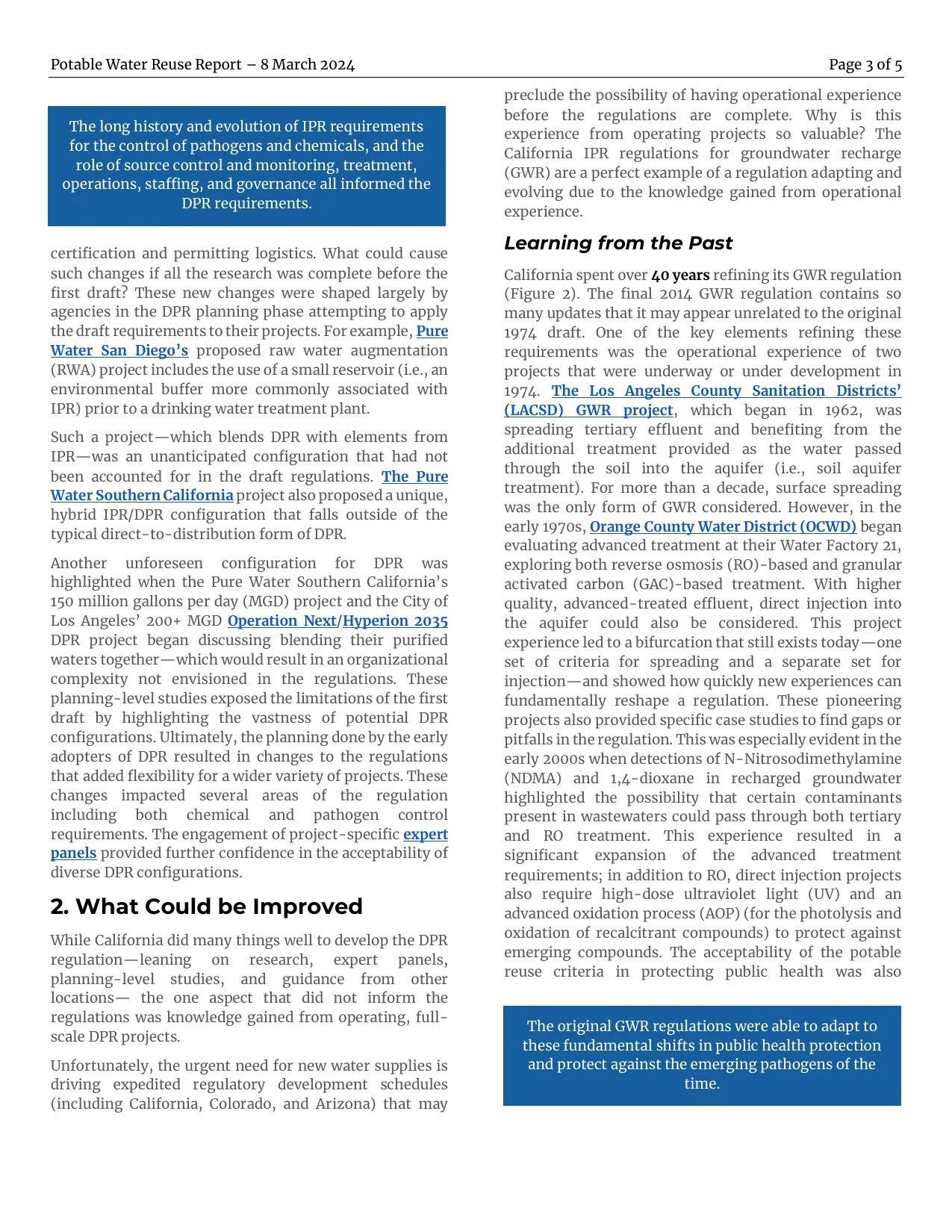
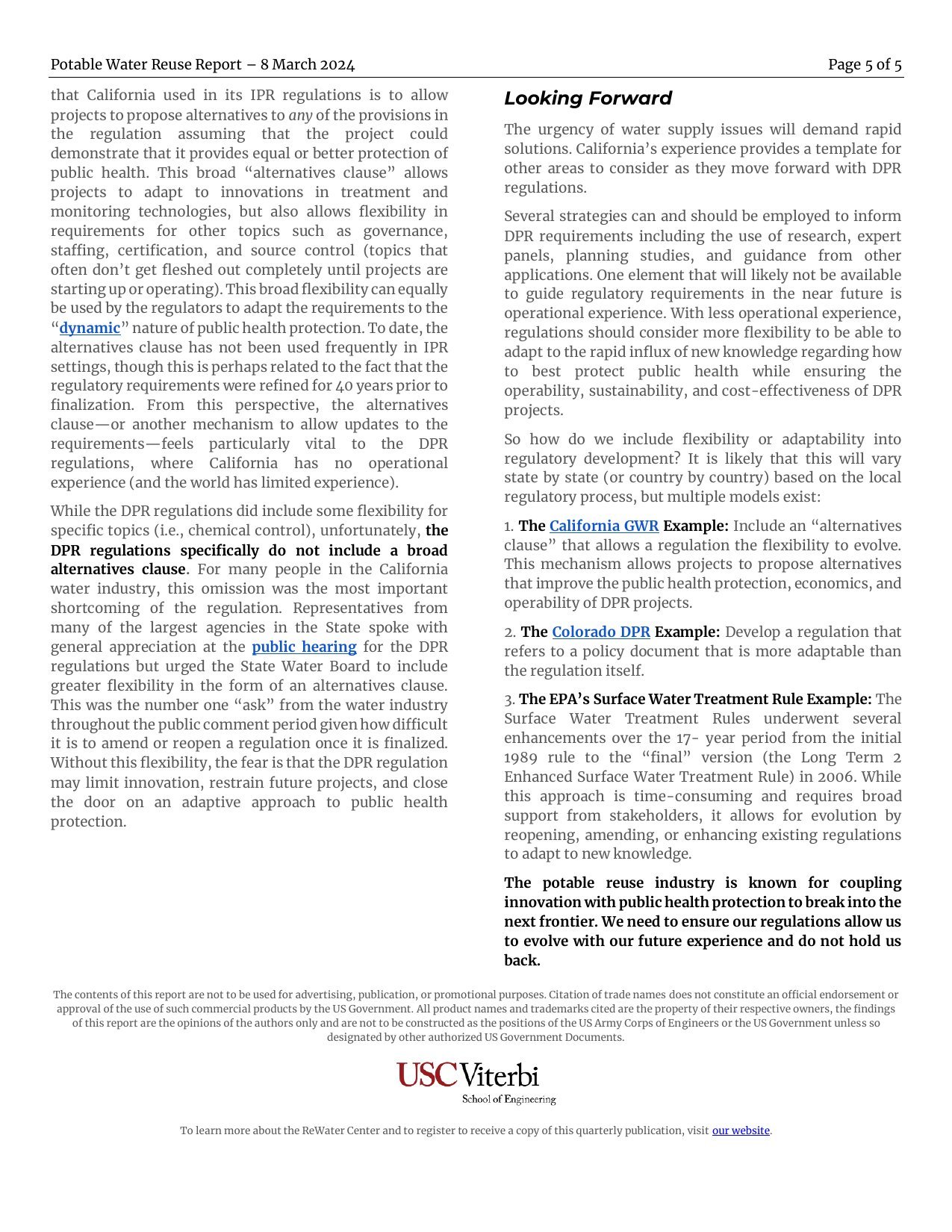
The Potable Water Reuse Report, published quarterly by the ReWater Center with Trussell Technologies. The team’s findings existed as an academic paper: correct, complete, and read by almost nobody outside the field. I designed the template and laid out the first series so the argument survives a reader who won’t read linearly. The Center has published every issue since in it: ten so far, through 2026.
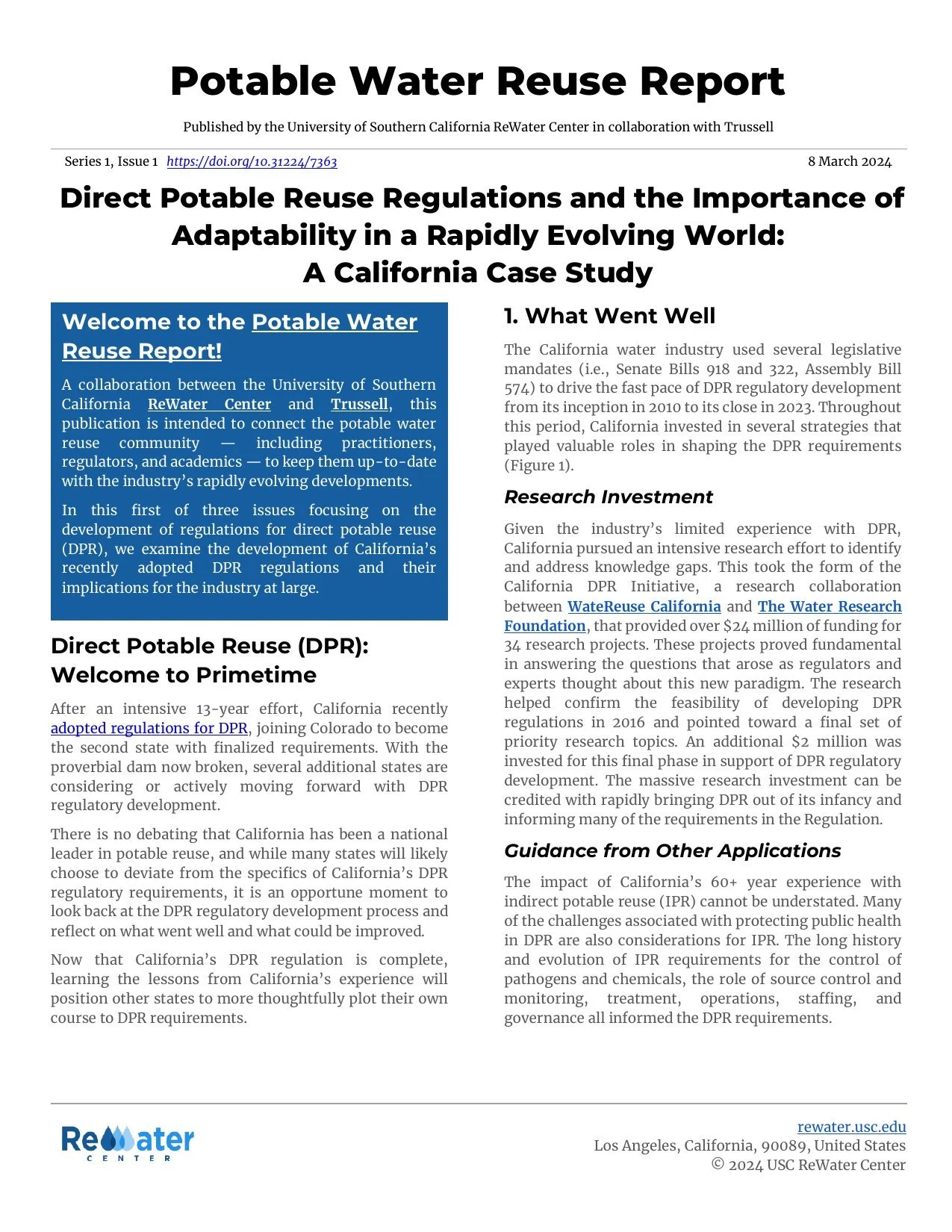
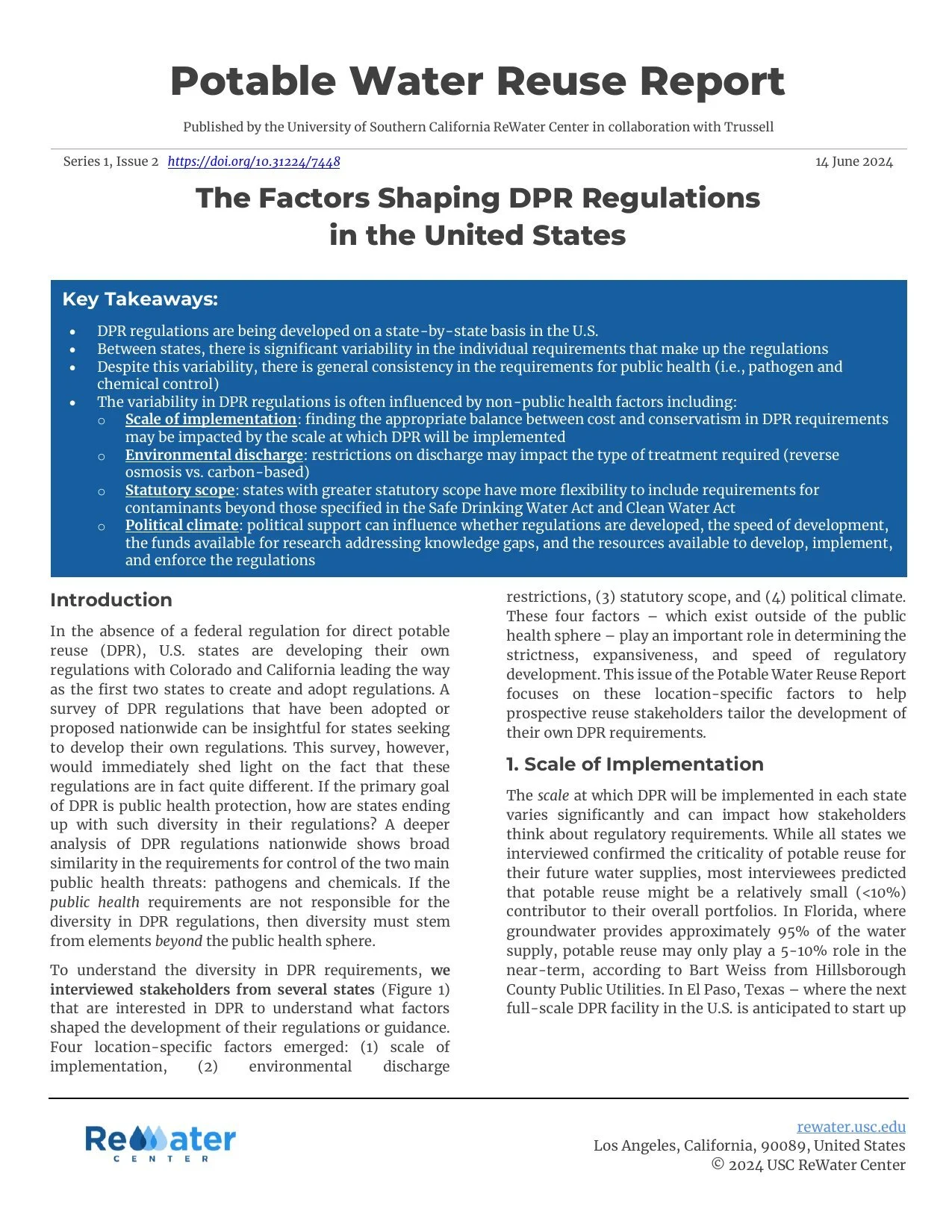
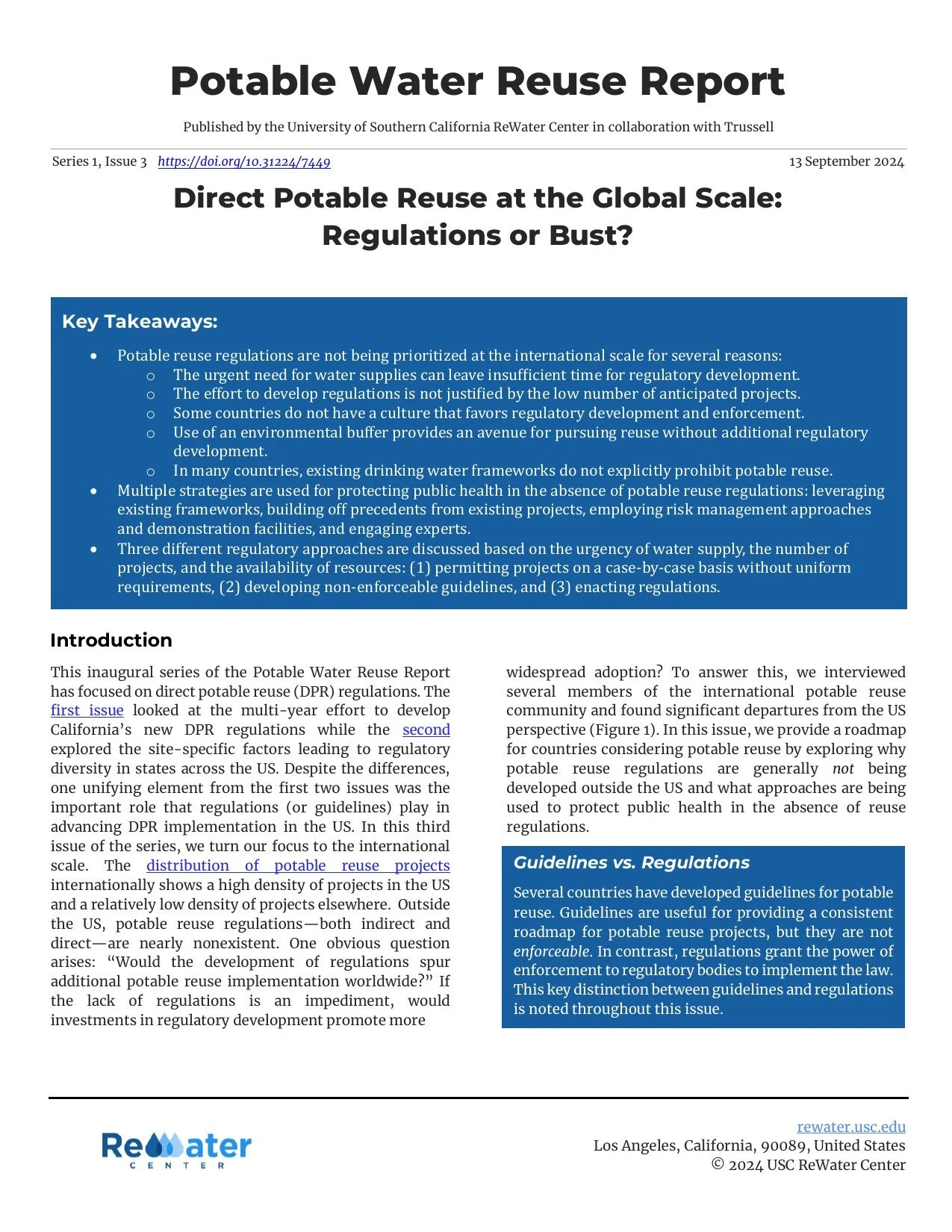
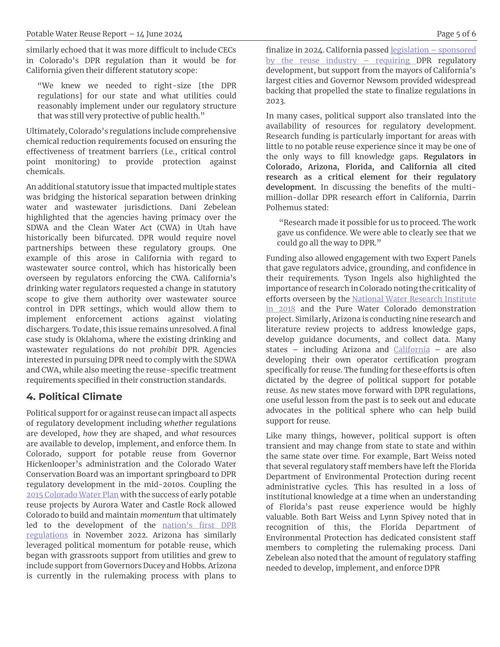
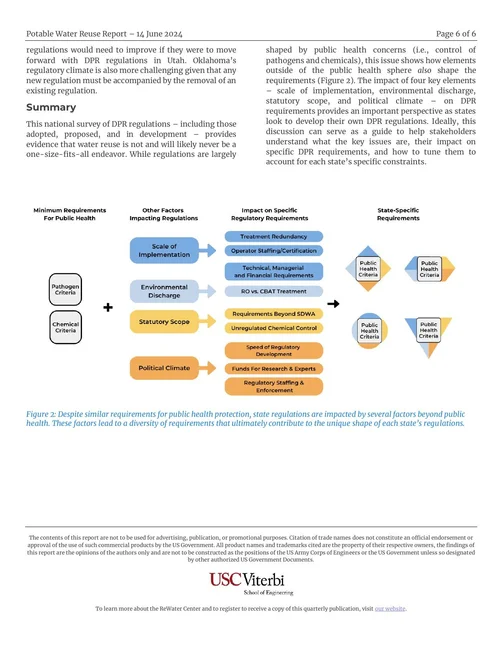
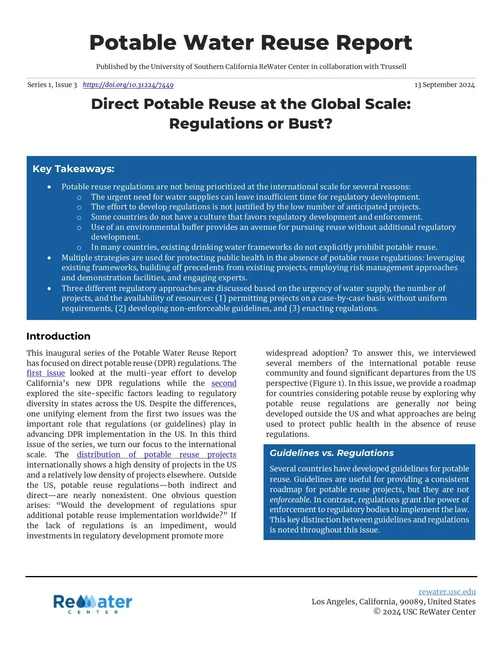
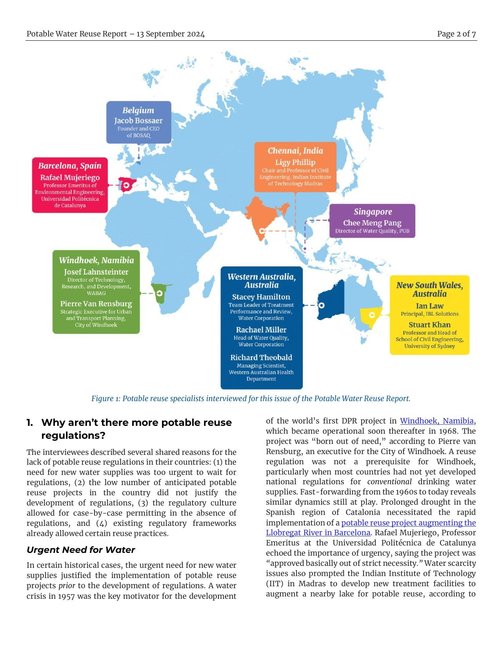
Series 1, the regulation of direct potable reuse: the three issues I laid out. Each cover opens the issue as a PDF on rewater.usc.edu, where Series 2, 3 and a special issue have followed in the same template.
 1
2
3
1
2
3
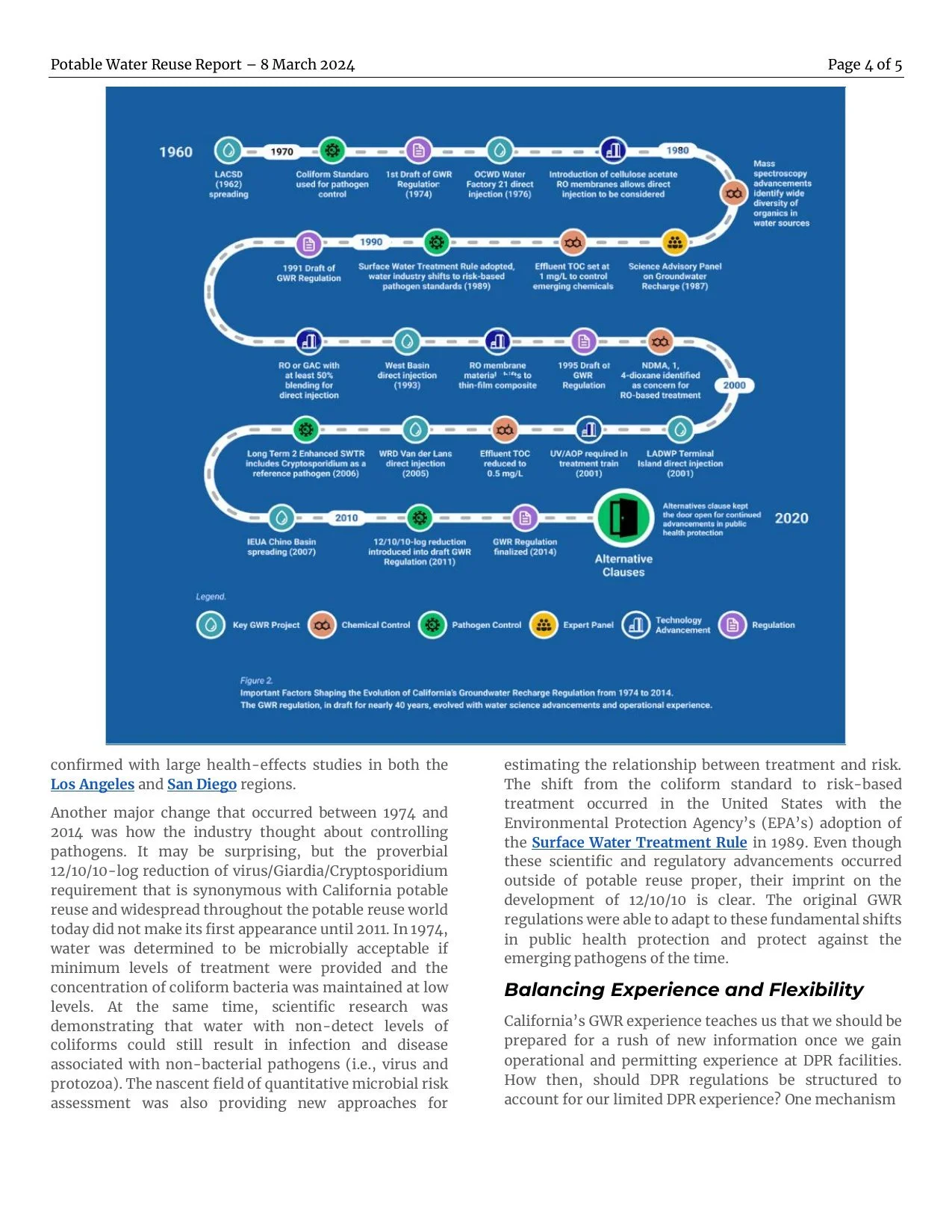
05Figures given room, text given a way in.
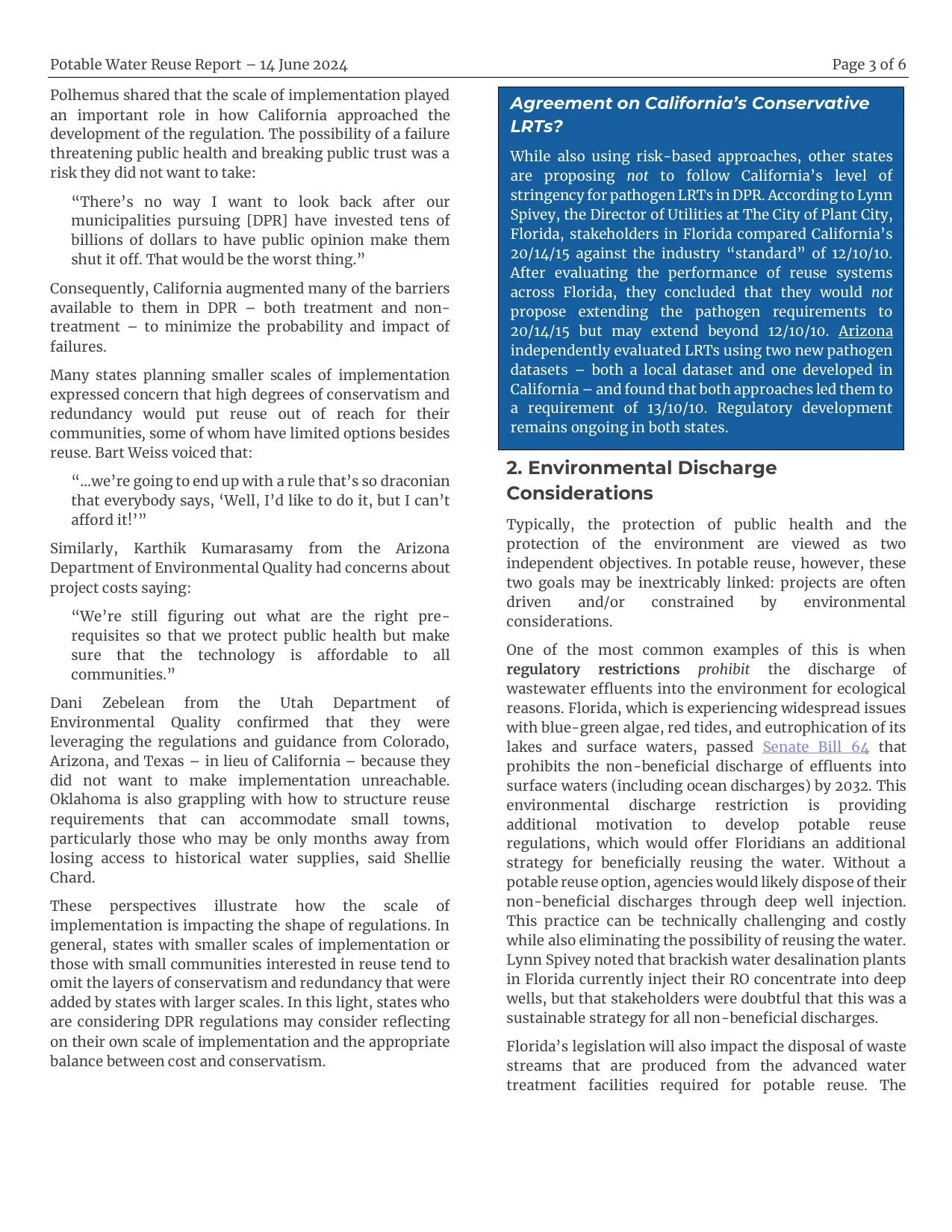
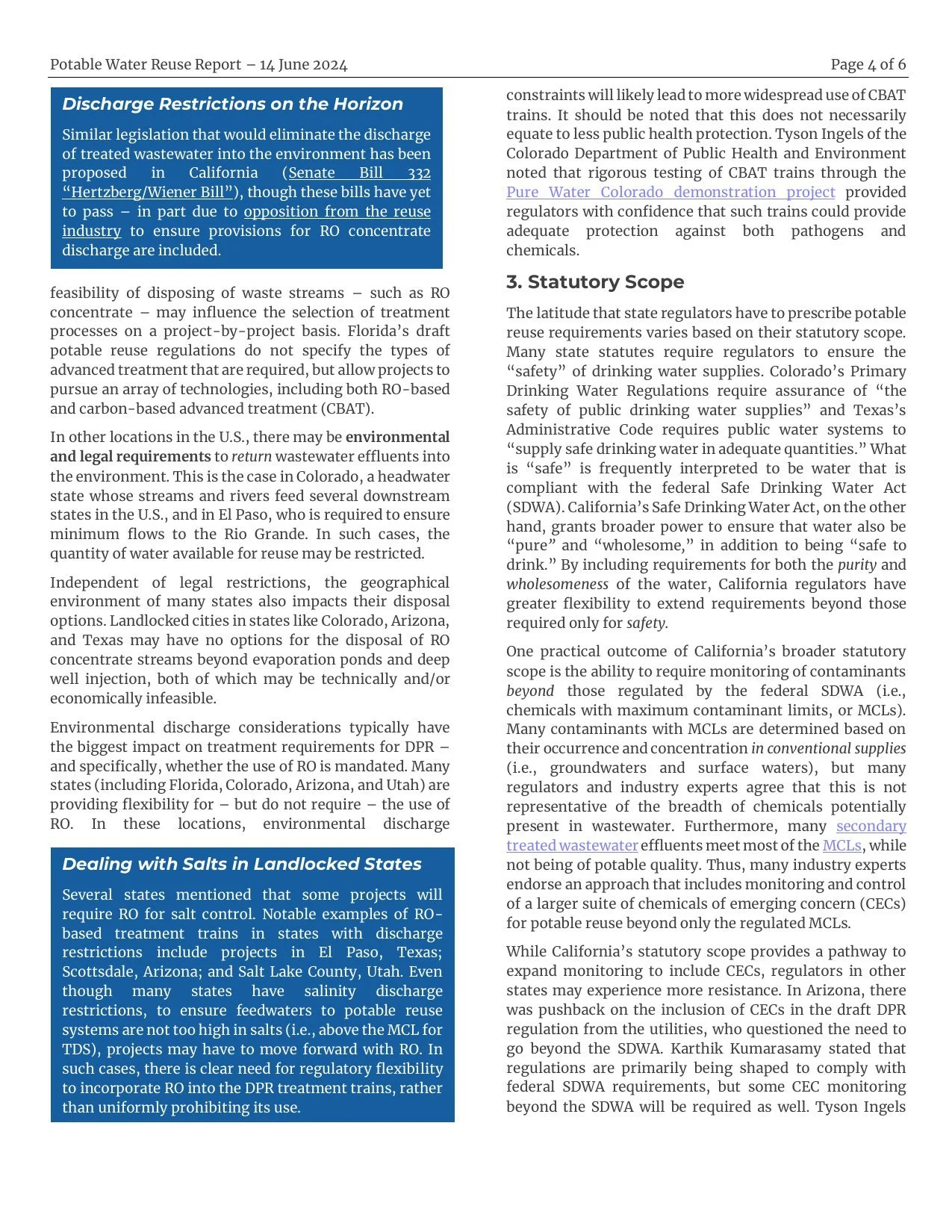
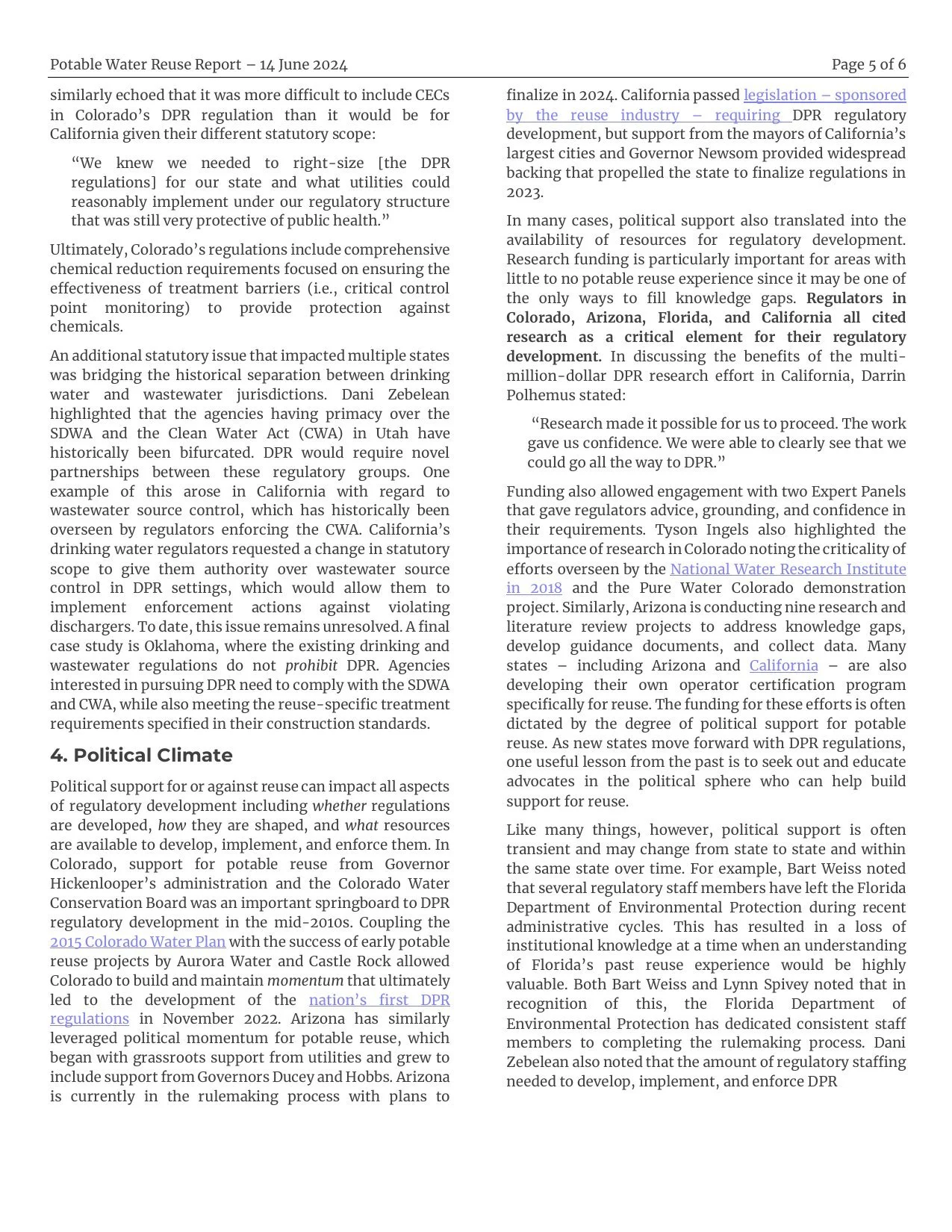
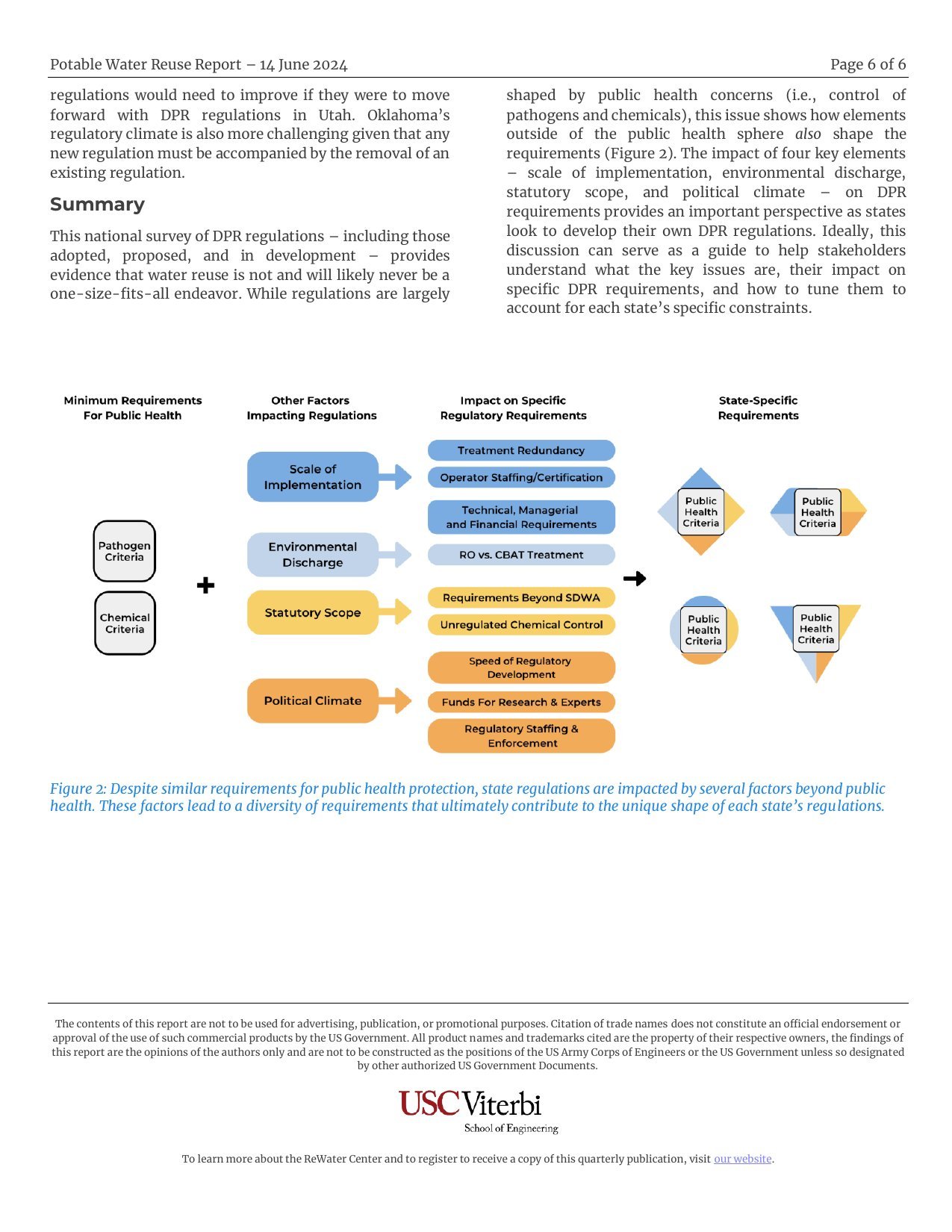
- 1Fifteen years of California’s regulation drawn as a route across the page, instead of a paragraph of dates. The figure is the argument.
- 2The United States as a map, states colour-coded by where their rules stand, with the interviewees beside it. A policy reader finds their own state first.
- 3The world map for the global issue, and on every cover a key-takeaways panel: a skimmer gets the point, a reader gets the two columns beneath.
Try it
The prototypes, as they were presented.
Use the arrow keys to move between pages.
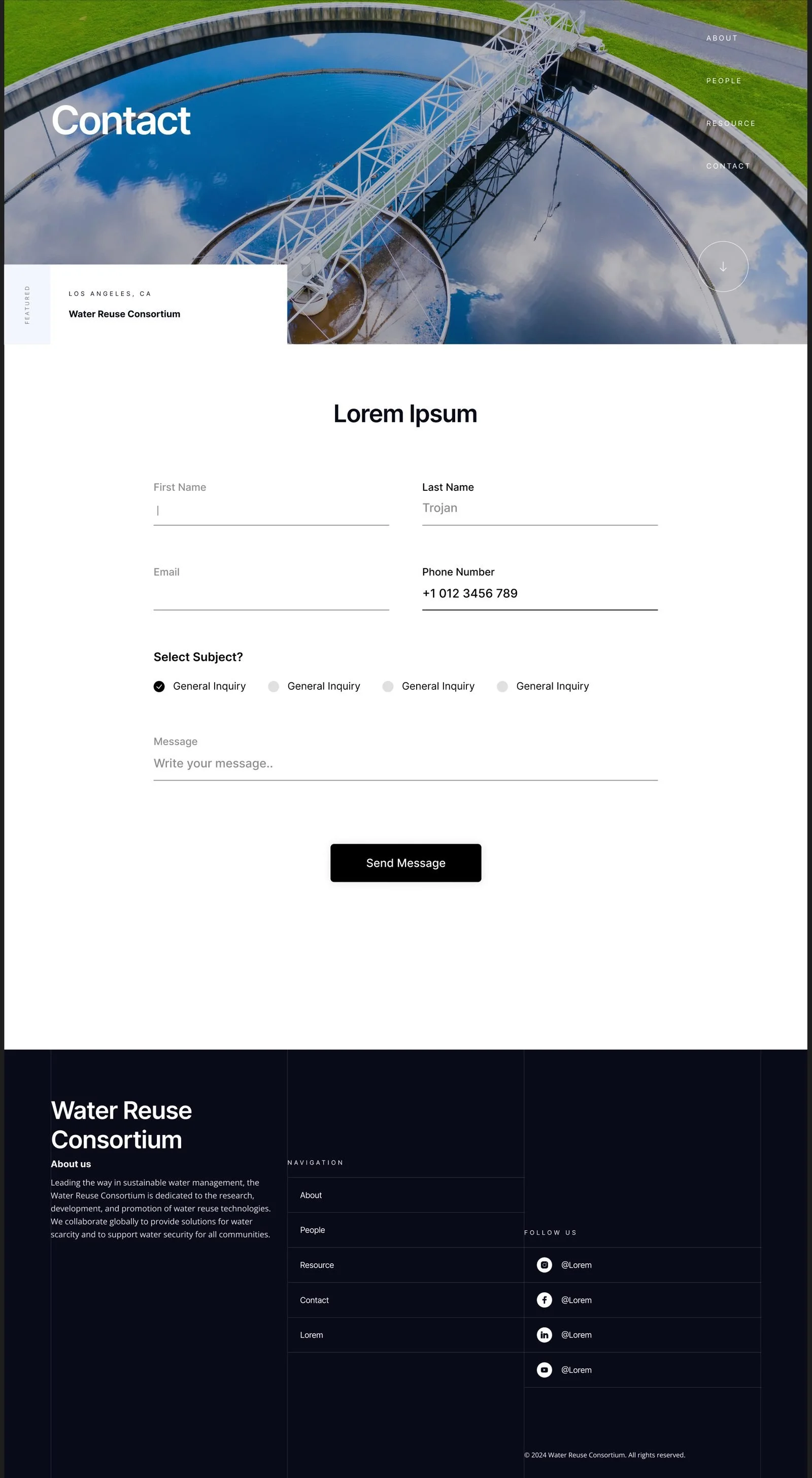
These are page walkthroughs, not click-through prototypes: there are no hotspots. Click the frame once, then ← and → step through About, People, Resource and Contact. Each opens in its own tab as well.
- Design 1 View in Figma
- Design 2 View in Figma
- Design 3, selected View in Figma · The live site
- Also live The ReWater Center homepage · The reports. Both launched in 2024; the homepage has been updated slightly since, and most of the original design is still in place.
Outcome
Concept to launch, with the intent intact.
- 1 of 3concepts selected and builtThe editorial concept went from Figma to the live Water Reuse Consortium site with the design intent intact through development.
- 40%more engagementOn the ReWater Center after the homepage redesign, measured in December 2024, seven months after the project ended.
- 1,000+subscribersThe list the form built reached EPA officials, educators and defense personnel: the specific audience the research needed.
- 10issues in the report templateThree series and a special issue published in the layout since March 2024, the latest in August 2026.
- 1Sole designer on a large project. No design review and no second opinion, so I made the reasoning explicit at every step and let the non-designers judge the decision, not the aesthetic.
- 2Consensus across experts. Researchers and program staff with strong, sometimes conflicting views. Several rounds of iteration, and options presented as trade-offs against the visitor’s experience.
- 3Building on what existed. A produced video, institutional constraints and a WordPress stack: designing into a system already in motion, not from a blank canvas.
- 4The messiest piece, defended hardest. MailChimp inside a WordPress build next to multimedia: the component that turned a page into a channel.
The whole collection
Every page of every concept, at full size.
Scroll sideways. The selected design first, then the other two. Each opens at full size in a new tab.
 Design 3 Design 3, selected: About (home)
 Design 3 Design 3: People
 Design 3 Design 3: Resource
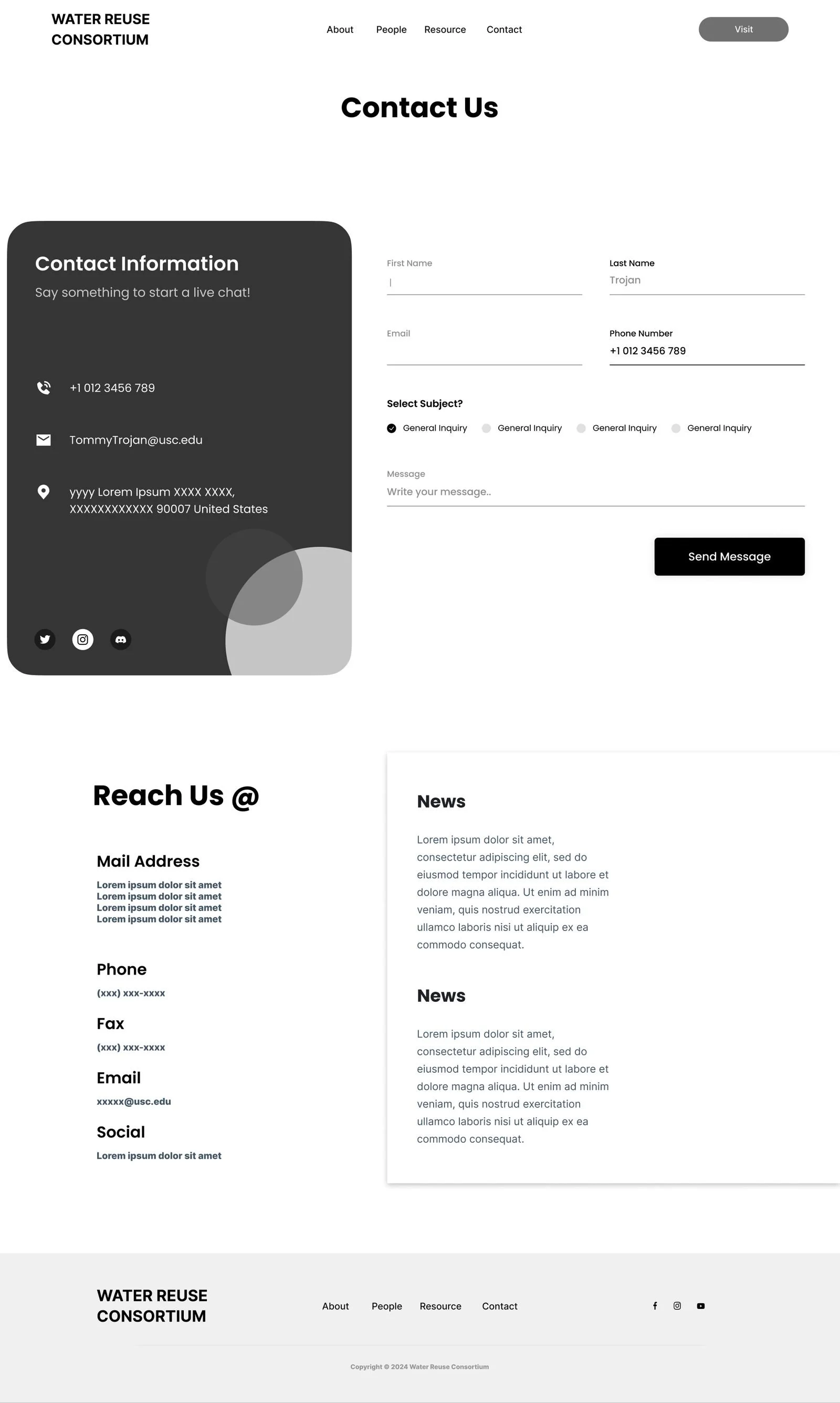
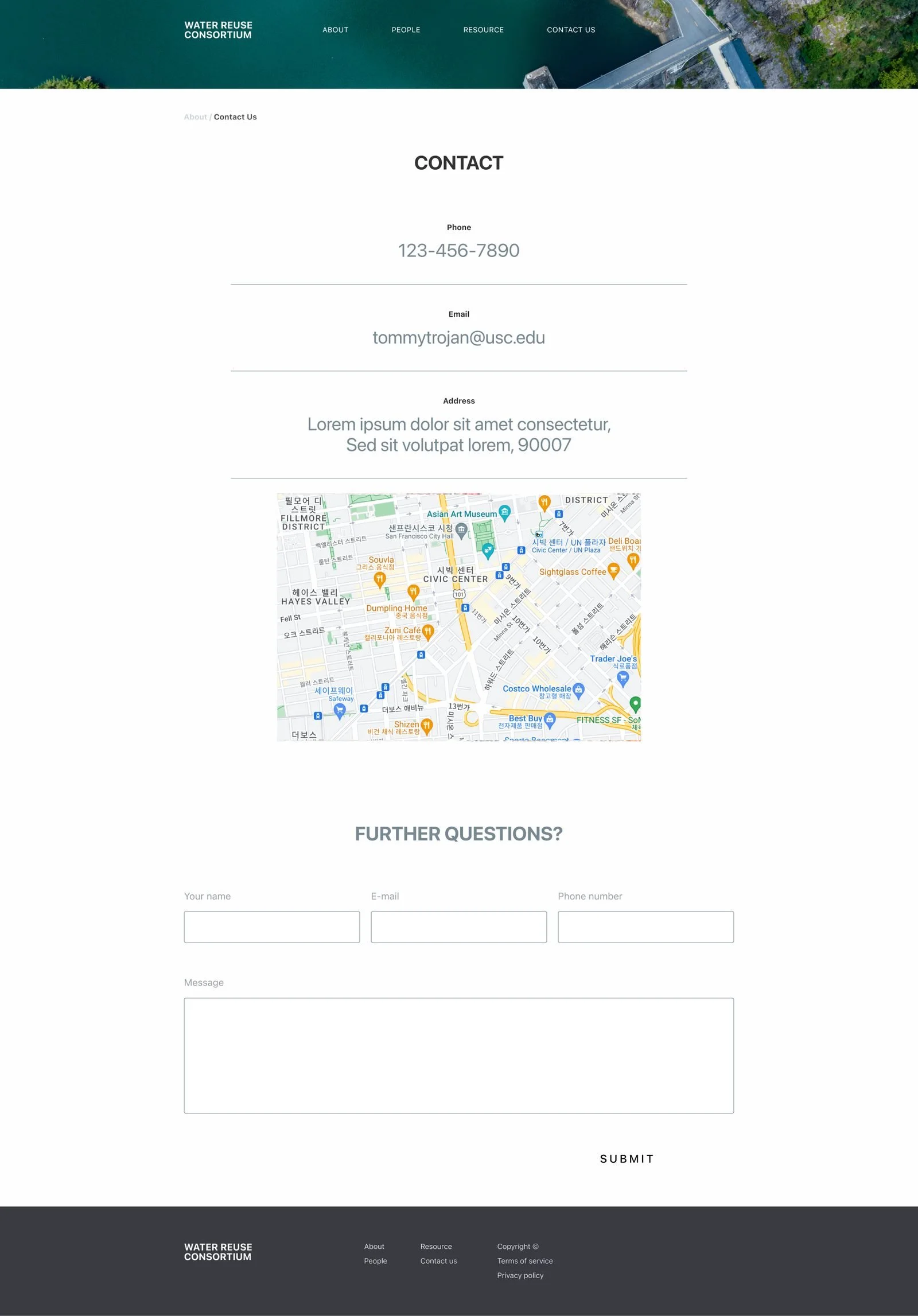
 Design 3 Design 3: Contact
 Design 1 Design 1: Landing
 Design 1 Design 1: About
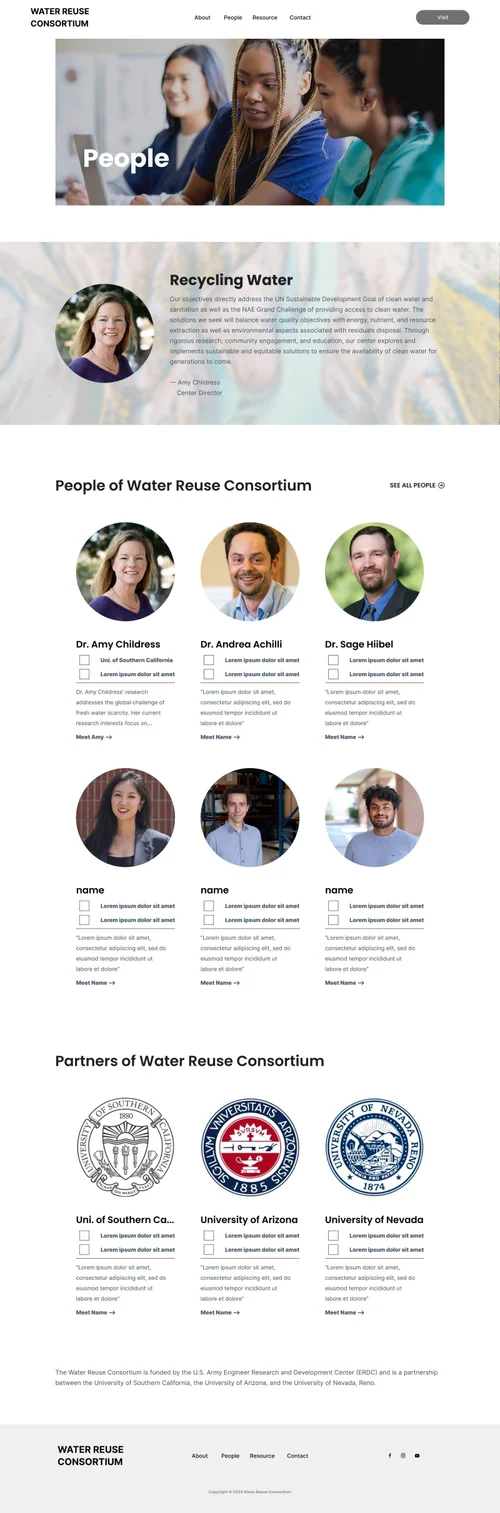 Design 1 Design 1: People
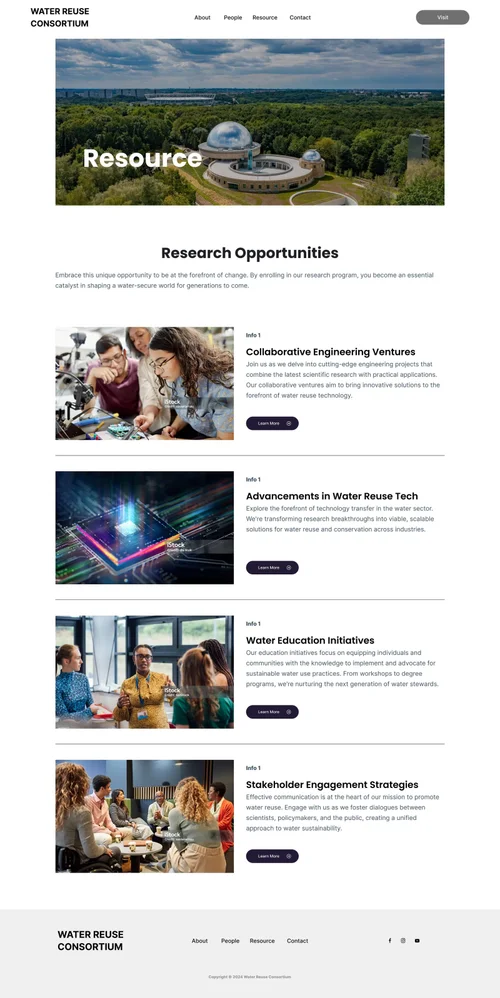 Design 1 Design 1: Resources
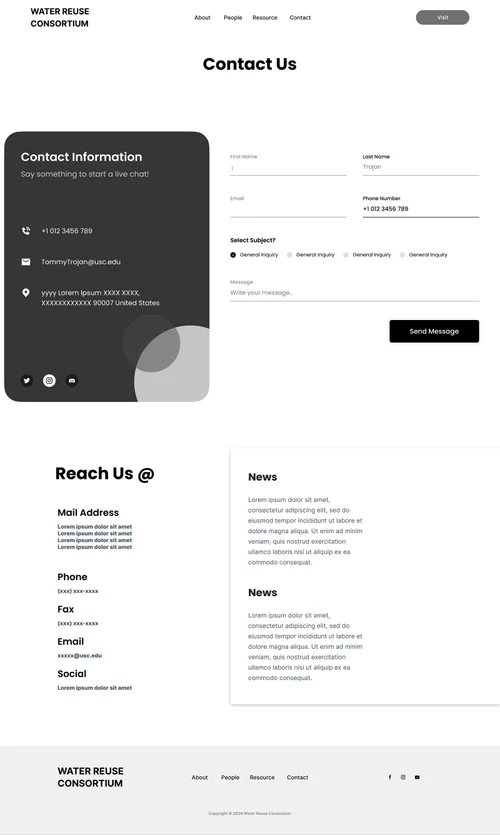 Design 1 Design 1: Contact
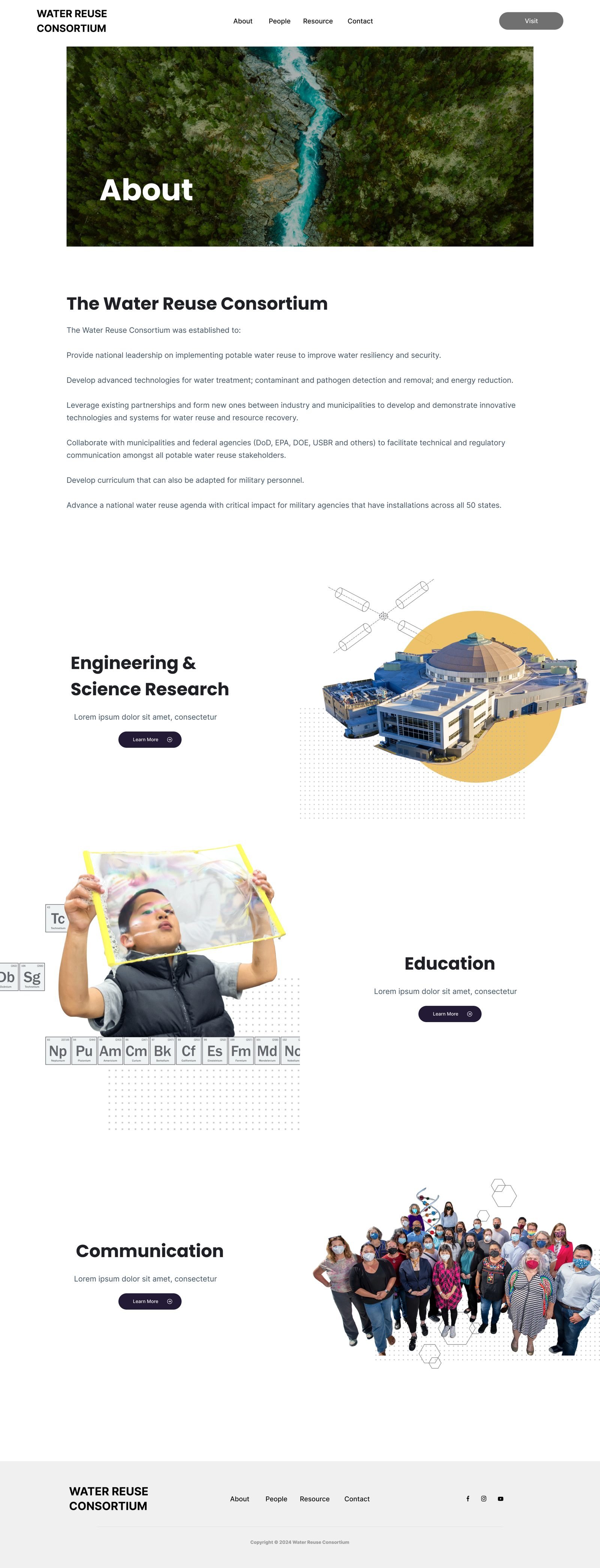
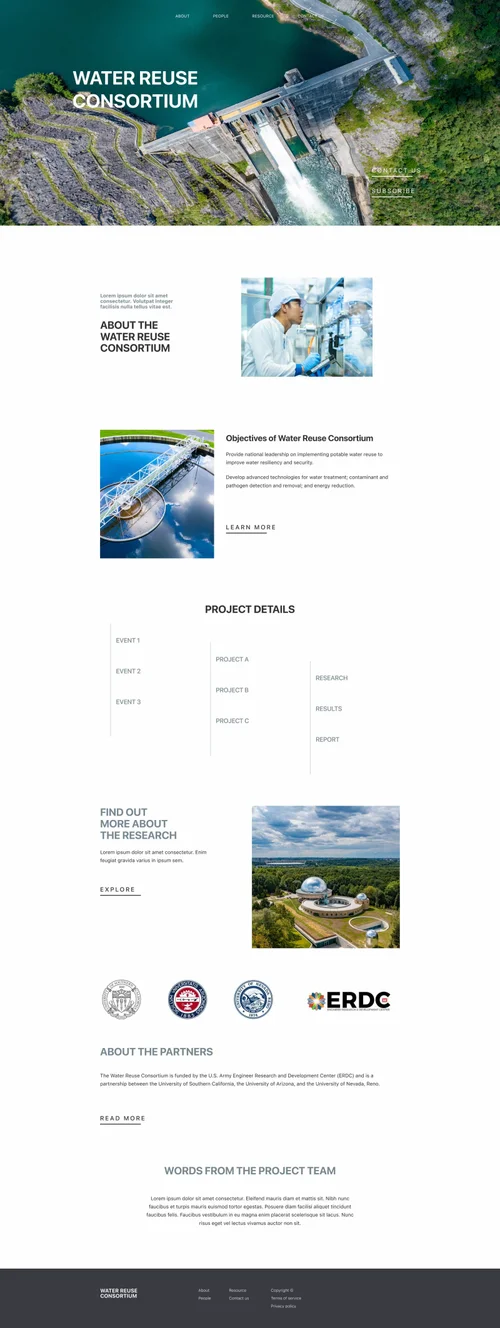 Design 2 Design 2: About
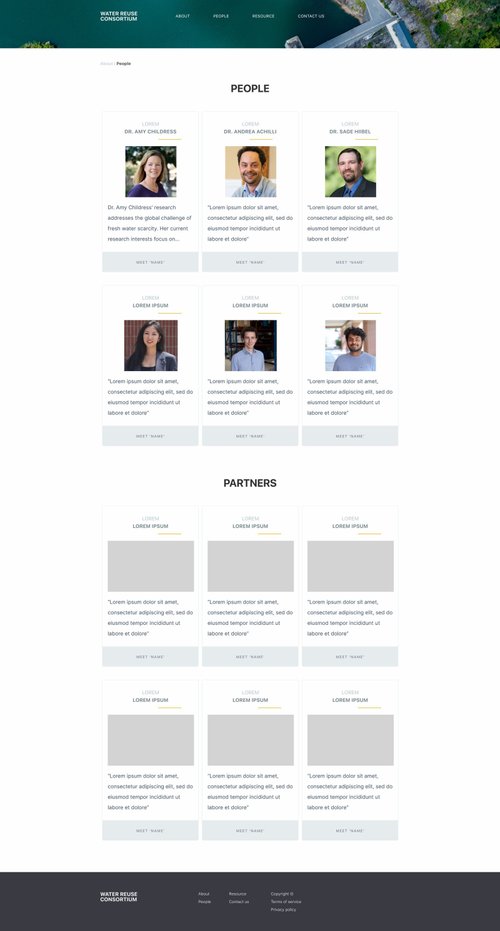 Design 2 Design 2: People
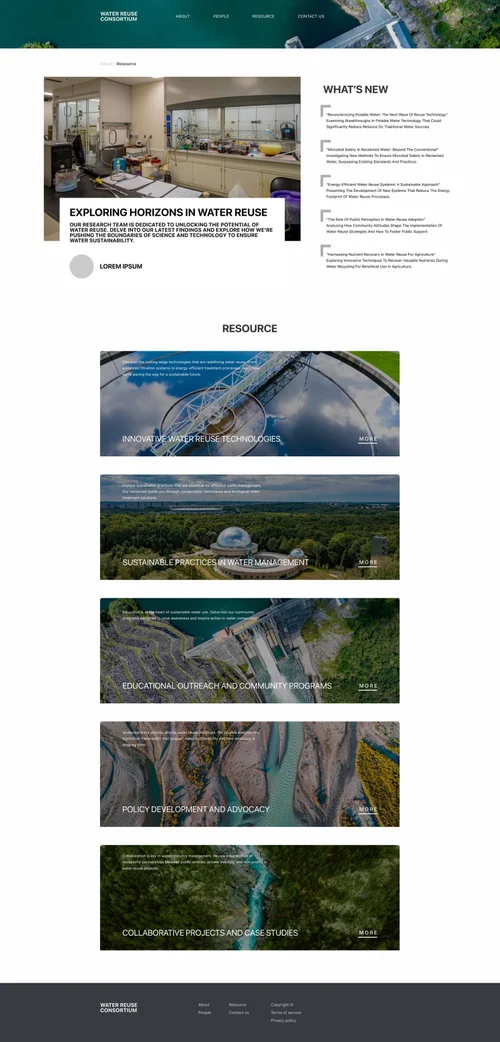 Design 2 Design 2: Resource
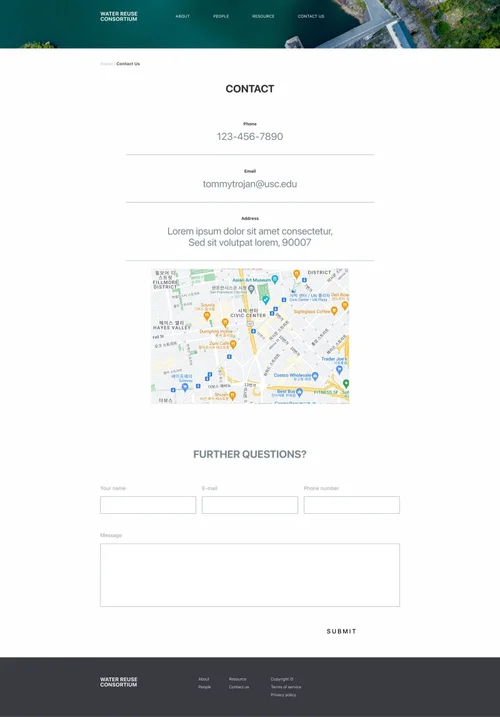 Design 2 Design 2: Contact
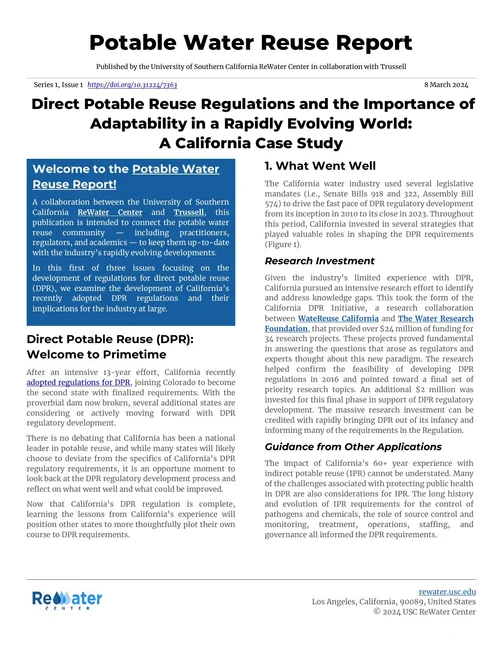 Report Report Issue 1, page 1 of 5
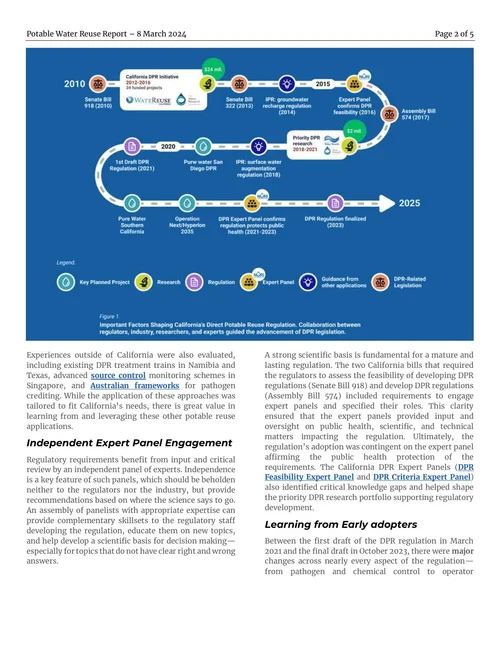 Report Report Issue 1, page 2 of 5
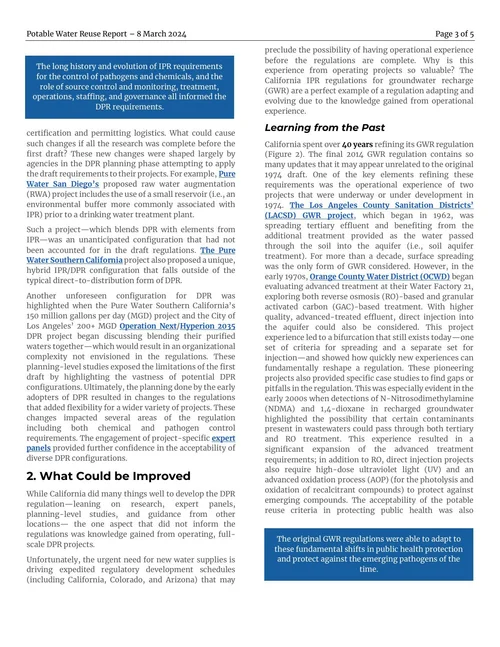 Report Report Issue 1, page 3 of 5
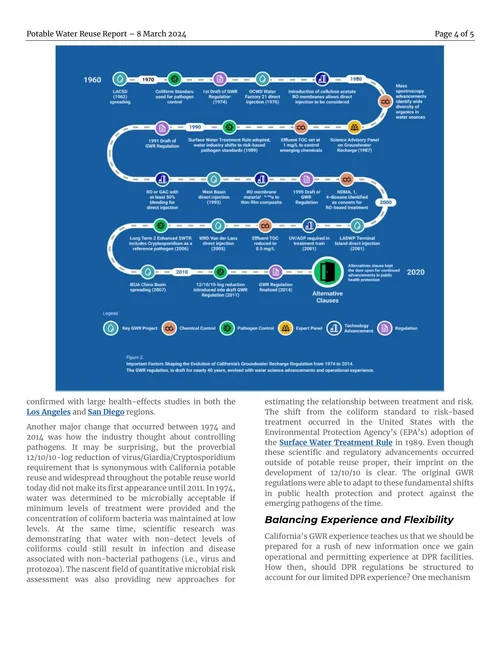 Report Report Issue 1, page 4 of 5
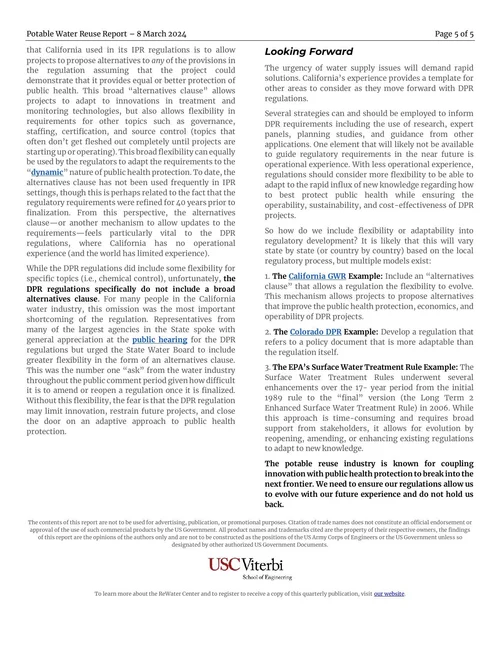 Report Report Issue 1, page 5 of 5
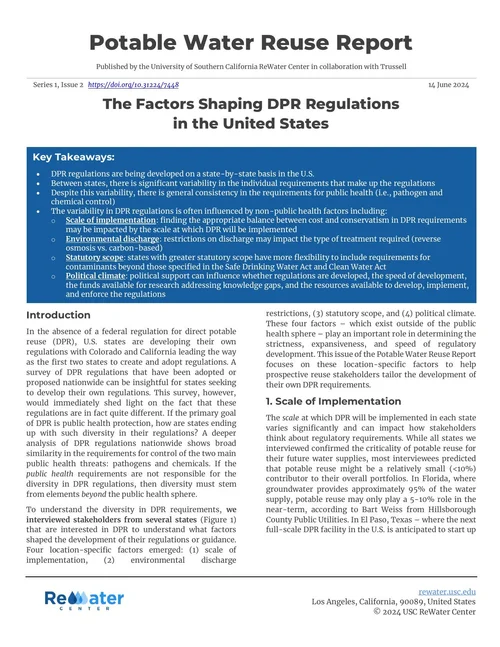 Report Report Issue 2, page 1 of 6
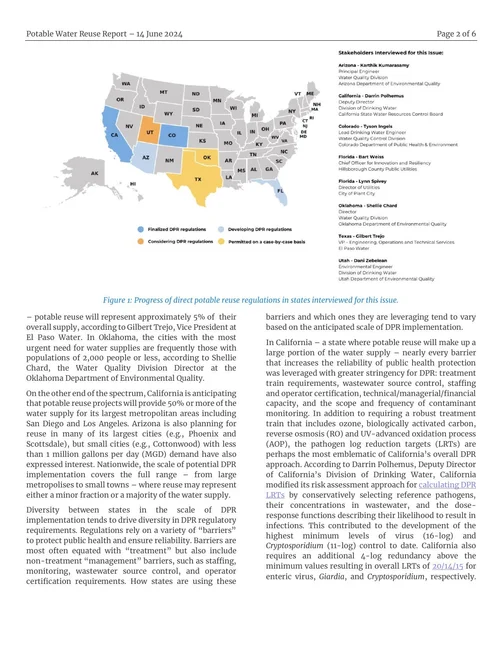 Report Report Issue 2, page 2 of 6
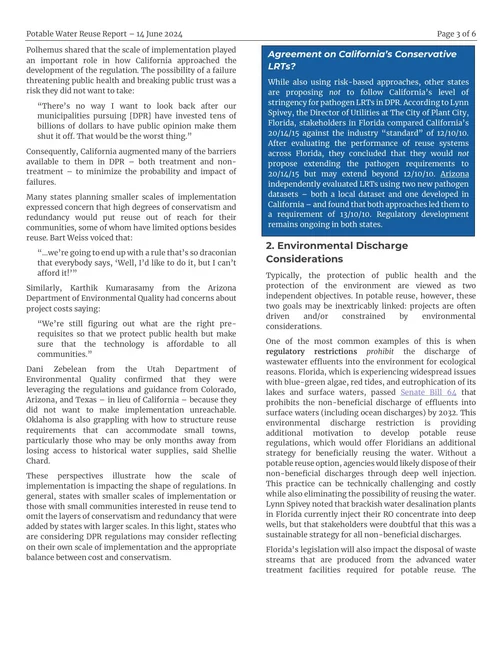 Report Report Issue 2, page 3 of 6
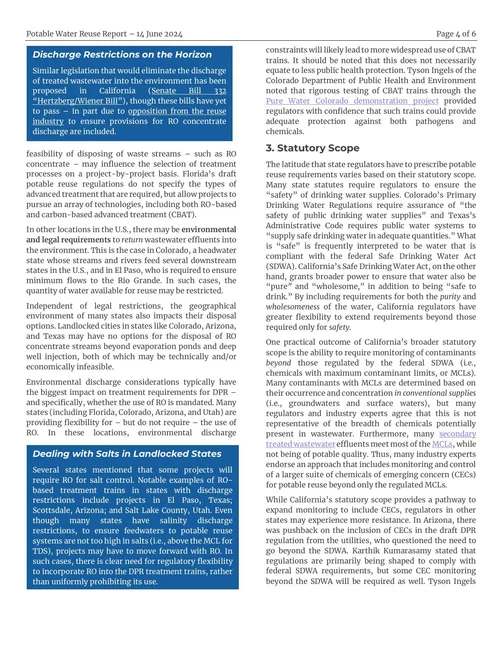 Report Report Issue 2, page 4 of 6
 Report Report Issue 2, page 5 of 6
 Report Report Issue 2, page 6 of 6
 Report Report Issue 3, page 1 of 7
 Report Report Issue 3, page 2 of 7
 Report Report Issue 3, page 3 of 7
 Report Report Issue 3, page 4 of 7
 Report Report Issue 3, page 5 of 7
 Report Report Issue 3, page 6 of 7
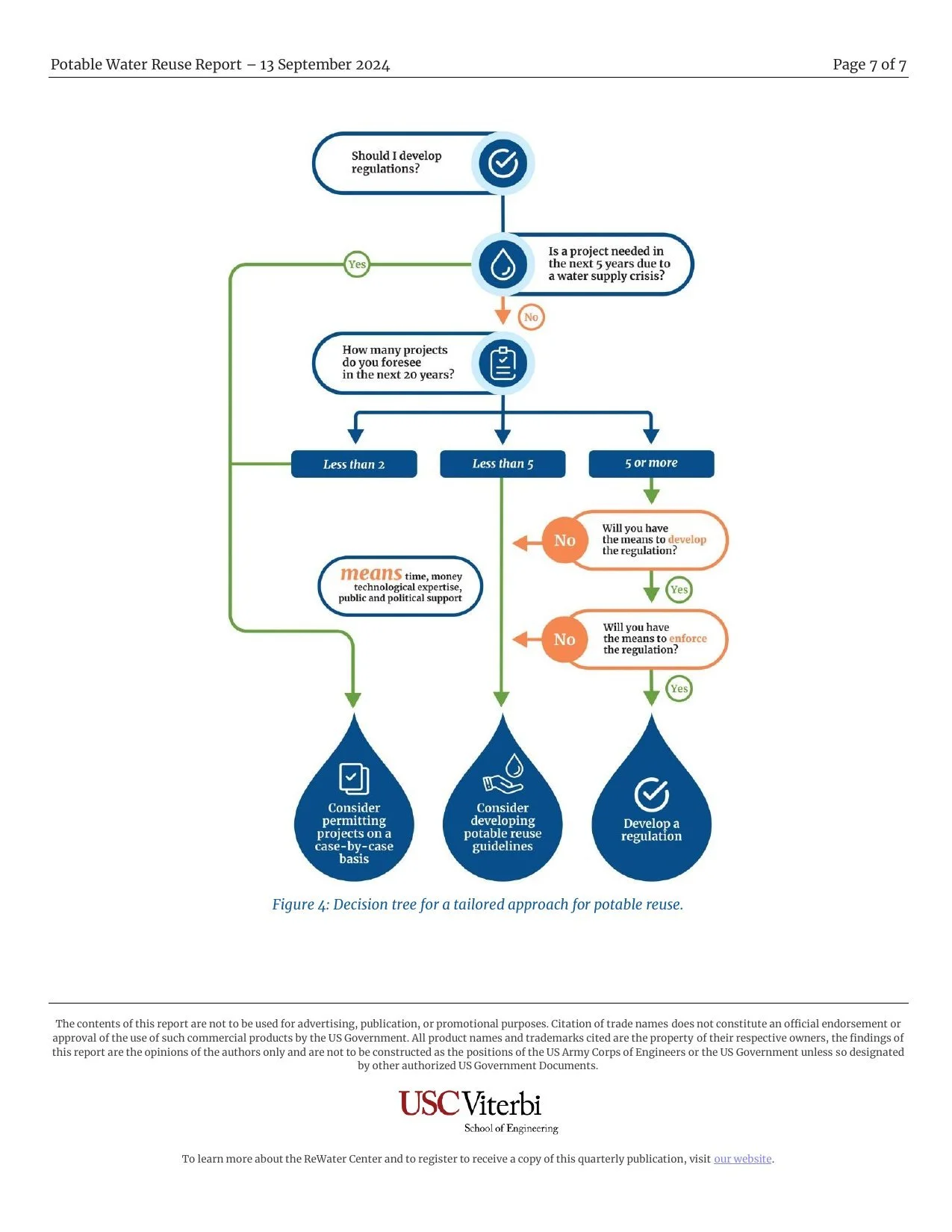
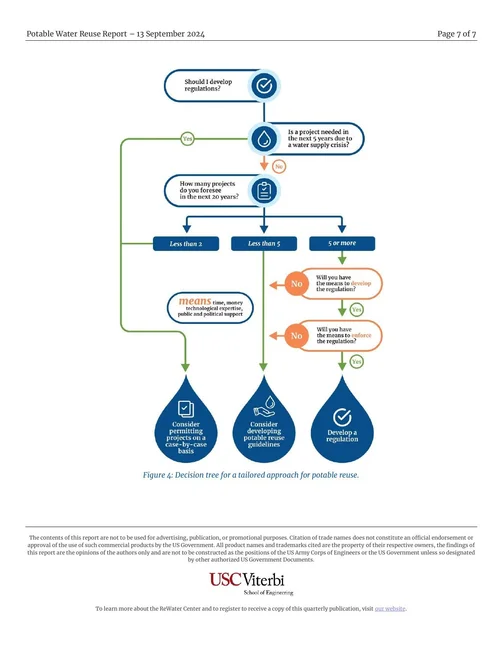 Report Report Issue 3, page 7 of 7

What I learned
Design for the visit you actually get.
- One visit is the constraint. Not traffic, not time on page: a reader who arrives once and decides in a window. Every layout decision followed from that.
- Put the decision next to the persuasion. The form beside the video converted; the same form below it would have relied on a scroll that never came.
- Options are trade-offs. Experts disagree on taste. They agree faster on what a visitor would experience.
- Three concepts beat one page. Giving the team whole directions to choose between made the choice about strategy, not polish.
- Design into the system. The video, the stack and the institution were already there. The work was fitting a better idea into what was moving.
- Write the reasoning down. On a team with no other designer, the explanation is the review.
The Water Reuse Consortium went from concept to launched product with the design intent intact, and the list it built reached the people the research was for.
USC ReWater Project
The Water Reuse Consortium (WRC) is a government-funded research initiative at USC working on water reuse and recycling. Its research was strong and its public presence was not — the work existed as papers and institutional pages, largely invisible to the agencies, researchers, and policy staff who were its actual audience.
I joined as the designer on a four-person team for five months in Spring 2024, initially to produce demo concepts. The scope grew: I redesigned the ReWater Center homepage, designed three mid-fidelity prototypes for the Consortium's new website, and produced graphic reports for the research team. One of those prototypes was selected, built, and launched as the live WRC site.
Duration
5 Months
Timeline
Spring 2024
Tools
Figma, WordPress, MailChimp
Role
Web Design Intern
Team
4 / Sole Designer
Overview
The Problem
Federally funded research has an audience problem that isn't about traffic. The people who matter — agency staff, partner institutions, researchers in adjacent fields — don't arrive by search and don't convert by browsing. They arrive once, from a citation or a colleague, and either leave with a way to stay connected or leave for good.
The existing presence assumed a reader who would explore. The real reader gives the page one visit and a short window of attention. So the design problem wasn't "make this look credible" — it was: in one visit, establish that the research is serious, and capture the person before they go.
Experience
Design Decisions
A dual-column layout pairing the existing video with a new subscription form.
The Consortium already had a produced overview video, which was doing all of its explanatory work and none of its conversion work — a visitor who watched it understood the research and then left with no relationship to it.
I placed the video and an email subscription form side by side above the fold. The reasoning: the moment a visitor is most likely to subscribe is the moment they've just understood why the work matters, and that moment happens during the video, not after a scroll. Putting the form below the video meant relying on a scroll that the attention pattern didn't support. Putting it beside the video meant the decision and the persuasion occupy the same screen.
This required integrating MailChimp into a WordPress build alongside multimedia — the messiest technical piece of the project, and the one I'd defend hardest, because it's the component that turned a page into a channel.
Navigation built around stakeholder type rather than institutional structure.
The Consortium's internal organization — programs, partners, research areas — is the way the institution thinks about itself, not the way a first-time visitor looks for something. I structured the prototypes around what a visitor arrives wanting, so a policy reader and a researcher take different paths without either needing to understand the org chart first.
A research paper rebuilt as a magazine layout.
The team's findings existed as an academic paper: correct, complete, and read by almost nobody outside the field. I redesigned it as an editorial layout — pull quotes, a visual hierarchy, figures given room — so the argument survives a reader who won't read linearly. Same content, a different bet about how much attention it would get.
These link to the live sites as they stand today. My designs launched in 2024 and have since been revised.
Constraints
Sole designer on a large project.
No design review, no second opinion, and every decision from IA through visual system through handoff was mine to make and defend. I worked by making the reasoning explicit at each step so the non-designers on the team could evaluate the decision rather than just the aesthetic.
Consensus across experts.
The stakeholders were researchers and program staff with strong, sometimes conflicting views on how the work should be represented. Getting to a single design meant several rounds of iteration and, more usefully, learning to present options as tradeoffs against the visitor's experience rather than as preferences.
Building on what existed.
Existing video, existing institutional constraints, an existing WordPress stack. The work was designing into a system already in motion, not from a blank canvas.
Insight
Outcome
One of my three prototypes was selected and fully developed as the live Water Reuse Consortium website; the project went from concept to launched product with the design intent intact through development.
It drove a 40% increase in engagement and over 1,000 subscriber signups for the ReWater Center as of December 2024, seven months after I finished on the project. The list it built reached EPA officials, educators, and defense personnel — the clearest evidence that the conversion decision was right. The form didn't just collect addresses; it reached the specific audience the research needed.
What This Project Demonstrates
Concept-to-launch ownership on a project with real institutional stakes — information architecture, a conversion decision defended against the obvious layout, and a handoff that survived development. The constraint that shaped every decision was the one product designers work with constantly: a user who gives you one visit and a short window, and a business outcome that depends entirely on what you do with it.