
AllMerits Asset Client work at Advue Digital Corporate retirement plan advisory
ArrivedTwenty pages of regulated content, read by no one front to back MadeA brochure you can enter at any page
AllMerits Asset advises companies on their retirement plans. Its services brochure has to explain plan structures, fiduciary responsibility and service tiers to a business owner who is not a finance professional and did not choose to be reading it. Documents like this fail in a predictable way: the content is regulated, so it can’t be simplified past a point; it is long, so nobody reads it in order; and it is revisited rather than read once, so a reader coming back for one answer has to find it without starting over.

What arrived
Regulated, long, and revisited: three reasons a linear read goes unread.
The content came as the firm’s full account of what it does: the plan sponsor’s obligations under ERISA, the advisor’s role, the service tiers and fee structure, the proprietary analysis tool, the team, the partners and the locations. None of it could be cut past a point, and most of it would be read by someone looking for one thing.
Treating it as something to read from the first page to the last guarantees it goes unread. So the document had to be entered at any point and still make sense.
What I made
A map, a repeated opening, and a path through the dense pages.
 1
2
3
1
2
3
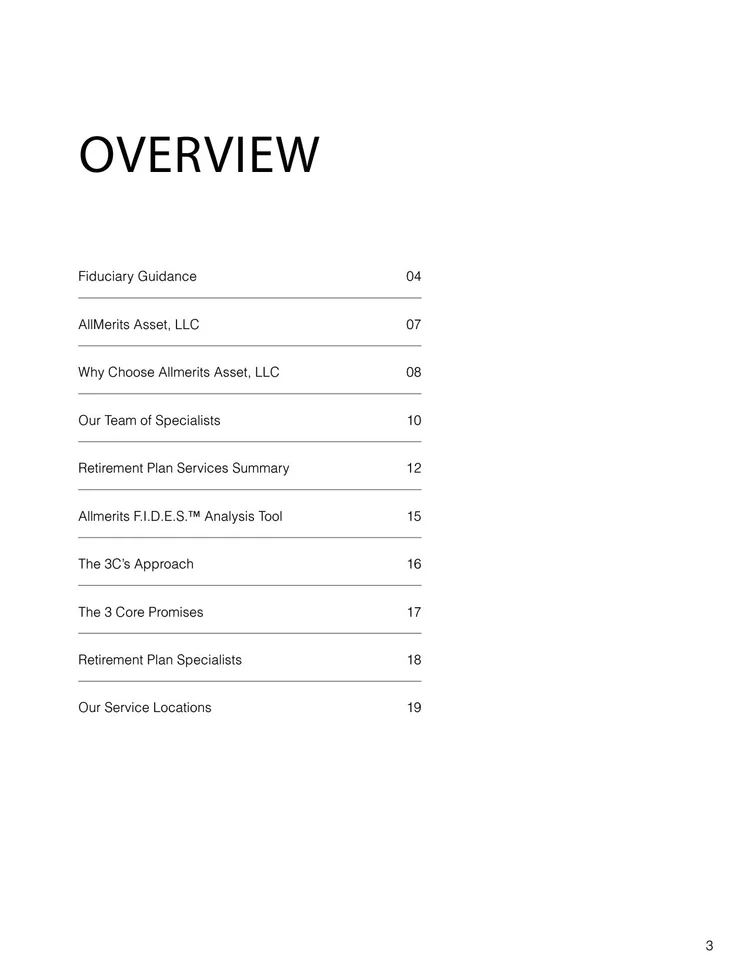
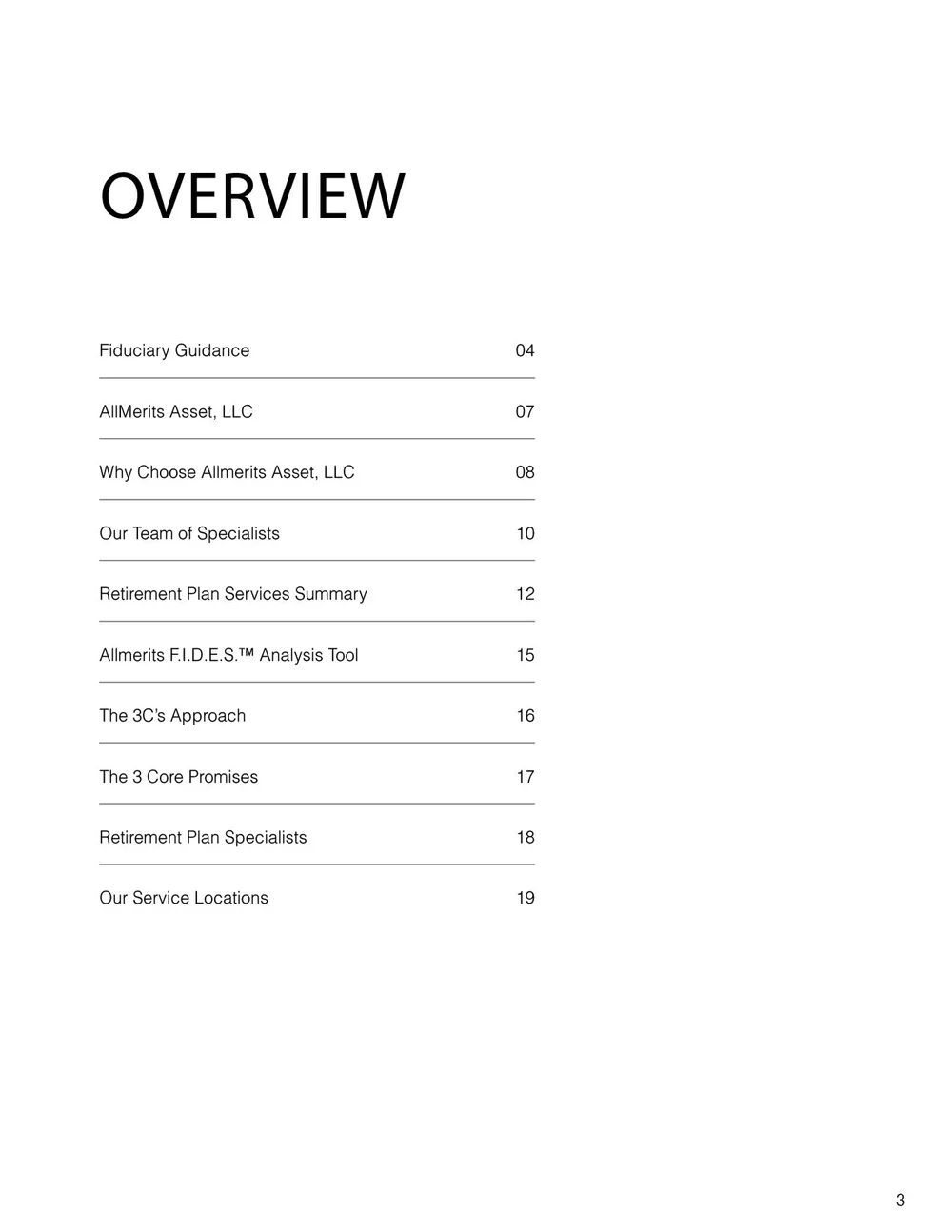
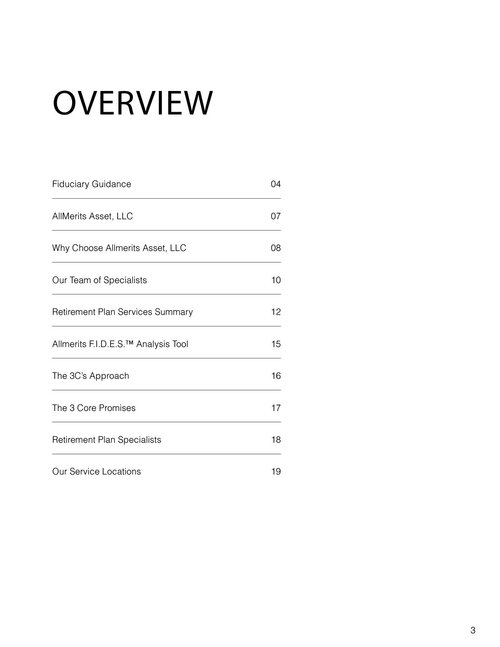
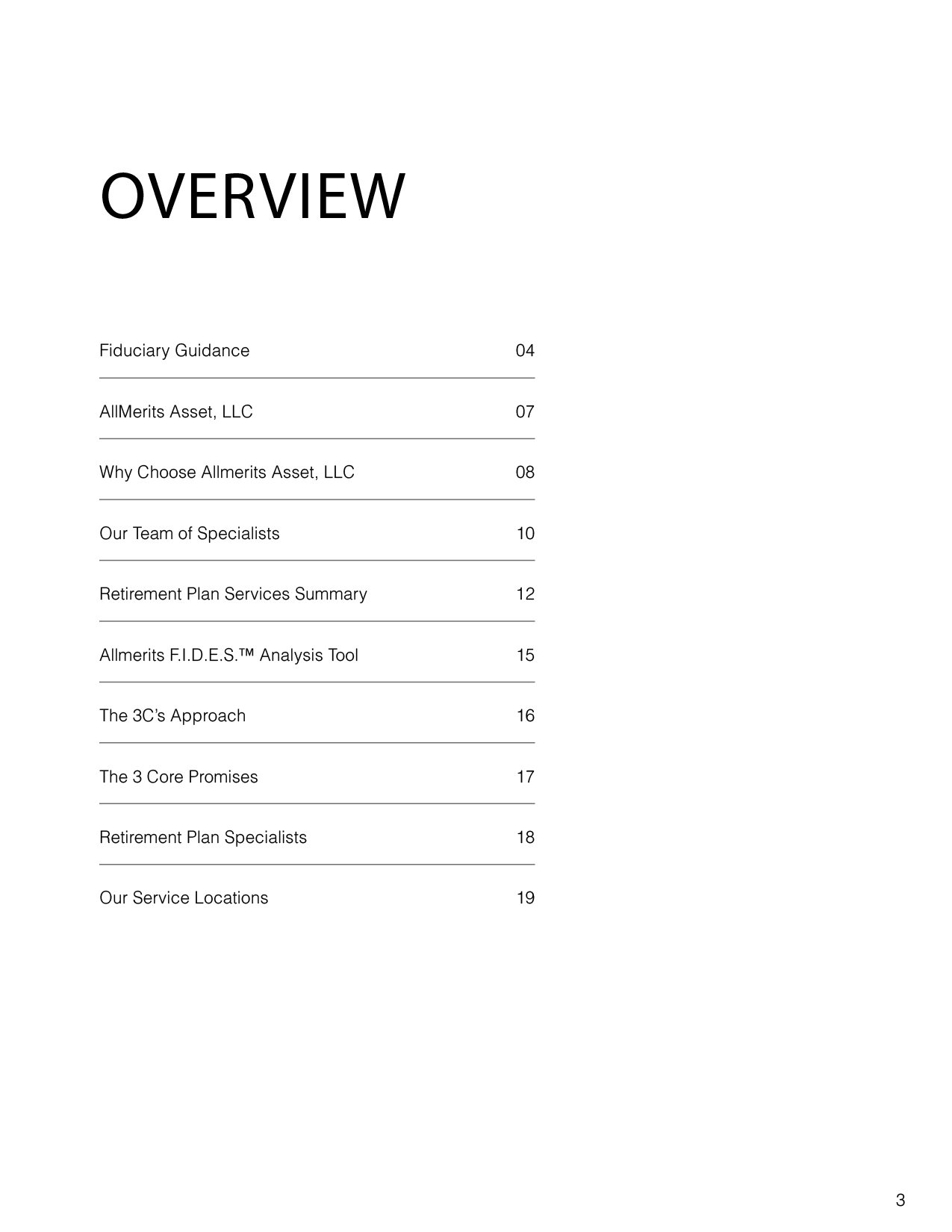
The map. One page that does the job of navigation.
- 1The overview names every section before the reader commits to any of them. It is a table of contents doing the work a menu does on a screen.
- 2A page number against each, so the brochure is entered by number rather than by flipping.
- 3Ten entries, in the order the questions come up: first the sponsor’s duties, then who the firm is, then how it works, then the people and the places.
 1
2
3
4
1
2
3
4
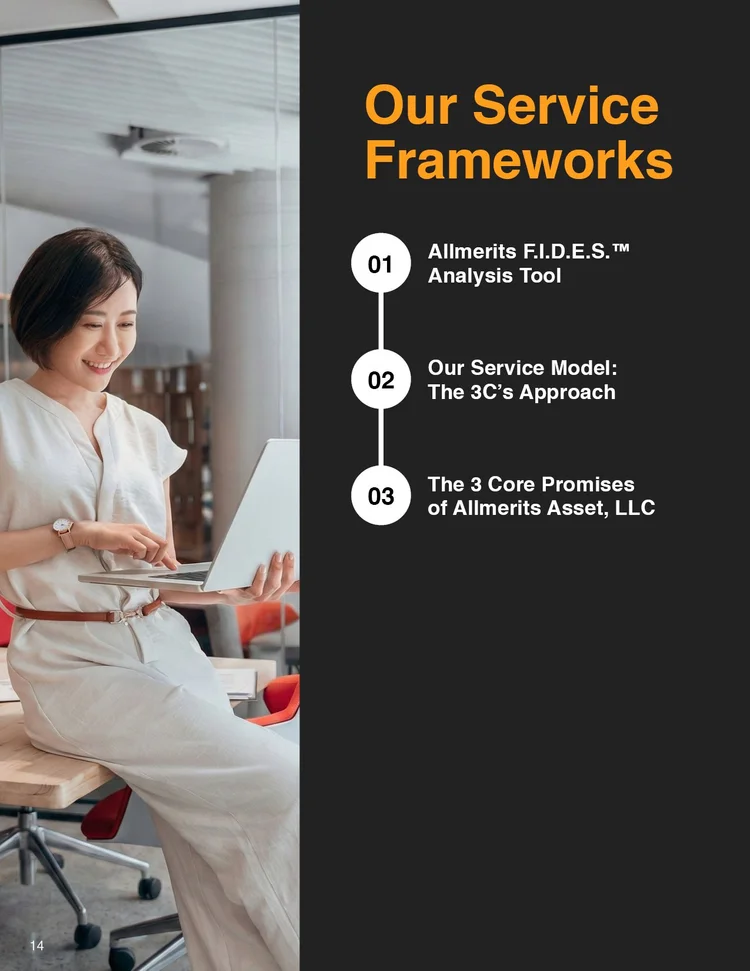
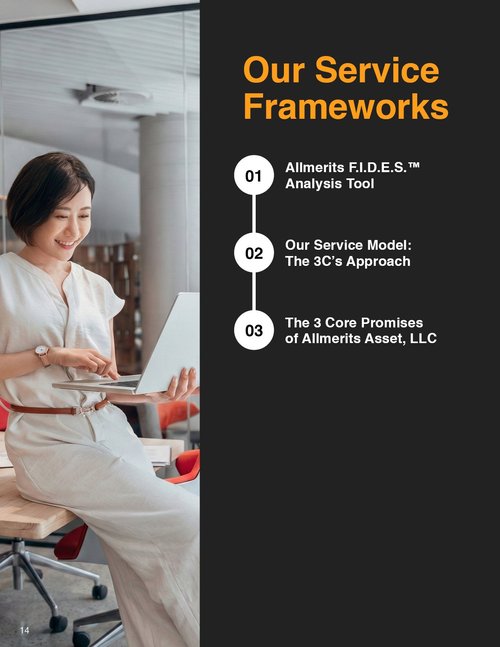
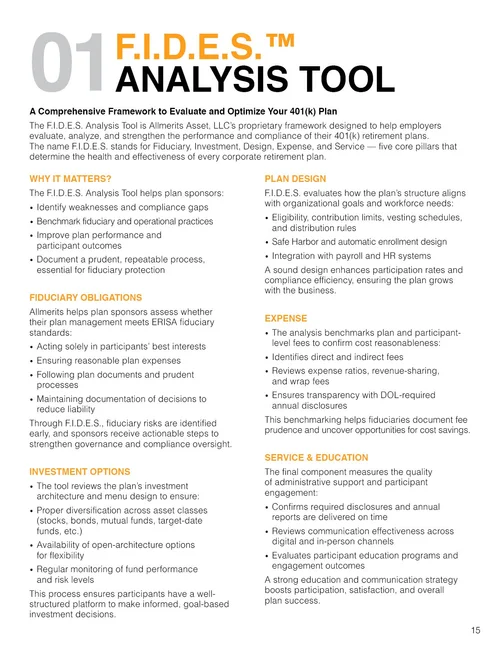
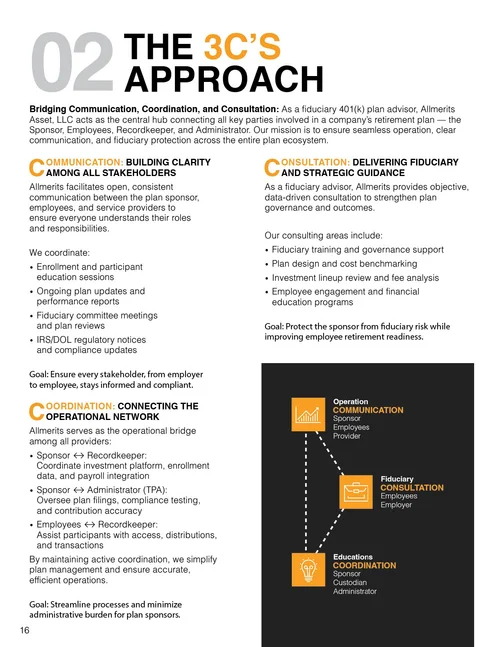
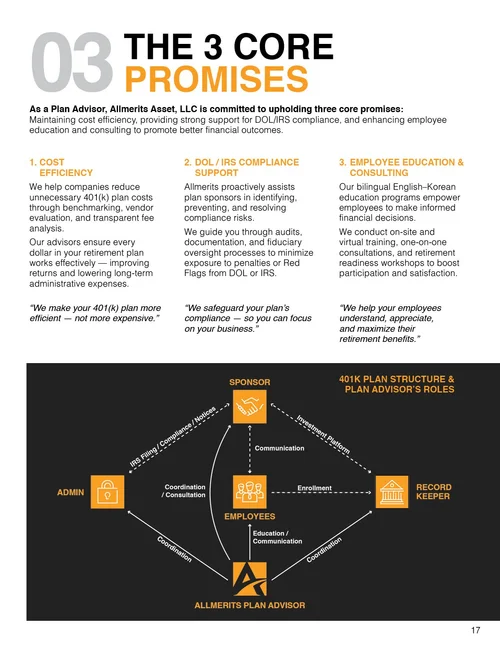
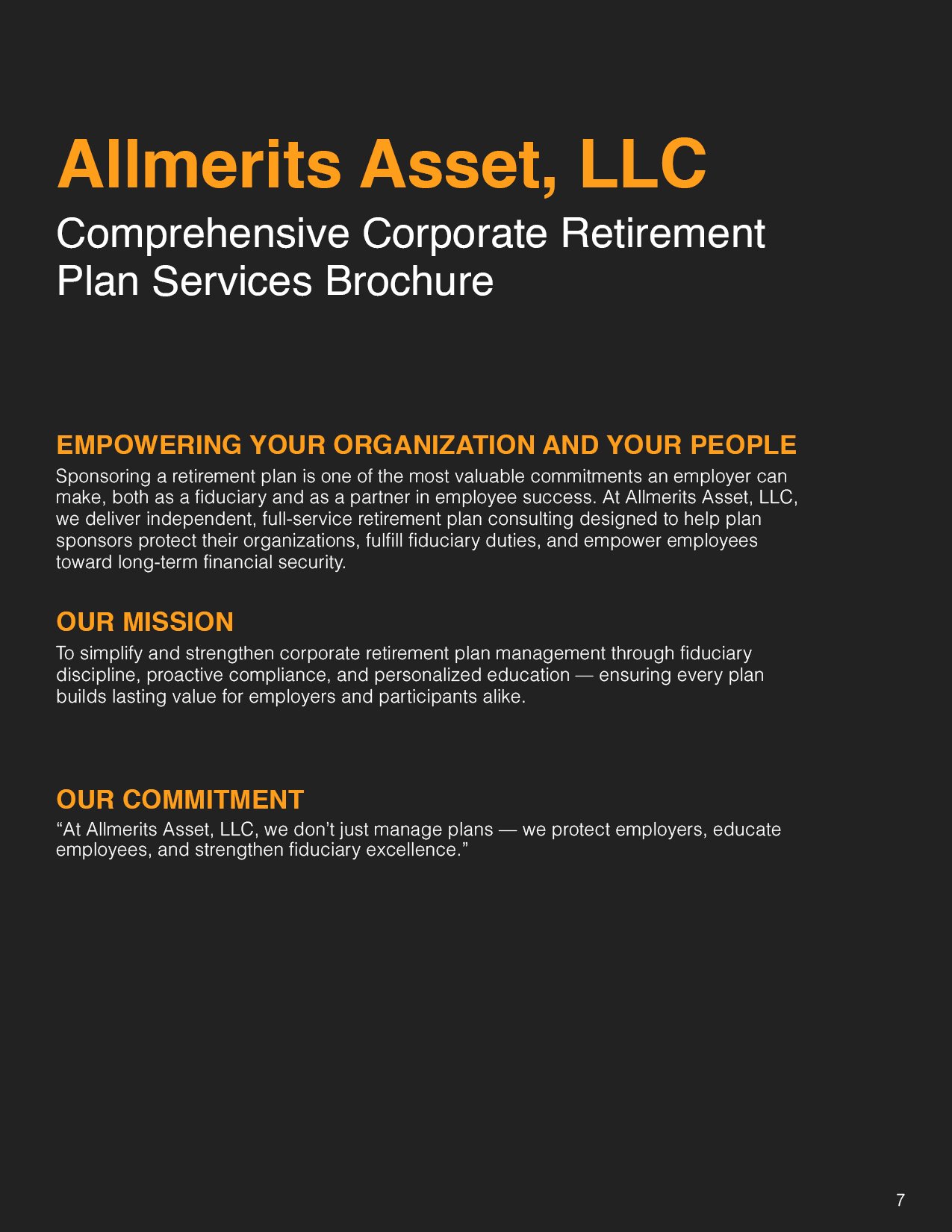
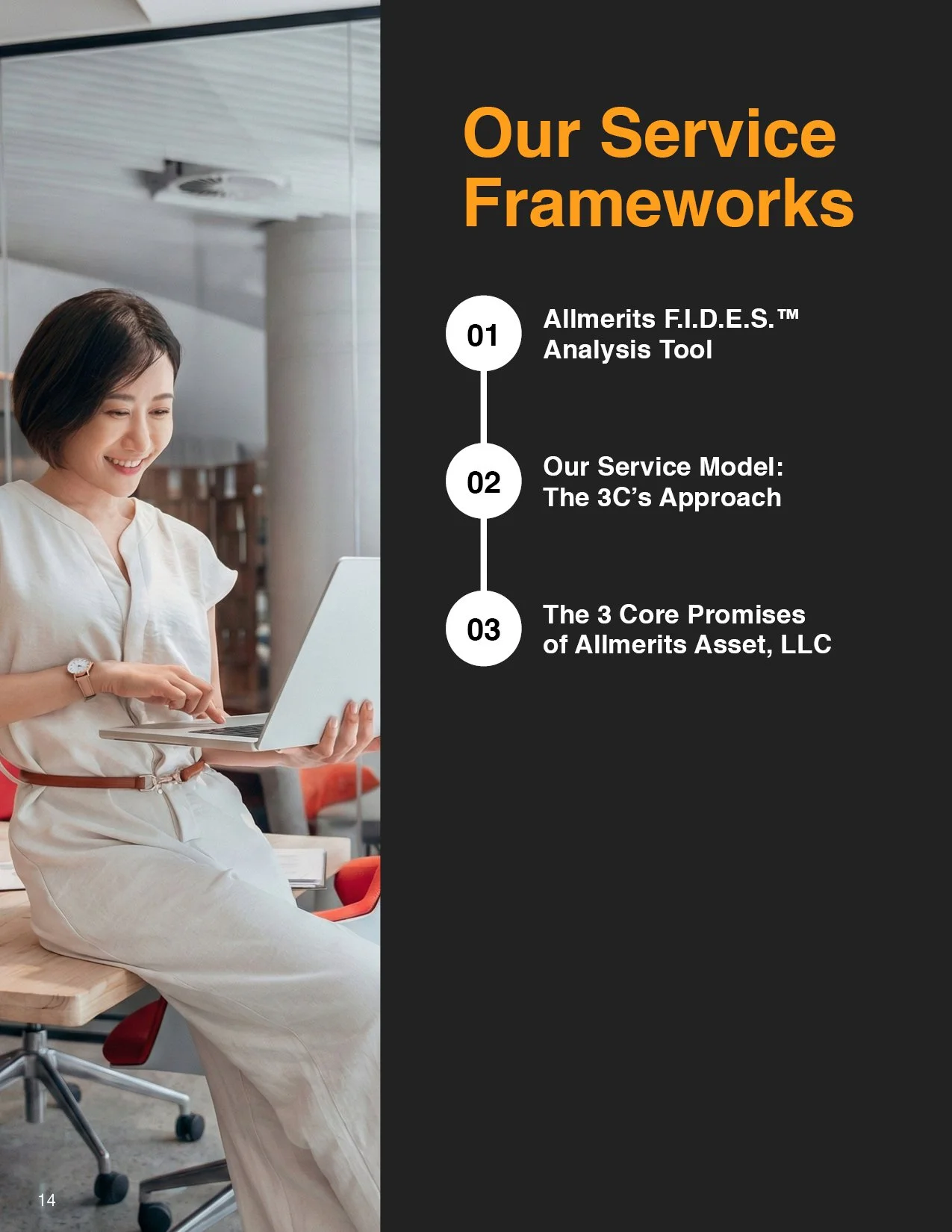
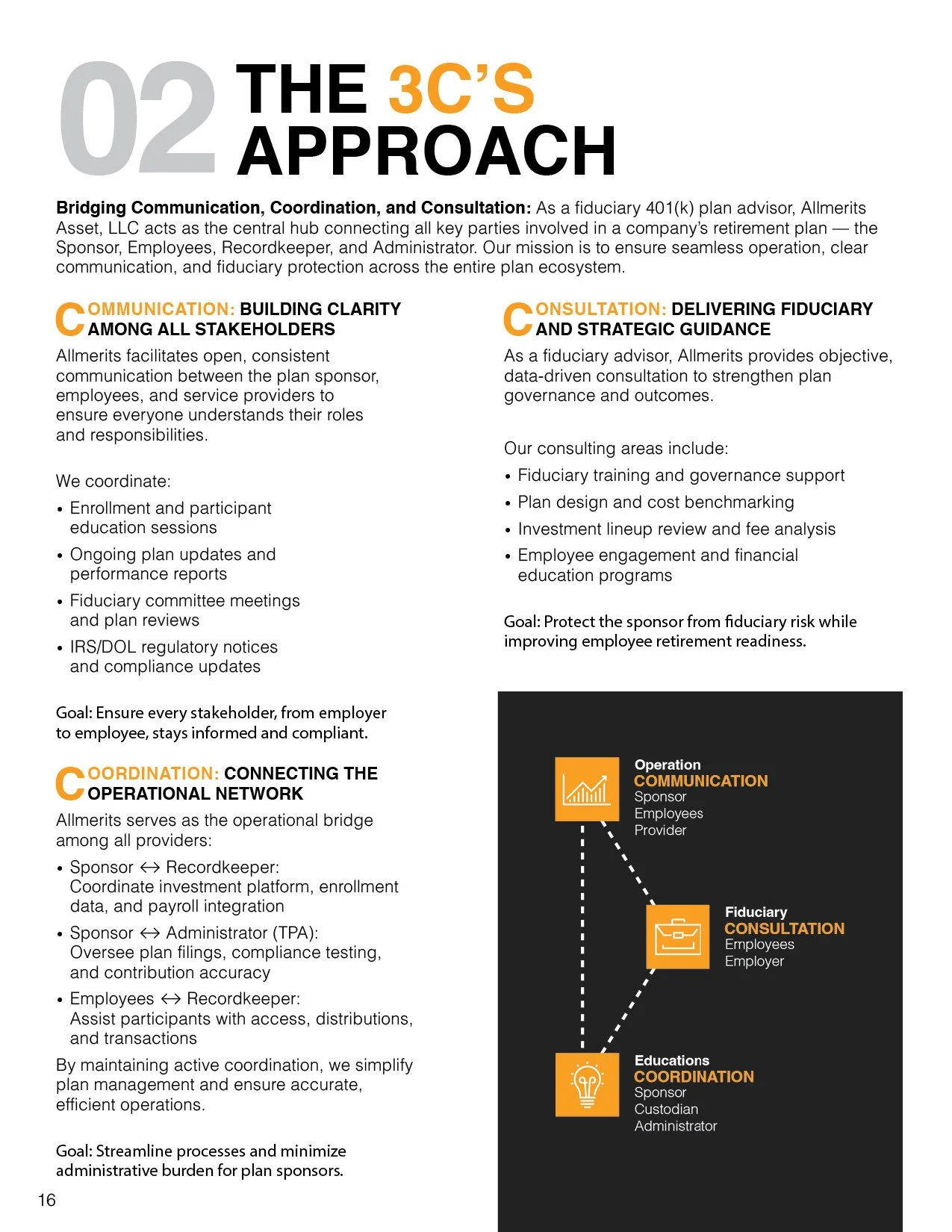
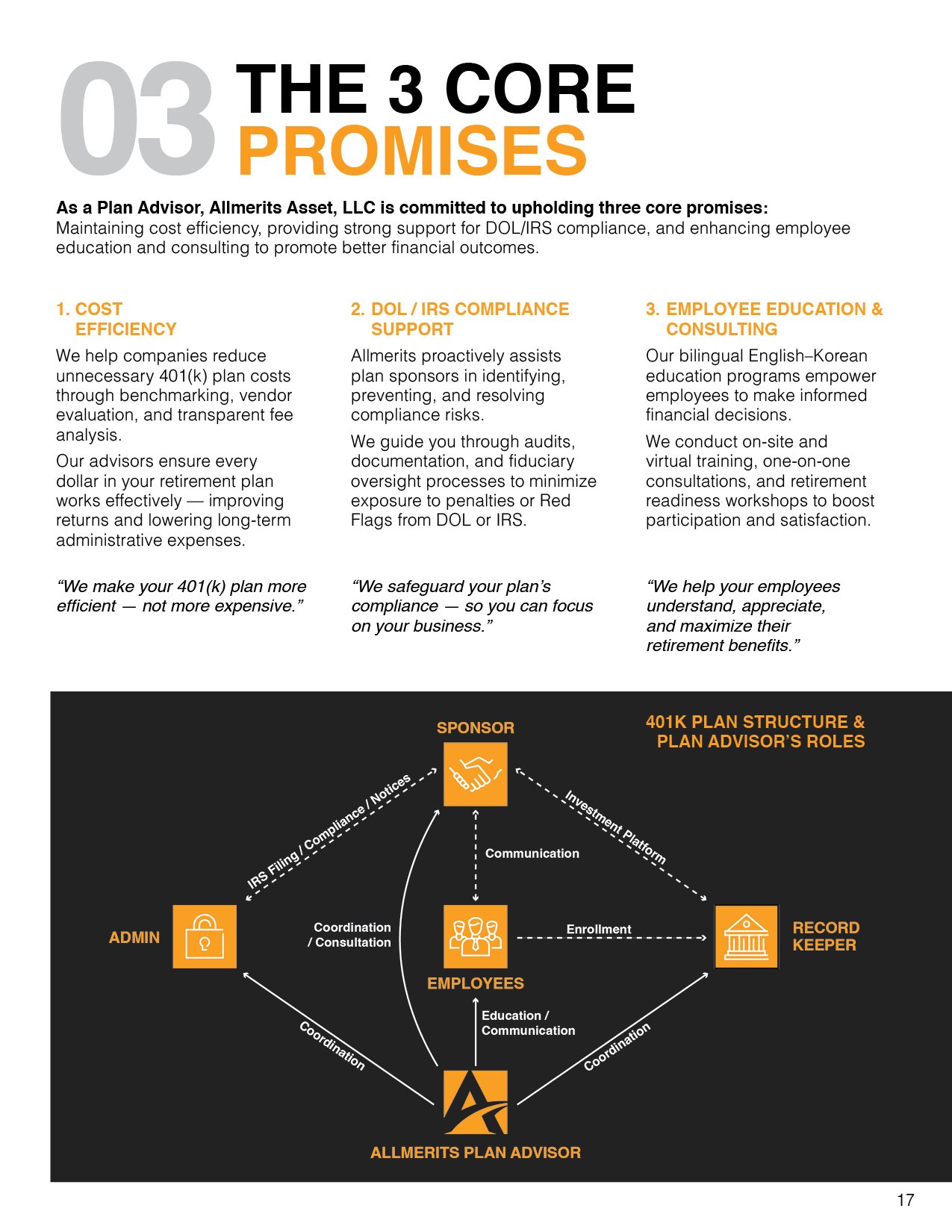
The repeated opening. Every section starts the same way, so a change of topic is legible mid-flip.
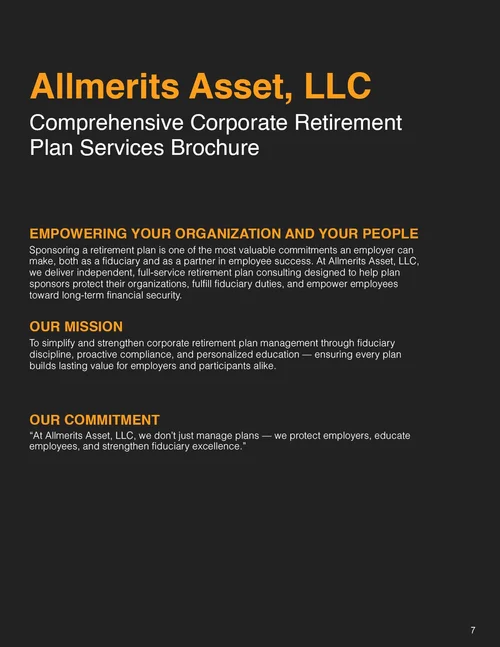
- 1A divider page announces the three frameworks as 01, 02 and 03, on the same black as the cover.
- 2Section 01 opens with its number at display size, its name beside it, and a one-line summary under a rule.
- 3Section 02, the same opening in the same place. A reader flipping past it knows a new topic has started without reading a word.
- 4Section 03, the same again. The template is the component; the brochure is built from it.
 1
2
3
1
2
3
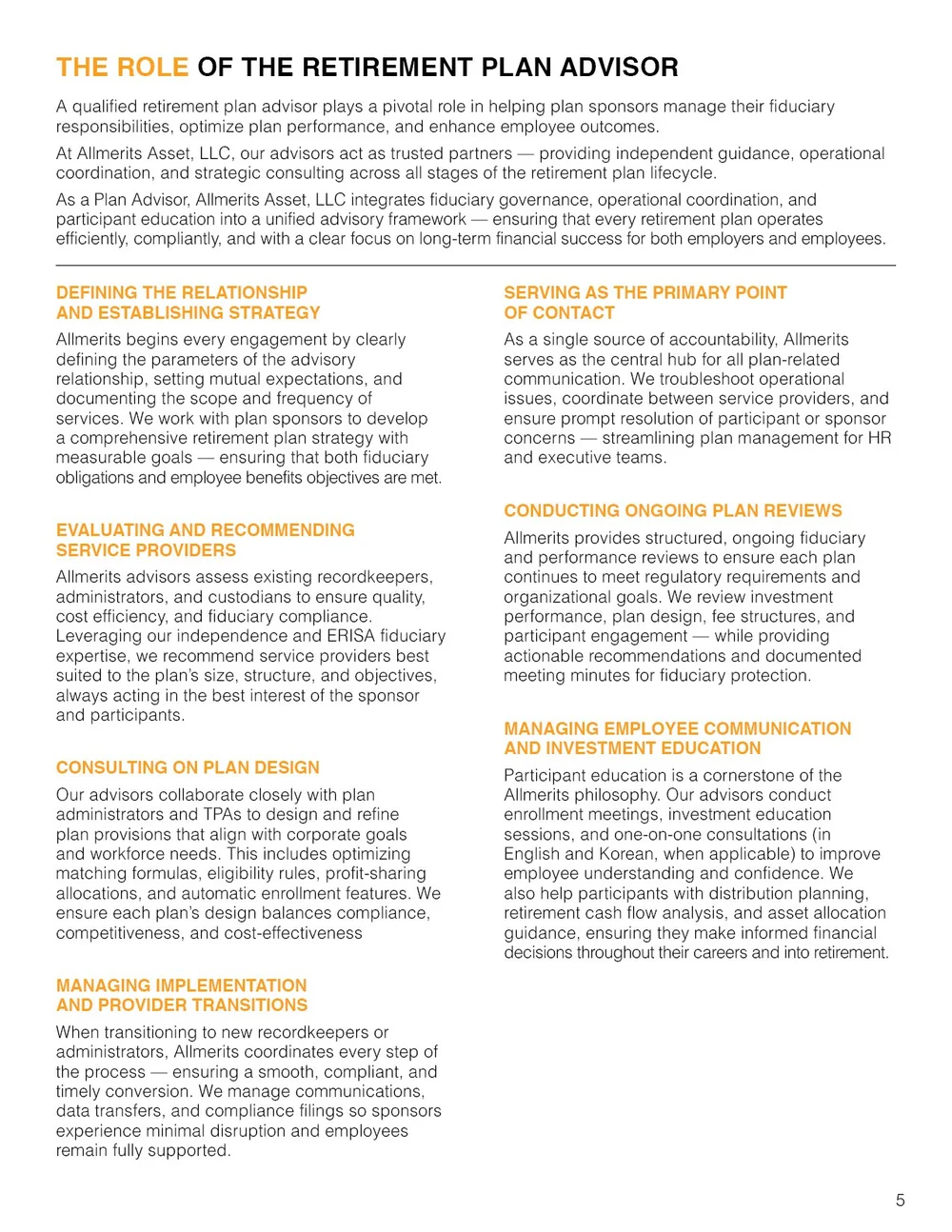
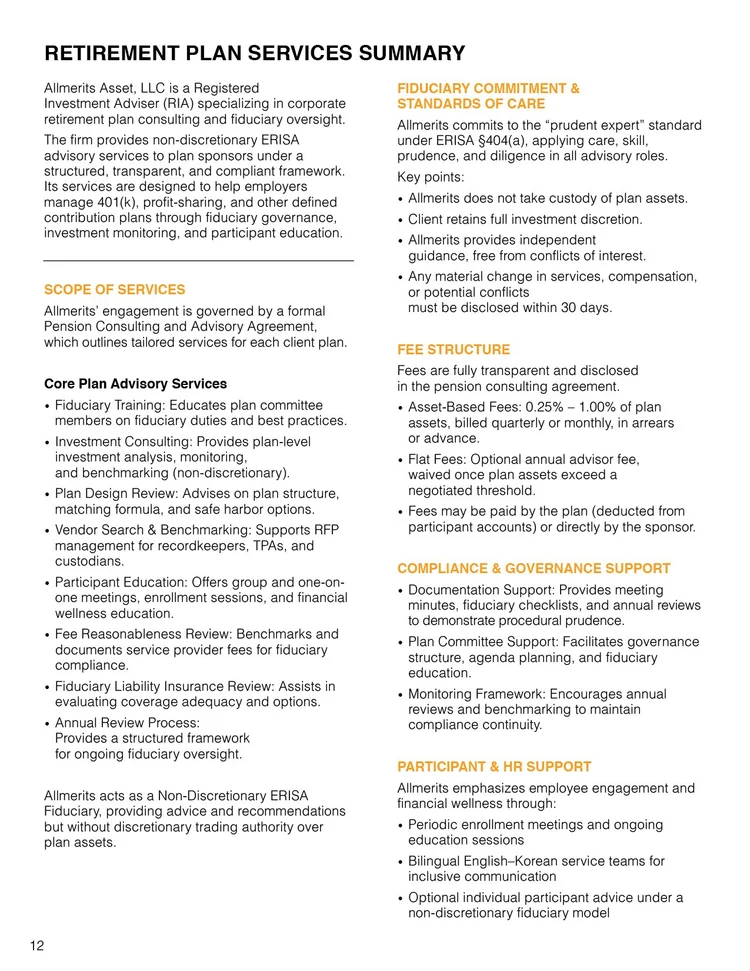
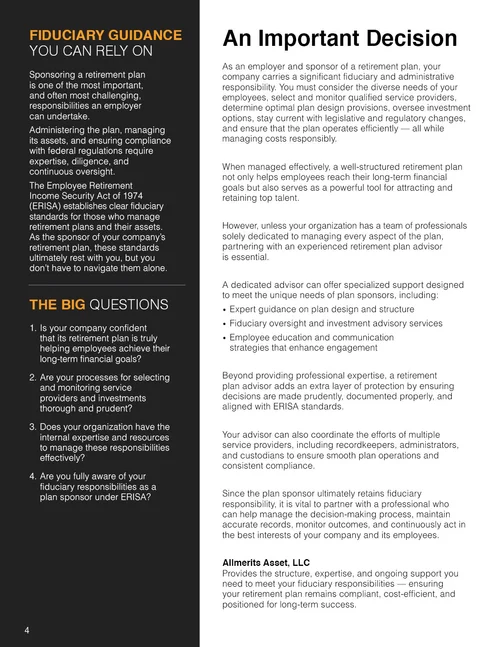
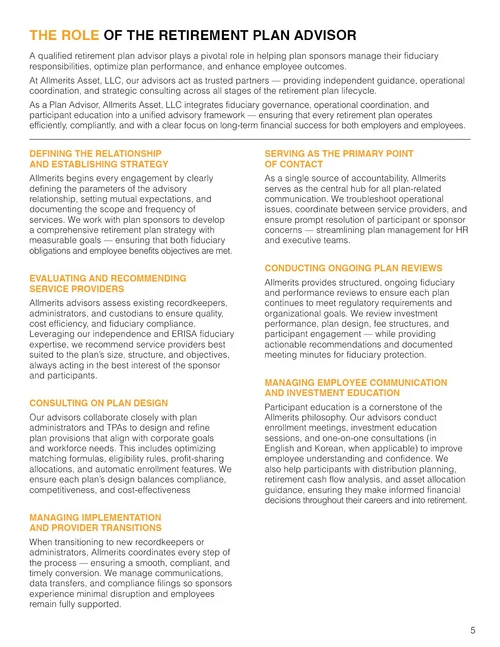
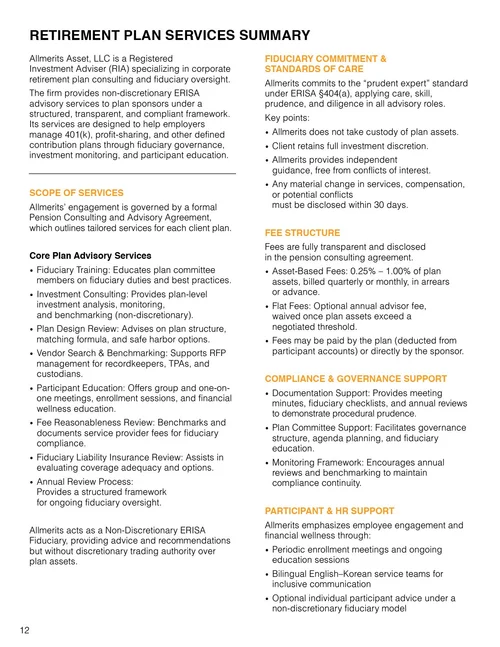
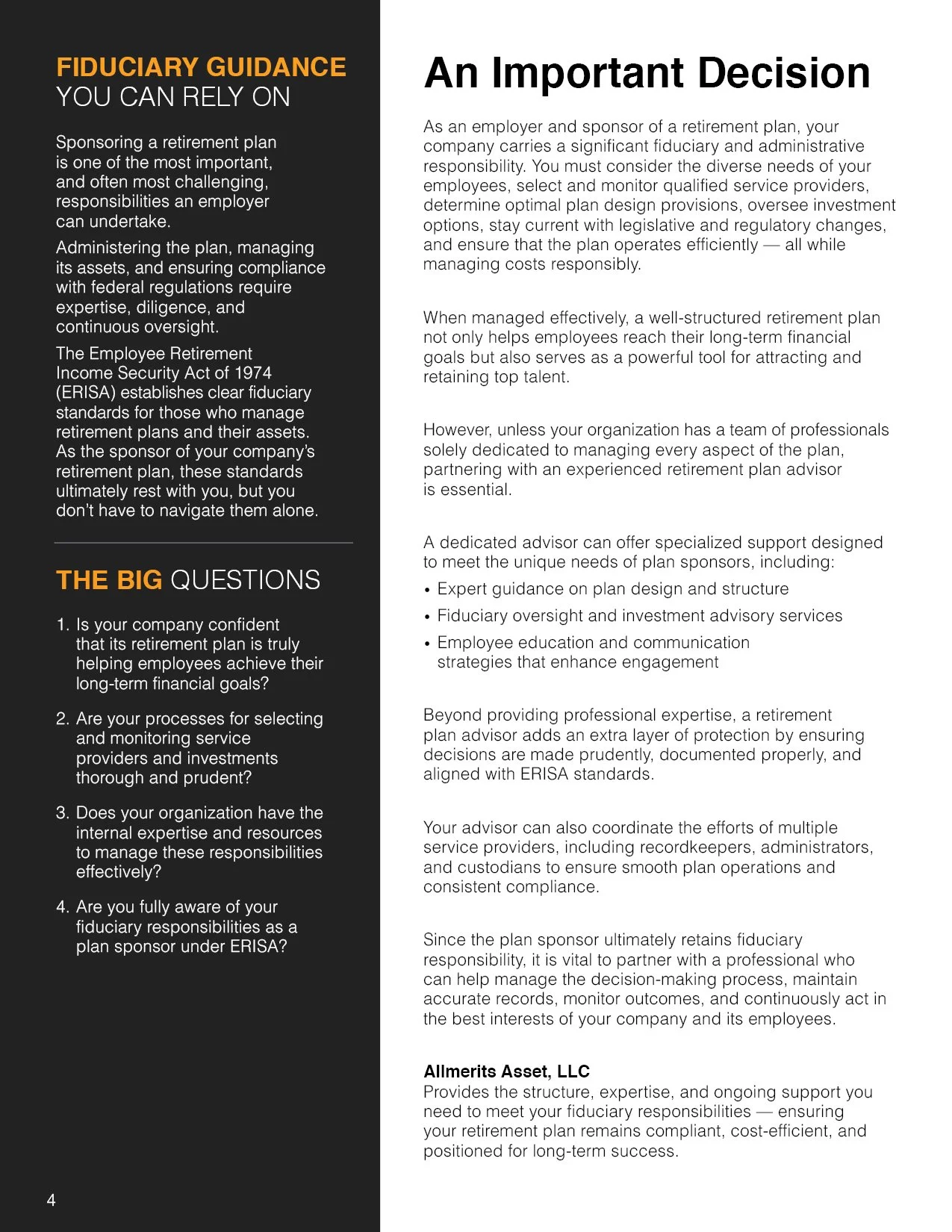
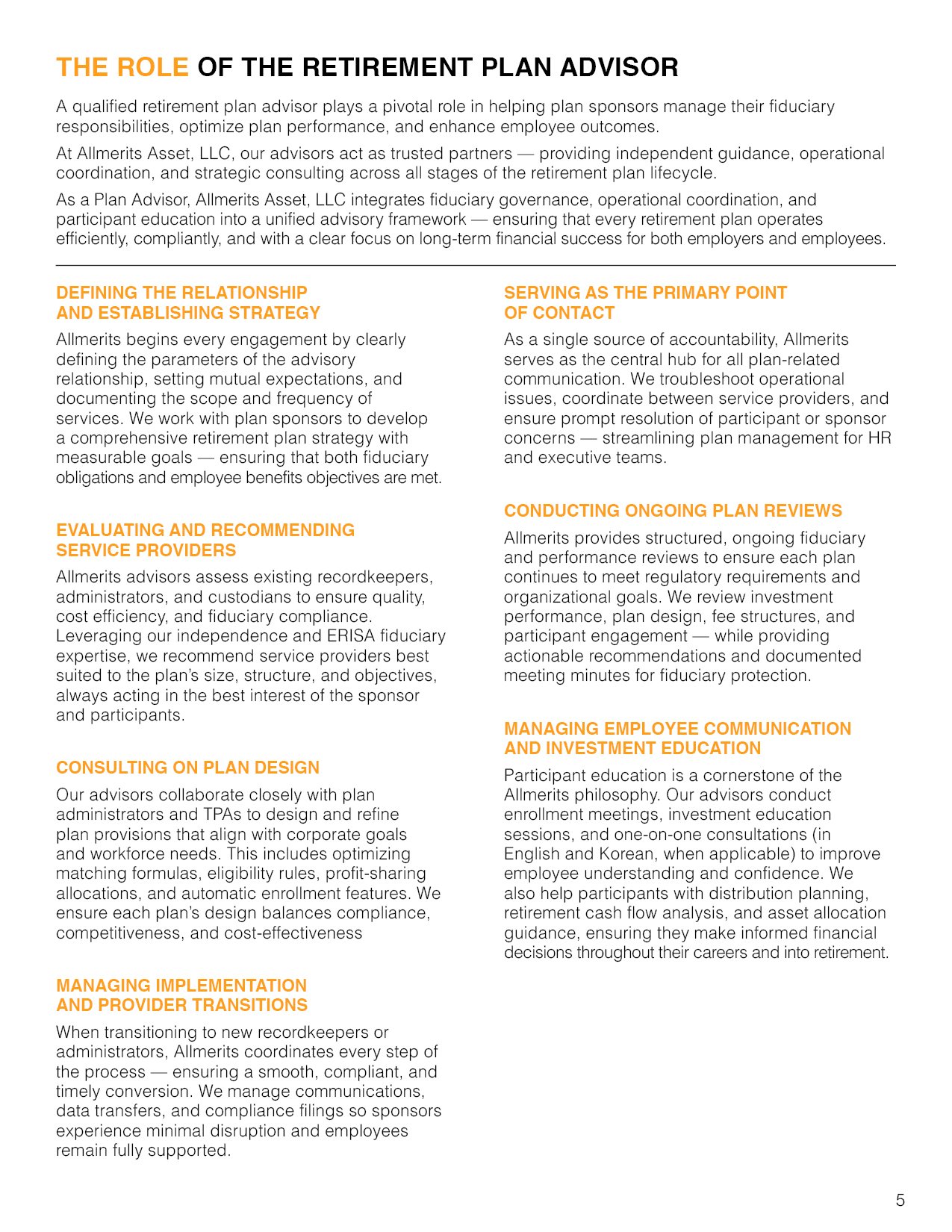
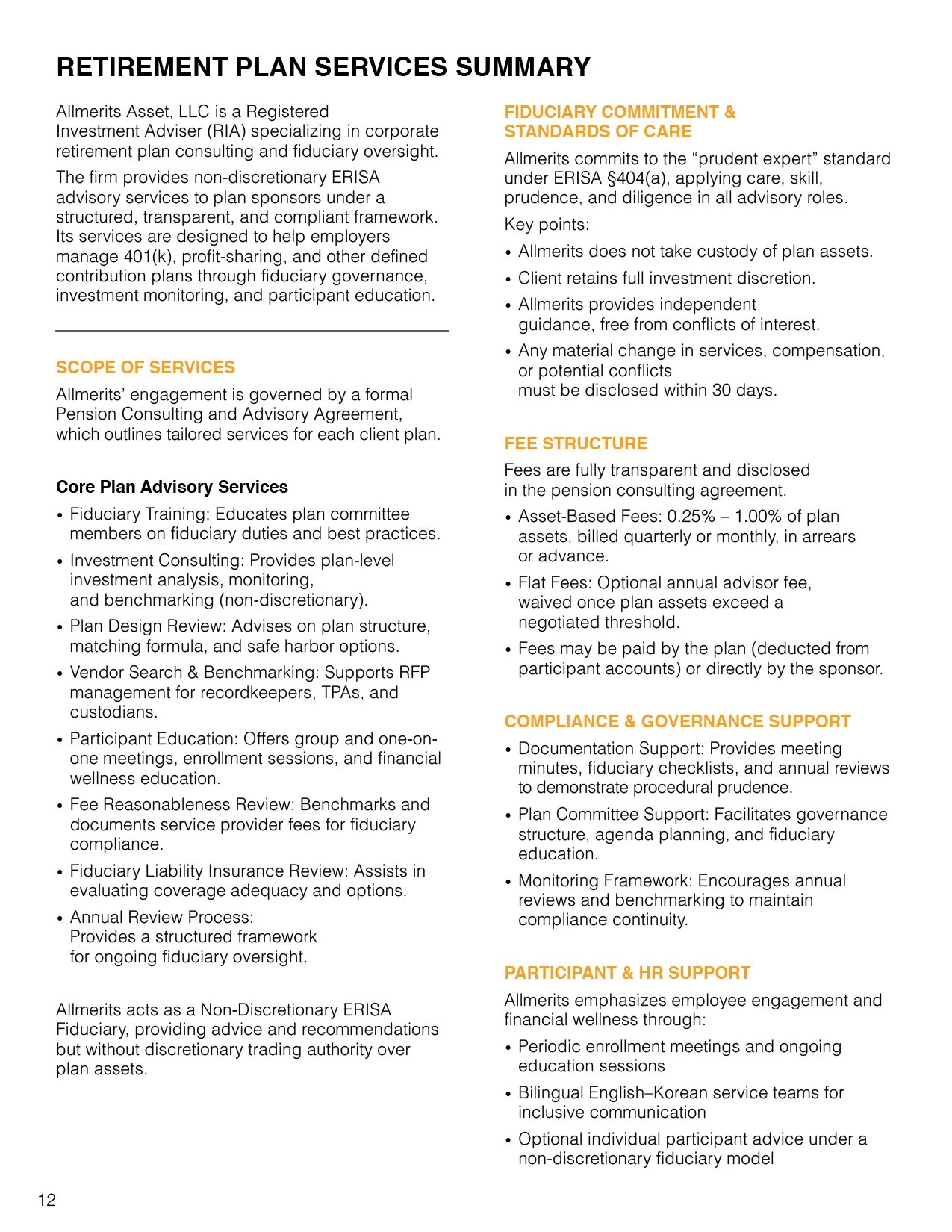
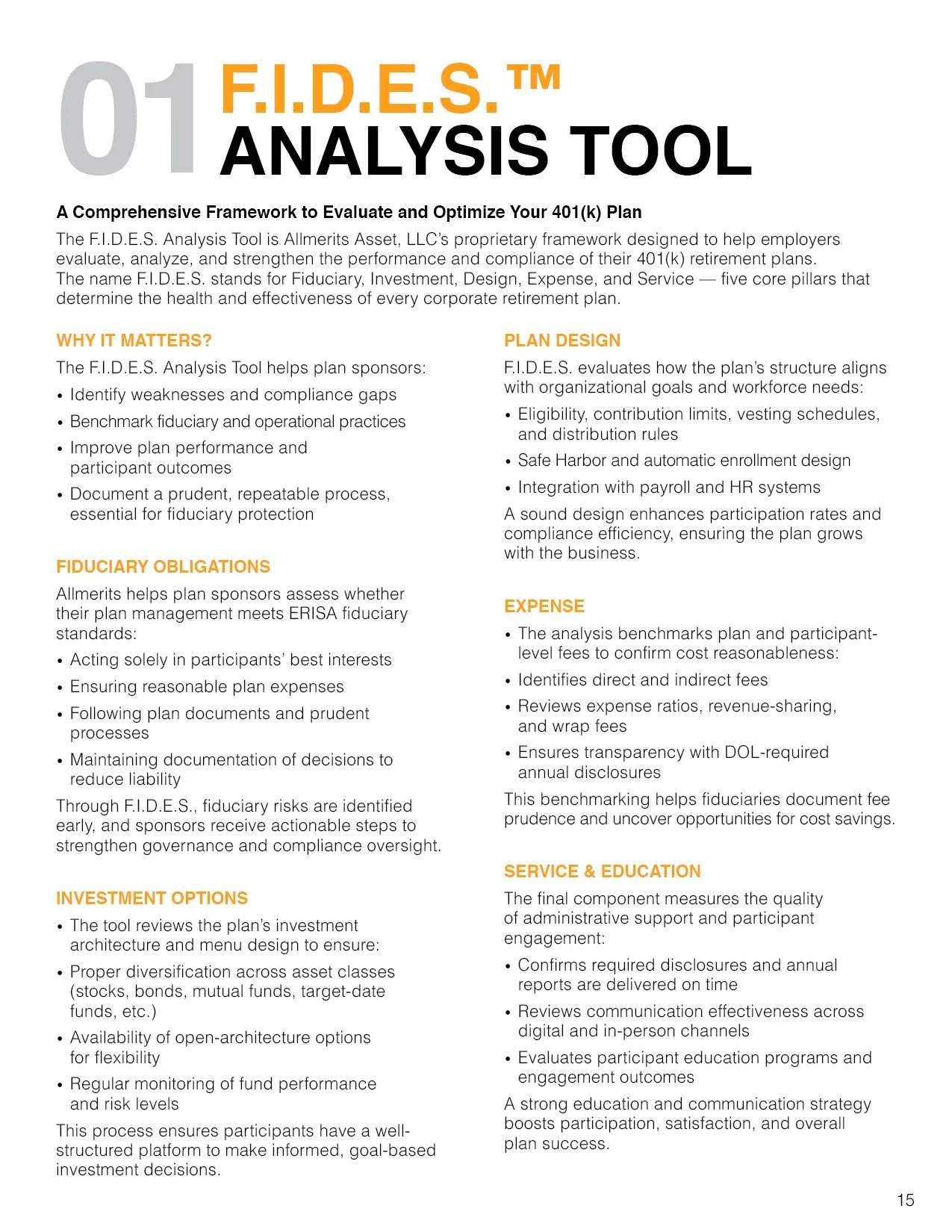
The path through. A hierarchy for pages the reader won’t read in full.
- 1The page title and a short summary first, so the page can be judged before it is read.
- 2Orange run-in headings every few paragraphs. A scanning reader moves from one to the next and stops where the answer is.
- 3Two narrow columns and short paragraphs. The regulated wording stays as written; the typography gives it entry points.


 1
2
3
1
2
3
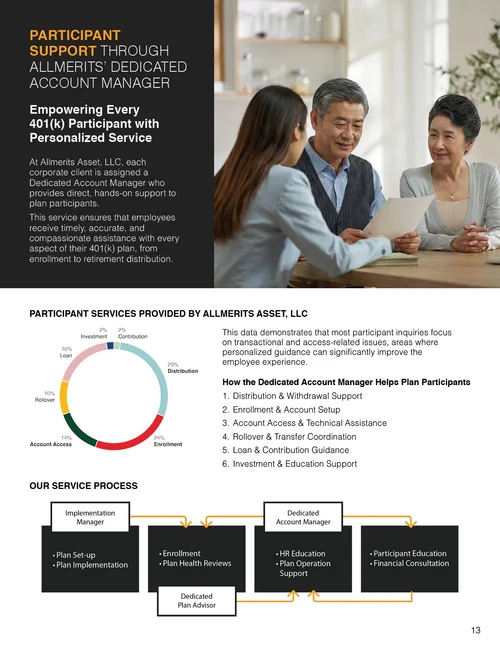
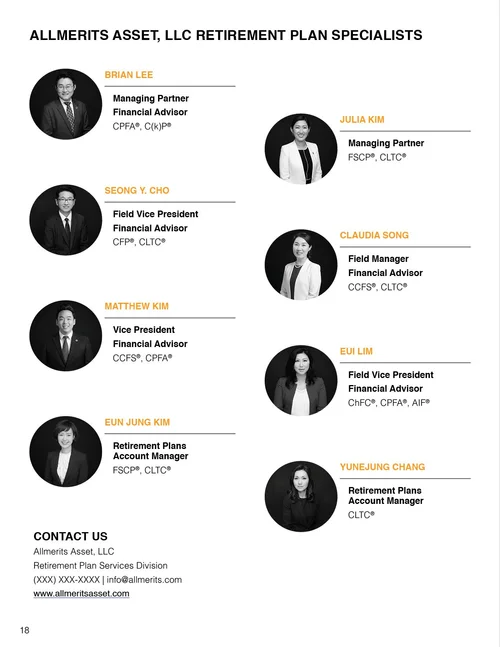
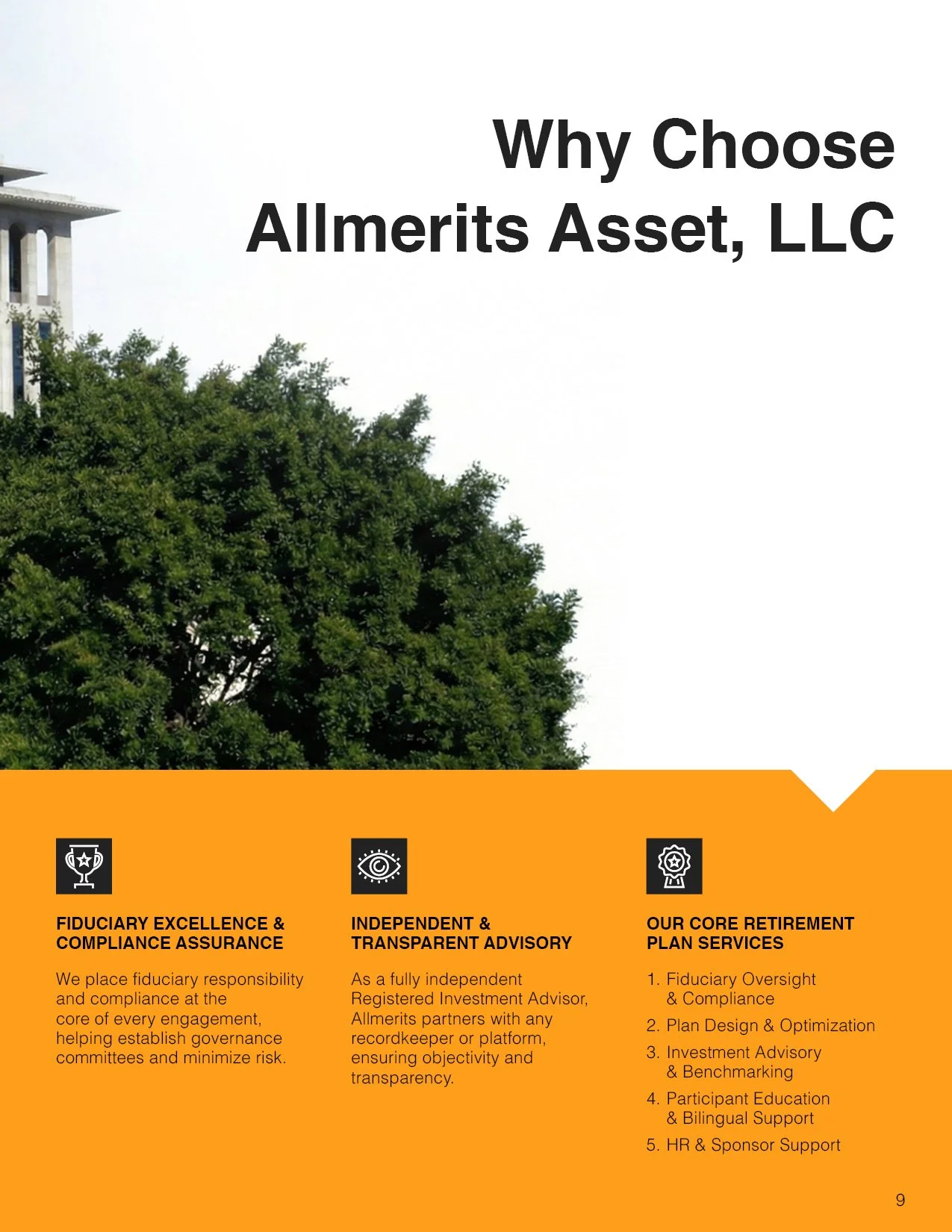
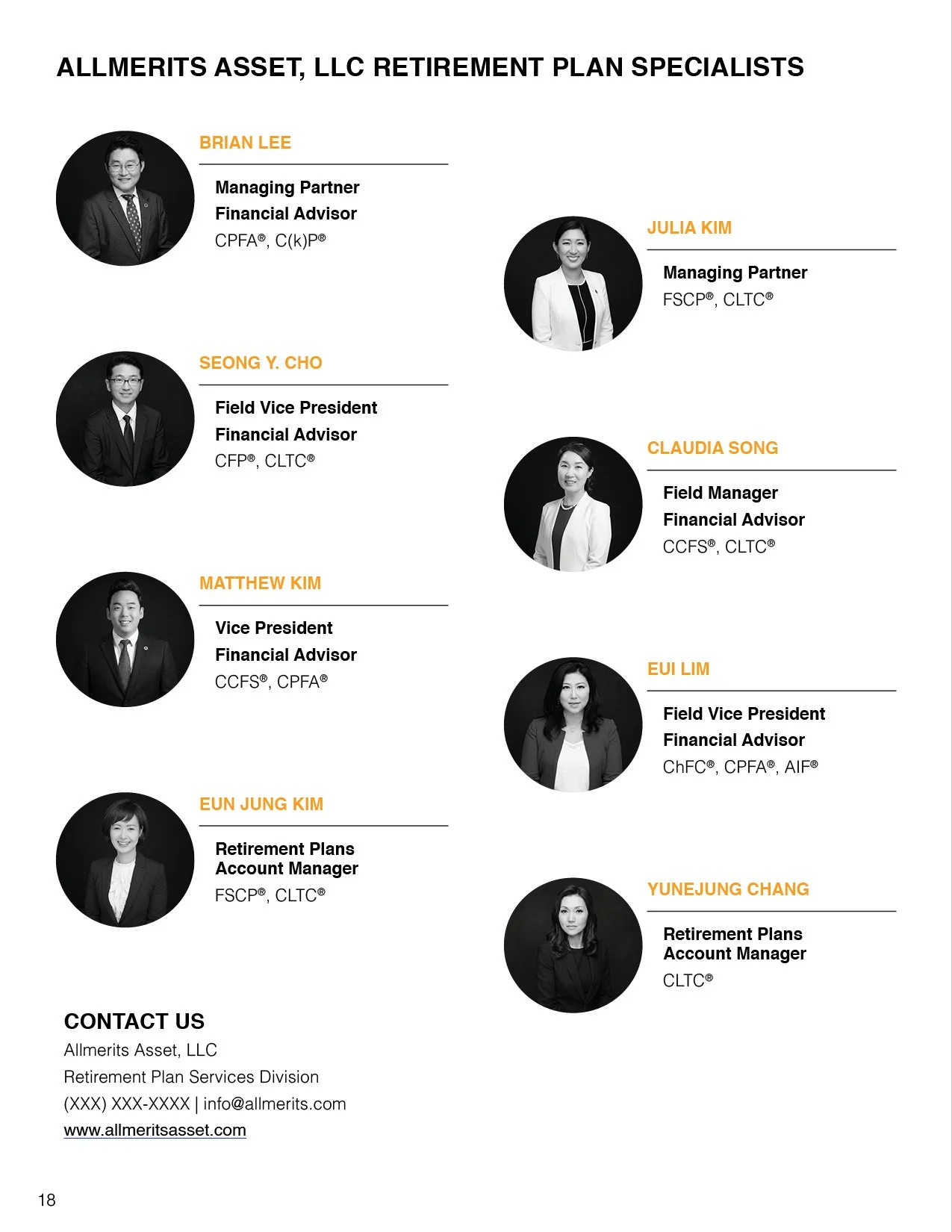
The people. Photography that holds the brand’s line against technical content.
- 1“We make life better” is the firm’s positioning. The pictures are advisors and clients in conversation, never a stock skyline.
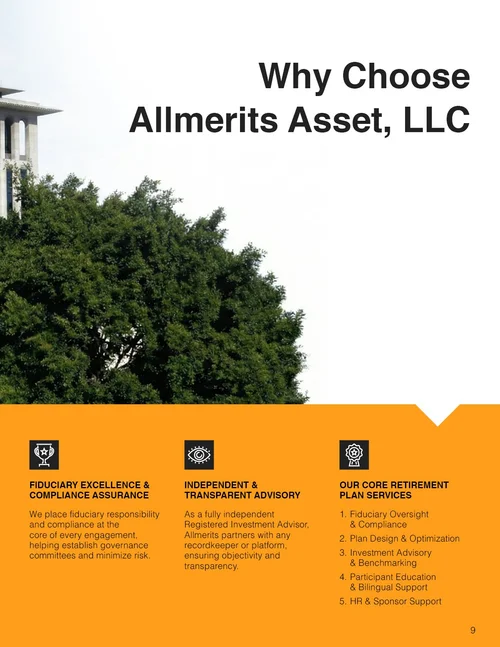
- 2A full-page photograph between the dense sections gives the reader a place to rest and marks the next part.
- 3On the service pages the photograph sits with the text, so the human claim and the technical content share a spread.
Also in the brochure
The rest of the twenty pages.
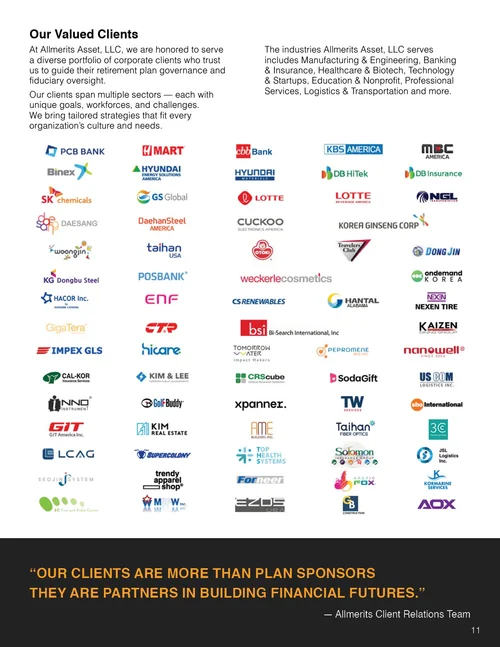
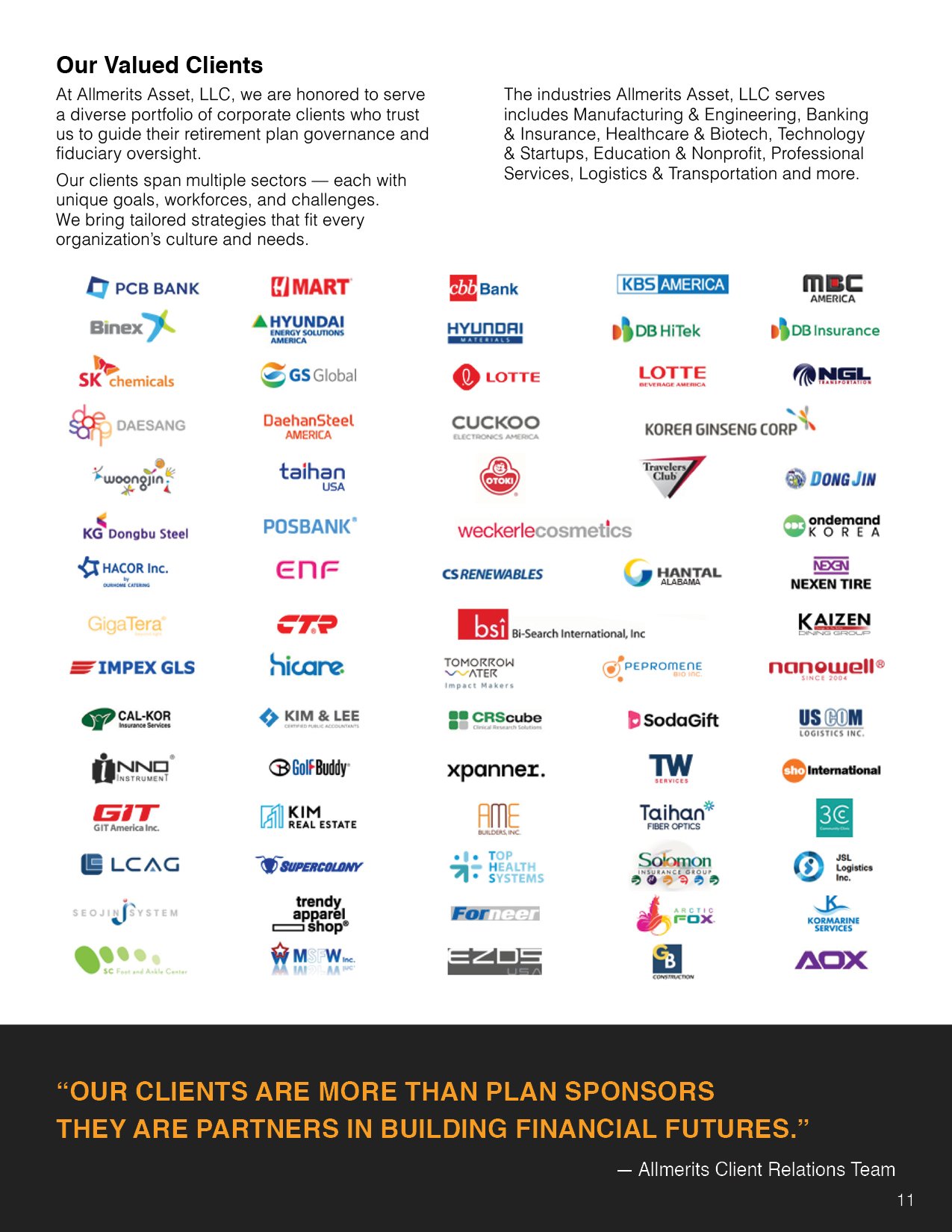
The firm’s introduction, its partners and clients, and the closing pages, on the same system.
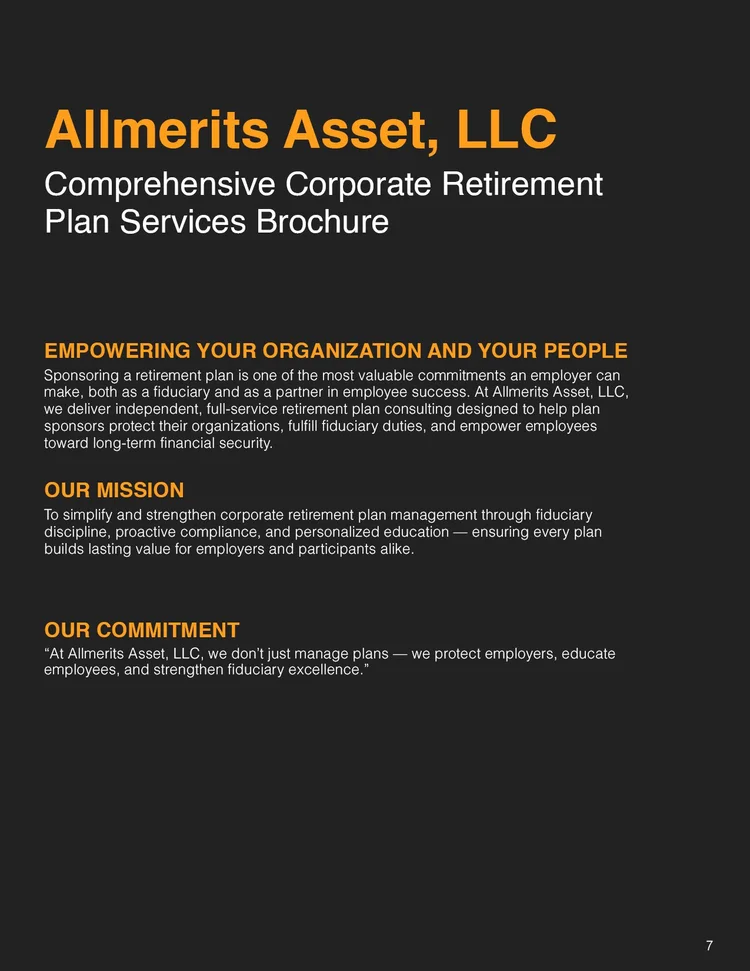
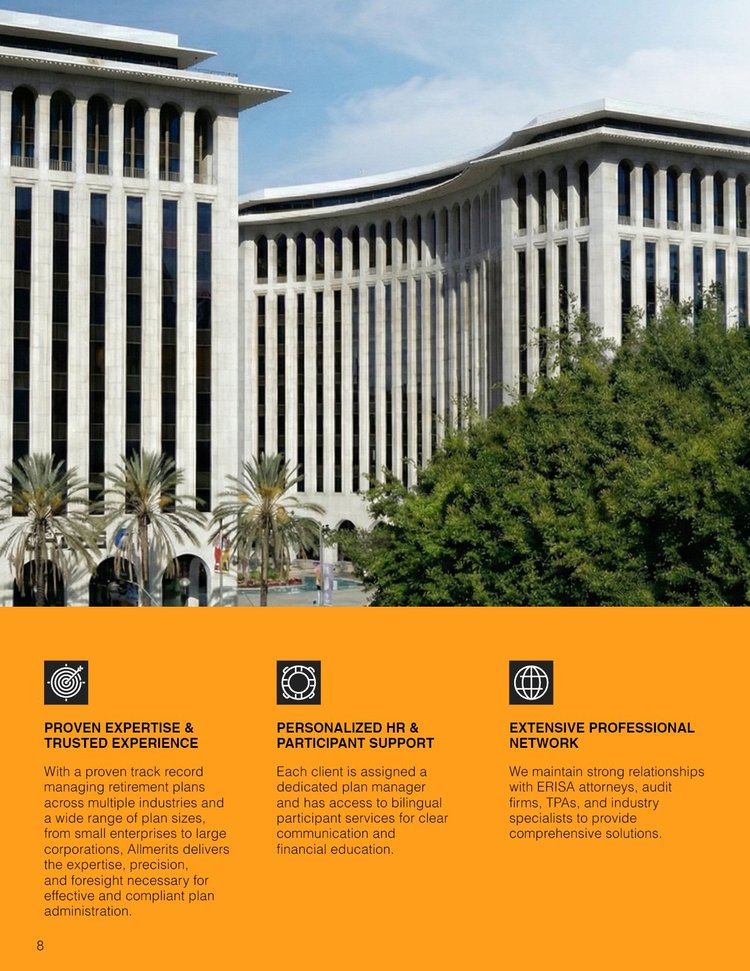

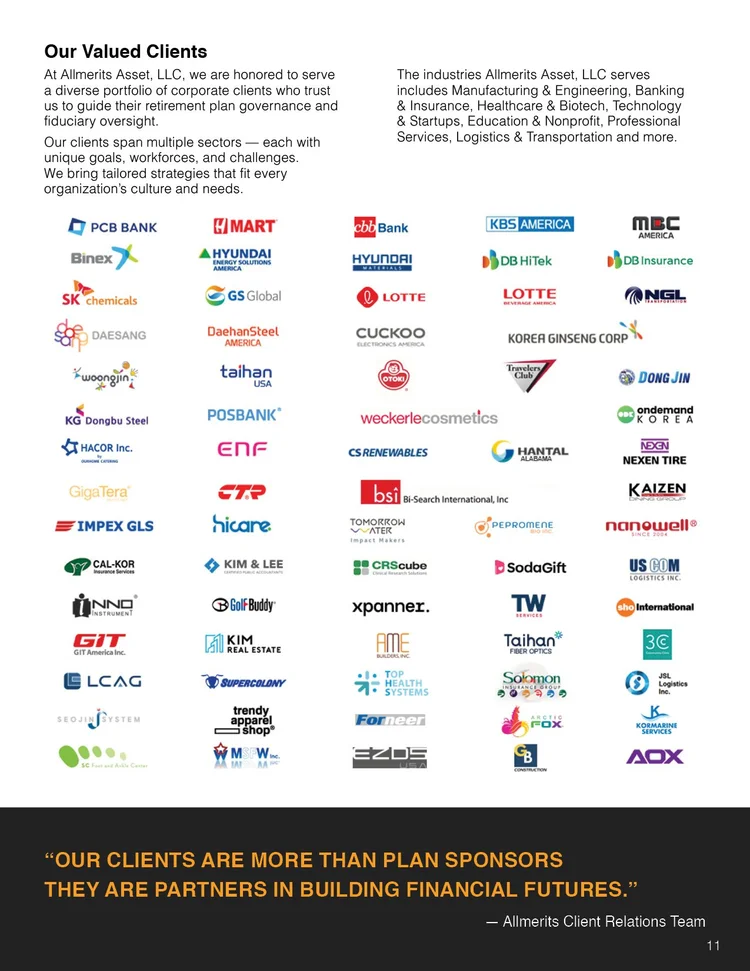
The whole brochure
All twenty pages, in order.
Scroll sideways. Each page opens at full size in a new tab.
 01 Cover
- 02 We make life better
 03 Overview
 04 Fiduciary guidance
 05 The role of the advisor
- 06
 07 The firm
 08 Why the firm
 09 Why choose AllMerits
 10 Team and partners
 11 Valued clients
 12 Services summary
- 13 Participant support
- 14 Service frameworks
- 15 01 Analysis tool
- 16 02 The 3C’s approach
- 17 03 The 3 core promises
 18 Retirement plan specialists
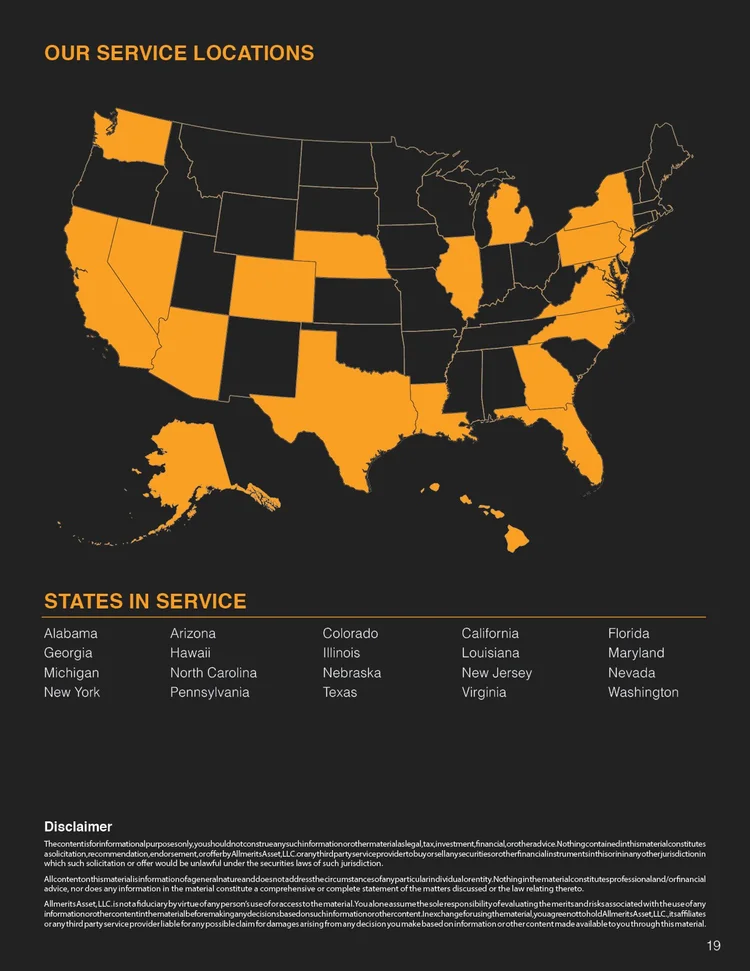
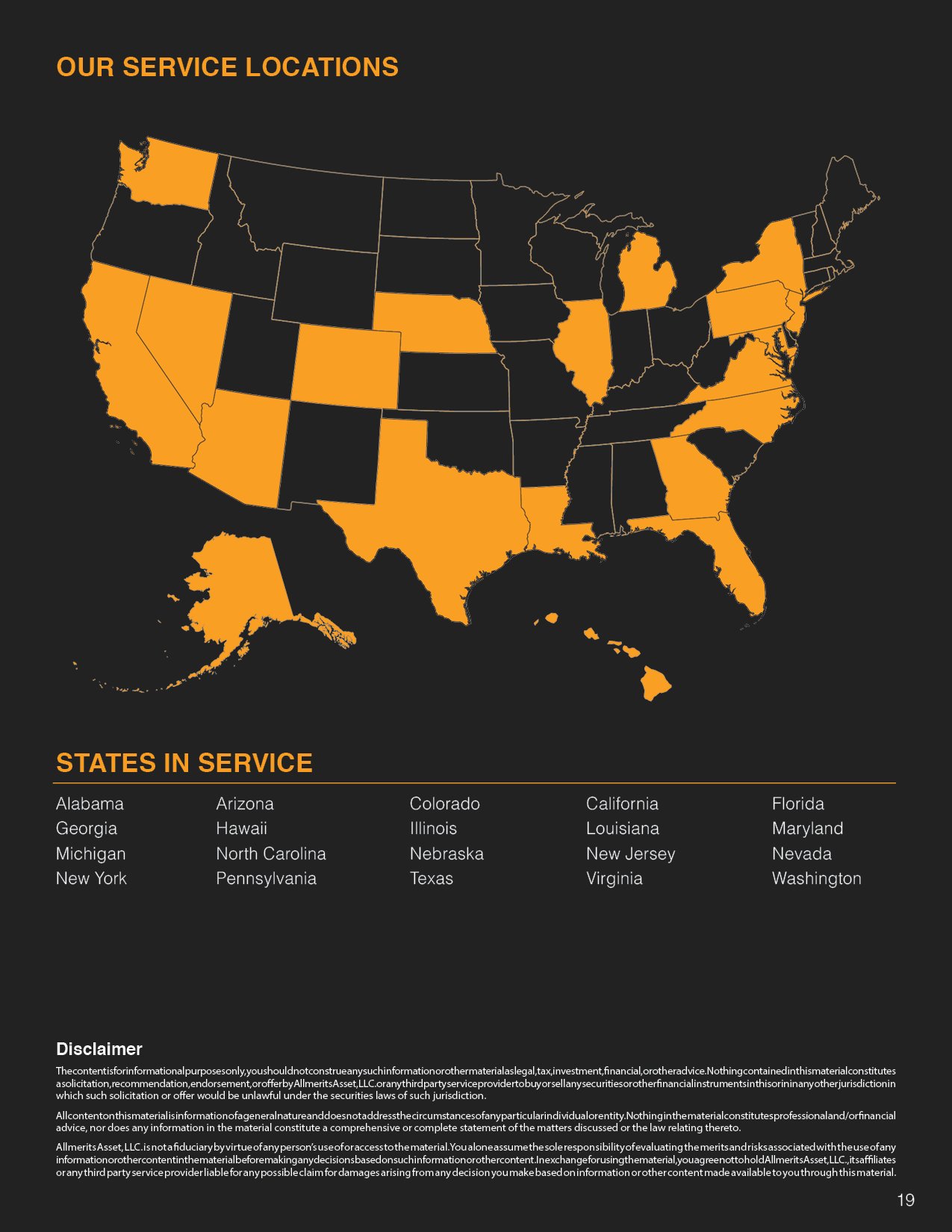
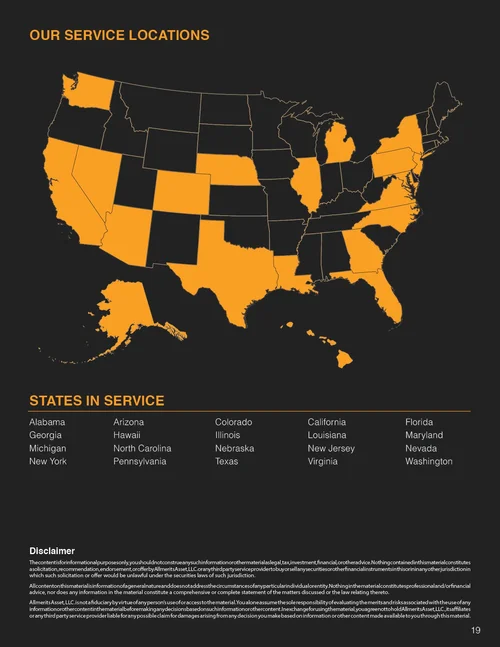 19 Service locations
 20 Back cover







What this demonstrates
Long-form information architecture for a reader who won’t go in order.
- A table of contents doing the job of navigation. One page that lets the reader locate before committing: the same job as a menu or an index screen.
- Section templates doing the job of a component. The same opening in the same place, so a change of topic is legible at a glance, flipping or scrolling.
- Hierarchy doing the job of progressive disclosure. Title, summary, run-in headings, then the paragraphs, so a scanning reader gets a path through content that can’t be shortened.
- Built to the production constraint. Paginated in multiples of four with front and back covers, and delivered as InDesign print files. The same problem as documentation, in print.
-
AllMerits Asset, LLC advises on corporate retirement plans. The deliverable was a comprehensive services brochure — a long-form document that has to explain plan structures, fiduciary responsibility, and service tiers to a business owner who is not a finance professional and did not choose to be reading it.
Documents like this fail in a predictable way. The content is regulated, so it can't be simplified past a certain point; it's long, so nobody reads it linearly; and it's usually revisited rather than read once, so a reader returning for one specific answer needs to find it without starting over. Treating it as a linear read guarantees it goes unread.
I designed it to be entered at any point. A full overview page functions as a table of contents and a map of what the document covers, so a reader can locate what they need before committing. Each section carries a consistent opening structure, so the shift from one topic to the next is legible at a glance while scrolling or flipping. The dense regulatory passages are broken with a strict typographic hierarchy and pulled emphasis, giving a scanning reader a path through paragraphs they won't read in full. The photography stays human throughout — advisors and clients in conversation — to hold the brand's "we make life better" positioning against content that is, by nature, technical.
AllMerits Asset, LLC
-
Designed a multi-page corporate retirement services brochure for a financial advisory firm
Structured the document's information architecture, including the overview page used as a navigation layer
Built the typographic hierarchy system carrying dense regulated content
Designed section templates for consistency across the full document
Art-directed photography selection and cover treatment
Built the document in InDesign to print production constraints, paginating in multiples of four with front and back covers
-
Long-form IA for non-linear readers — a table of contents doing the job of navigation, section templates doing the job of a consistent component, and hierarchy doing the job of progressive disclosure. The same problem as documentation, in print.
