
oosm
A case library I designed and built for a dental clinic in Korea. Staff find past cases that match a new patient, and the dentist shows them at the chair in one tap.
The name comes from 웃음, Korean for a smile.
Every patient wants proof from someone like them.
전Before후After
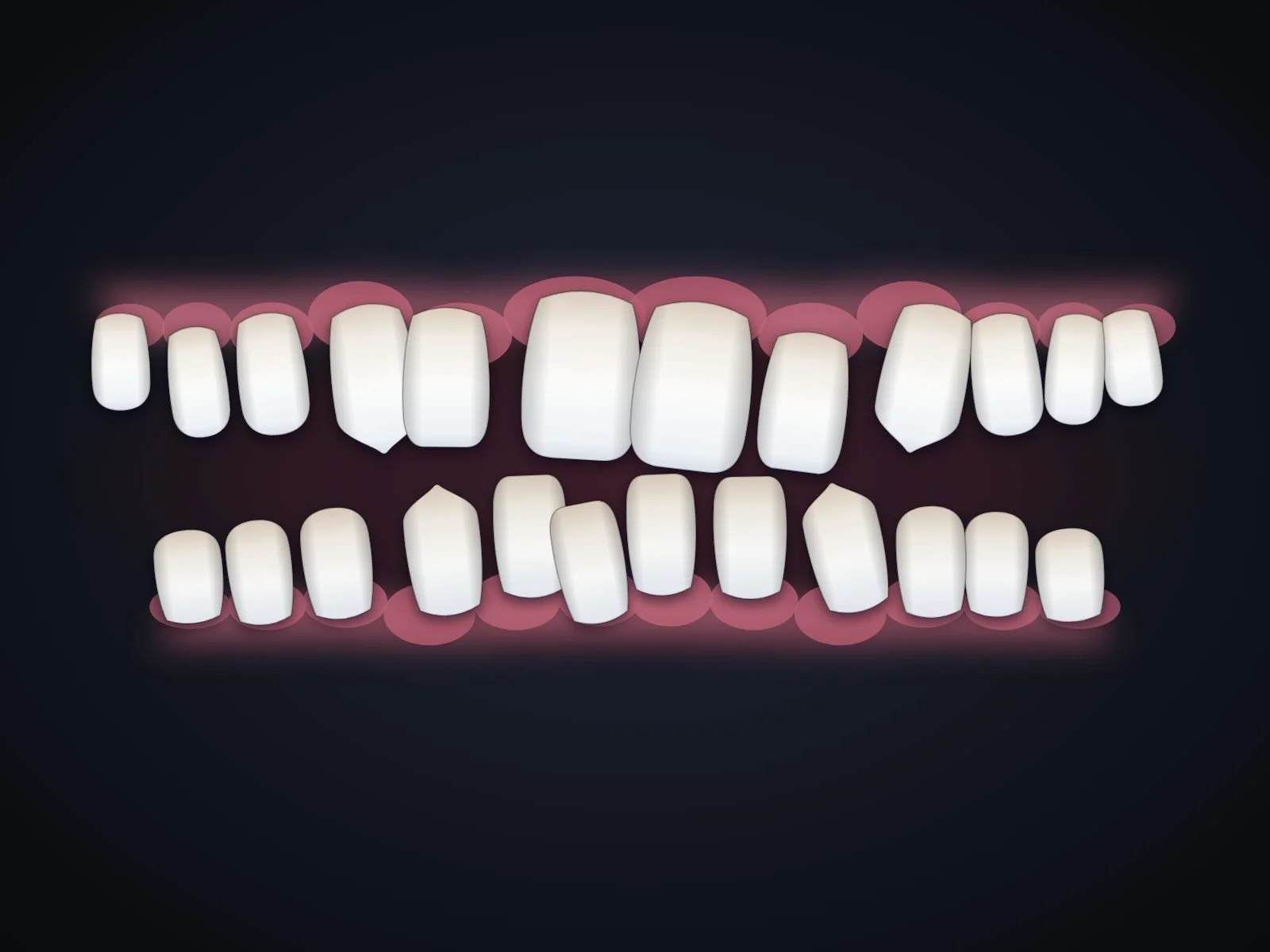
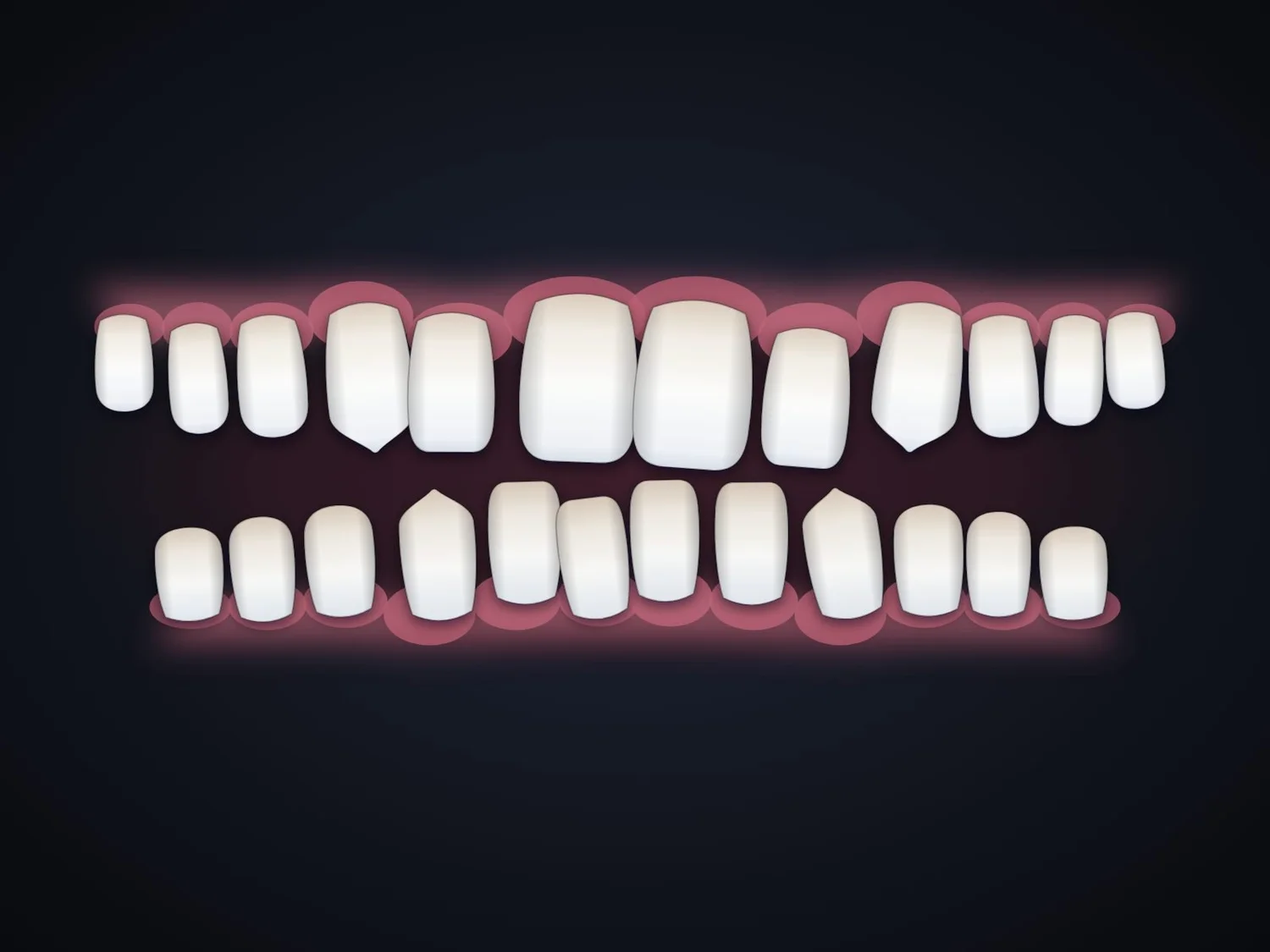
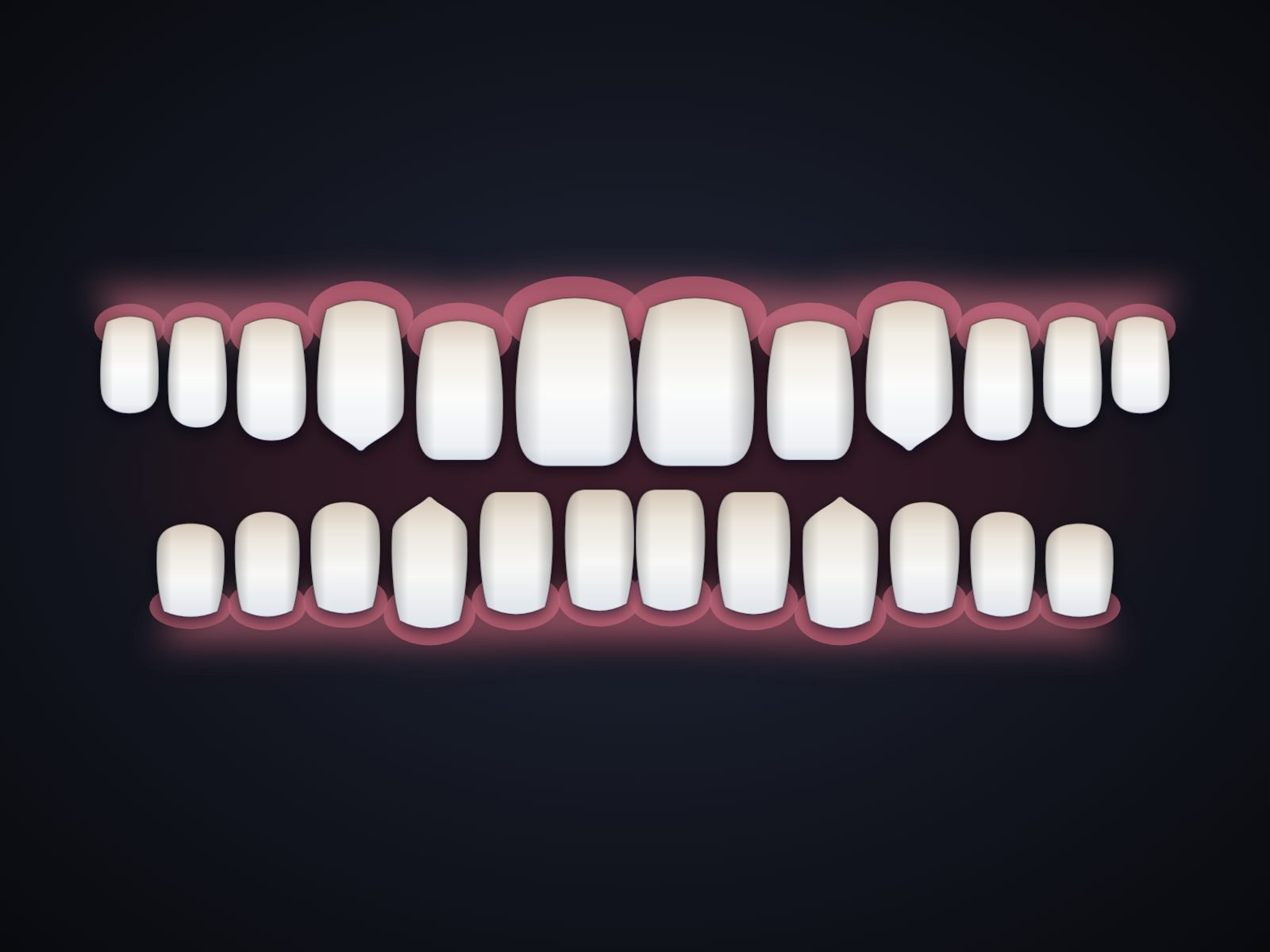
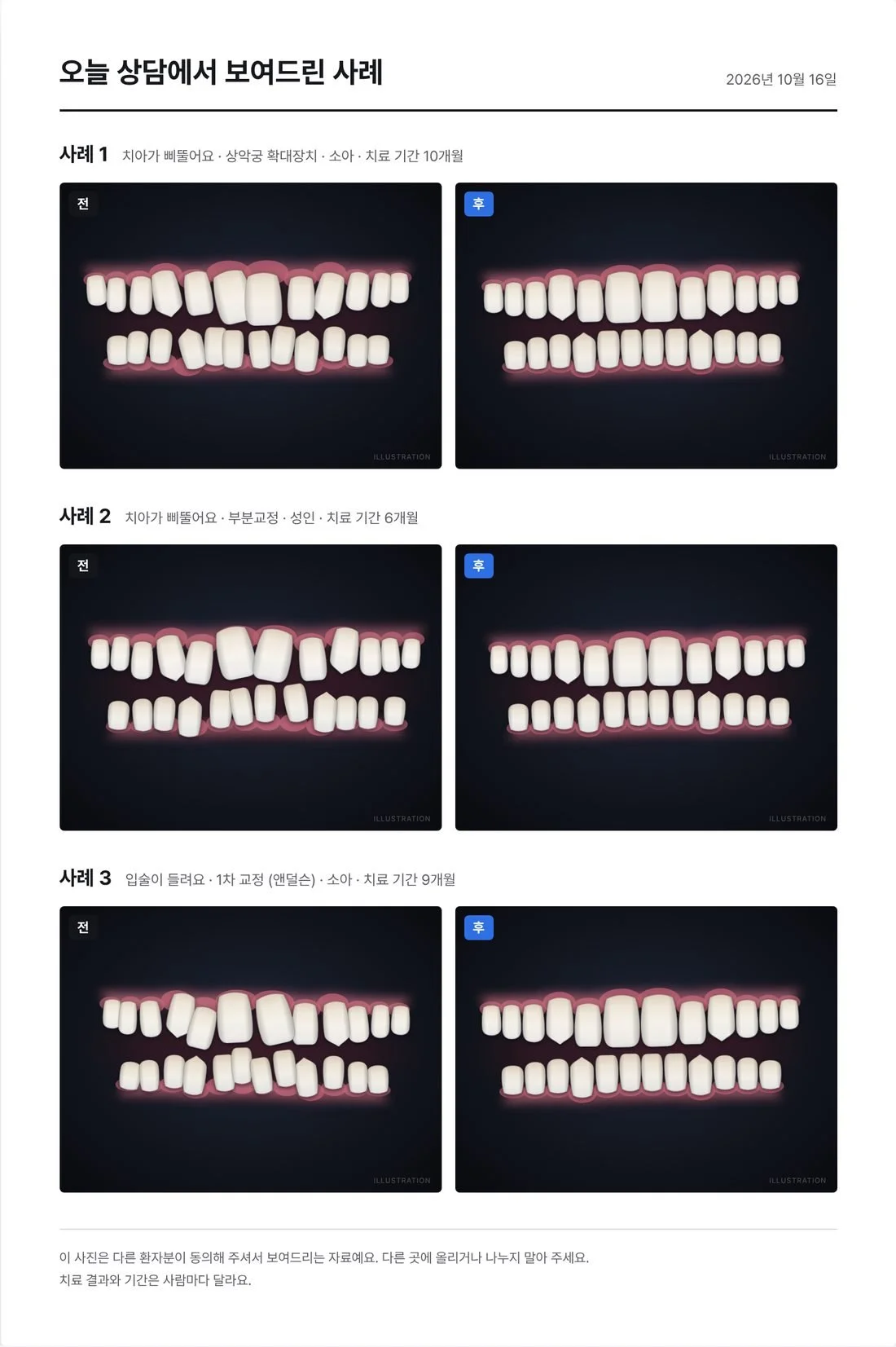
All teeth on this page are illustrations. No patient photos are used.
Part 1 of 3, filed the way oosm files a case
First
visit
The clinic, its six-case deck, and the idea I had to let go.
 초진
초진- 초진
- 과정
- 결과
Every patient saw the same six cases.
The first consult always opened one PowerPoint, whoever was in the chair. A closer match meant digging through charts, folders and an external drive, because the clinic’s photos lived in five places. Adding a case to the deck took so long that it was refreshed about once every six months.
10:00치아가 삐뚤어요Teen, crooked teeth

14:00입술이 들려요Adult, lips stick out
16:30치아가 삐뚤어요Child, narrow arch
Same six cases, three different patients
My favorite idea didn’t survive the first interview.

I didn’t want to invent the problem myself, so I went to a dental clinic. I brought a few rough concepts to the first interview and let the clinic choose.
My favorite generated a patient’s future smile with AI. The business manager told me patients trust real cases, and that generated images had done little for the clinic.
She set the clinic’s other big problem, bookings, aside as too hard to connect, and chose a case library. The results that persuade patients already existed. Nobody could find them at the chair.
Research: a 21-minute interview with the business manager, written answers from four staff, and follow-up questions answered by the dentist.
HeardThe clinic had tried a case tool before and dropped it. Photos went in one at a time, on the one PC it ran on.
BuiltA web app that takes whole folders and old decks at once, on any PC or tablet.
HeardTwo people use it, minutes apart. The consult manager adds and tags cases; the dentist presents them.
BuiltThe consult screen first, designed around the dentist’s one tap.
HeardLittle pain. Asked what the deck lacks, three of four staff left it blank. One wanted only cases that fit the patient.
BuiltMatching as the core feature, with the dentist as the person to win over.
HeardThe clinic can’t change its own software. An outside vendor built its records system.
BuiltTags and cases the staff edit themselves, on an account the clinic owns.
Part 2 of 3
Treatment
How cases get in, get found, and reach the chair.
 과정
과정- 초진
- 과정
- 결과
Before the patient sits down
Most of the work happens before the consult. Cases go in when there’s time, and the right ones are picked before the patient arrives.
1Add
Day one doesn’t start empty.
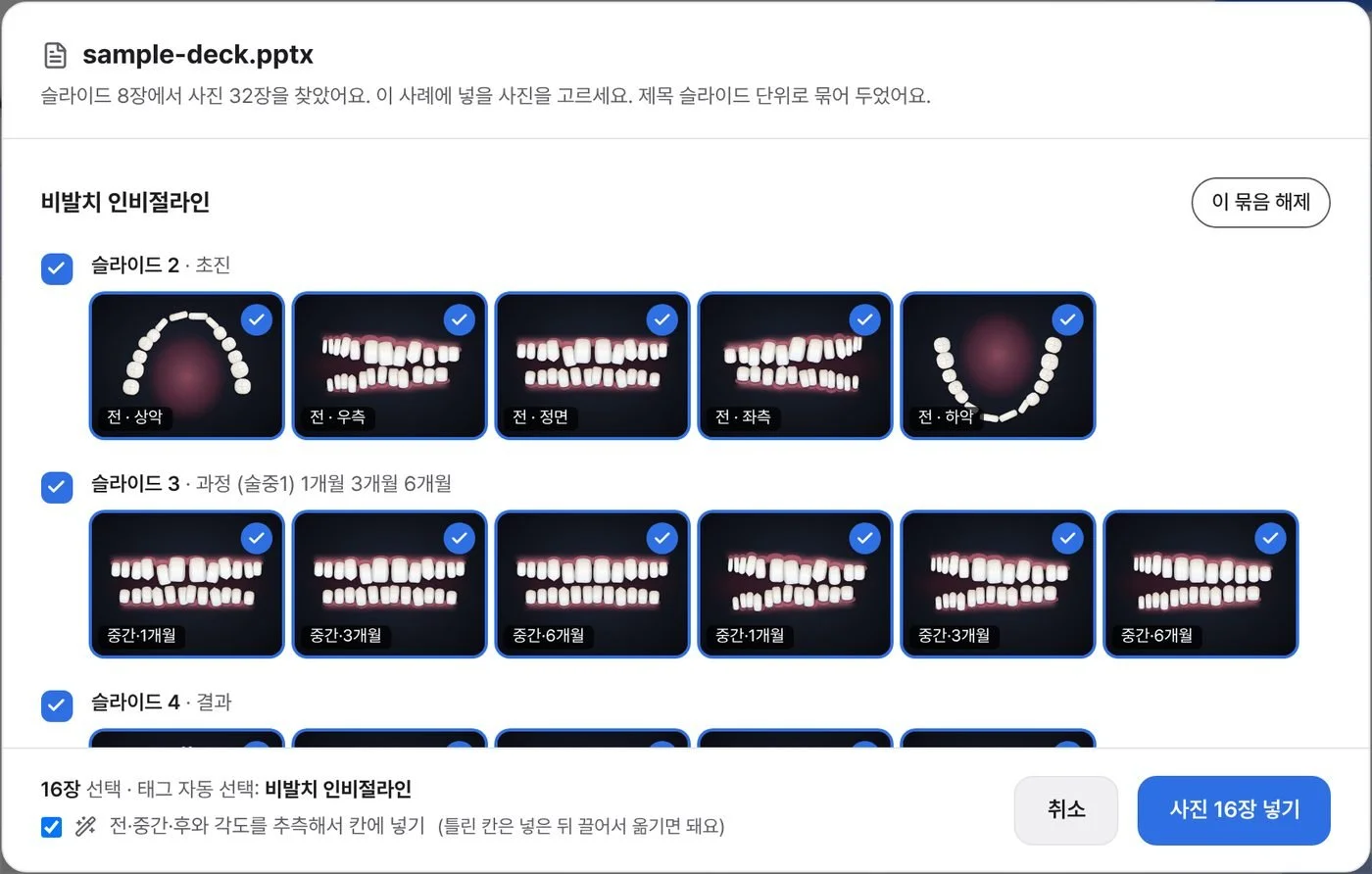
The importer opens the clinic’s old consult deck, PowerPoint or PDF, right in the browser. It groups the photos by case and guesses each one’s stage and angle from the slide.
61 slides in 138 photos out On the clinic’s own deck. The window shown reads a sample deck.
 ABCD
ABCDSwipe to see the whole screen
- A슬라이드 2 · 초진Slide 2, first visit. The slide’s title says which visit it shows.
- B전 · 정면Before, front. Stage and angle, guessed from where the photo sits in the slide’s grid.
- C중간 · 1개월During, month 1.
- D태그 자동 선택Tags picked for you: the group’s title becomes the treatment tag.
2Find
Matched in the patient’s own words.
Tags come in groups the staff edit themselves: the concern as the patient says it, treatment, age and result. Staff run it while preparing a consult, and the dentist can run it at the chair. Two or three taps rank every case by the tags it shares, so the answer is never empty.
이 환자와 비슷한 사례Cases like this patient
Try it: pick what the patient says and their age. The cases sharing the most tags move to the front, as they do in oosm.
겹치는 순 Most tags in common firstNo case has both tags yet, so the ones sharing one come first.
-
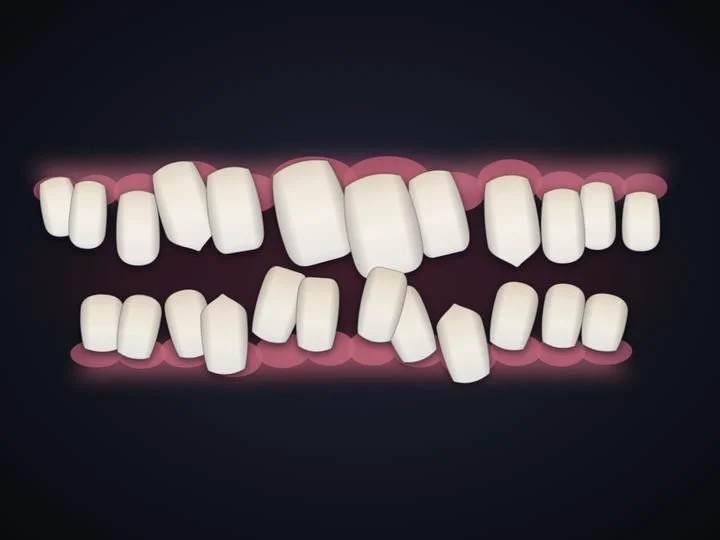 가장 비슷해요
Teen, crowded front teeth
-
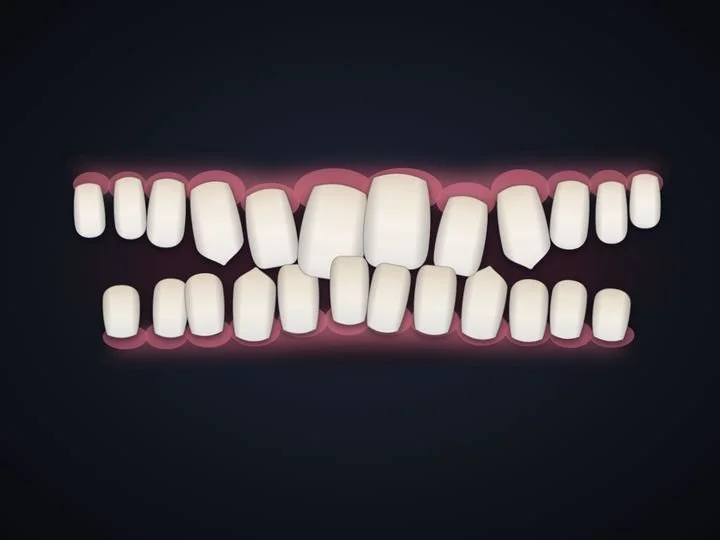 가장 비슷해요
Adult, deep bite and gaps
-
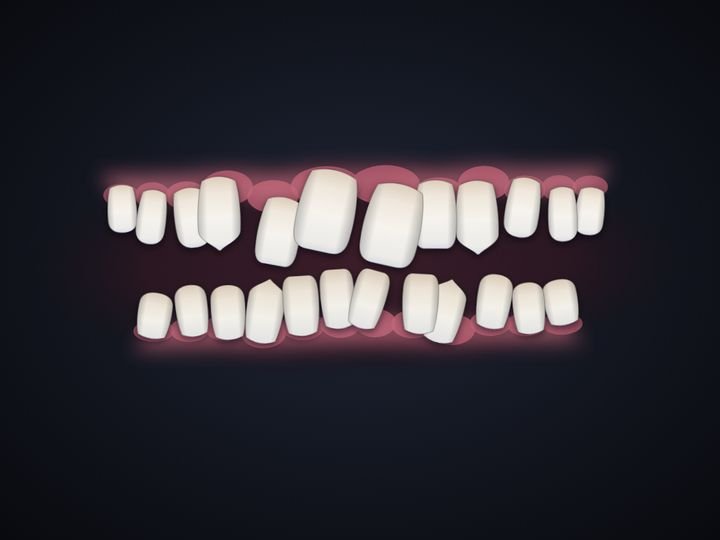 가장 비슷해요
Child, narrow upper arch
-
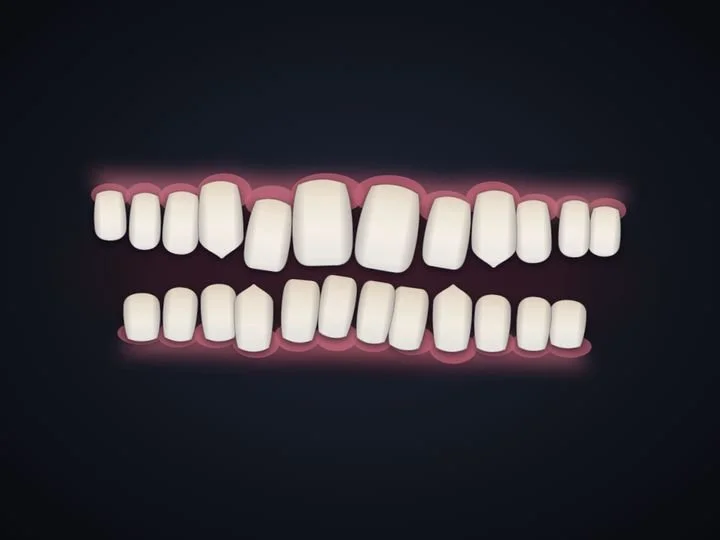 가장 비슷해요
Adult, mild crowding
-
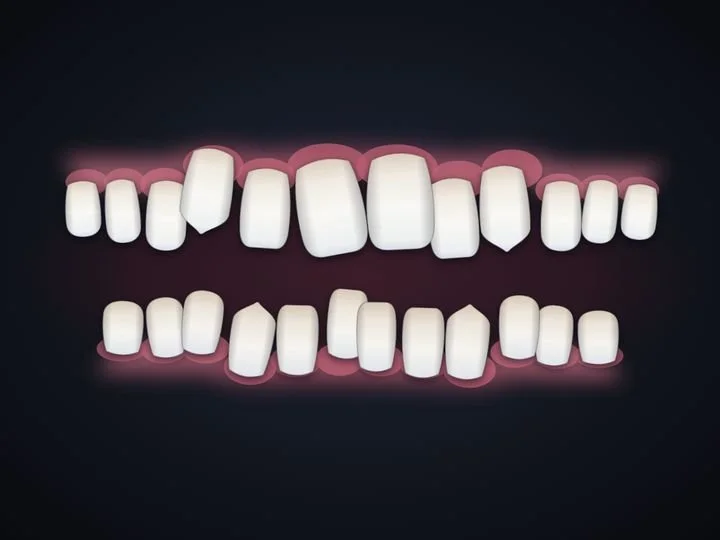 가장 비슷해요
Teen, open bite
-
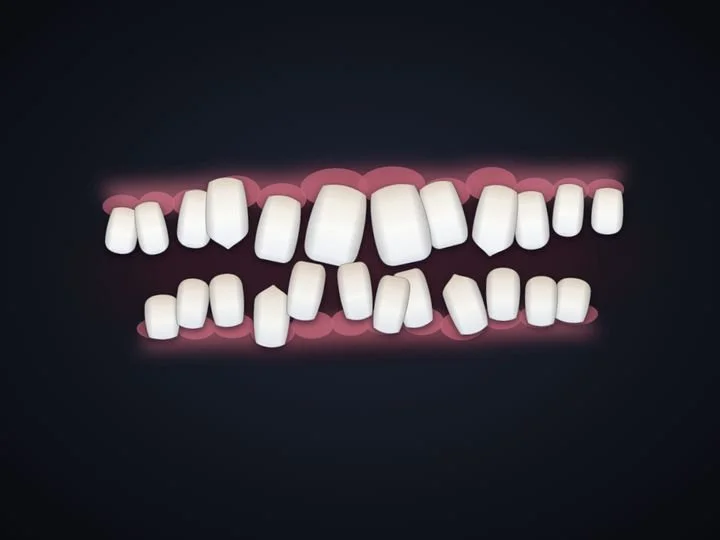 가장 비슷해요
Child, crowded lower teeth
3Prepare
Picked in order, named by the clock.
I asked when cases get picked. The answer, before the patient comes in, made prepared sets the main path. Staff tap cases in the order they’ll be shown and name the set by appointment time, never by patient name.
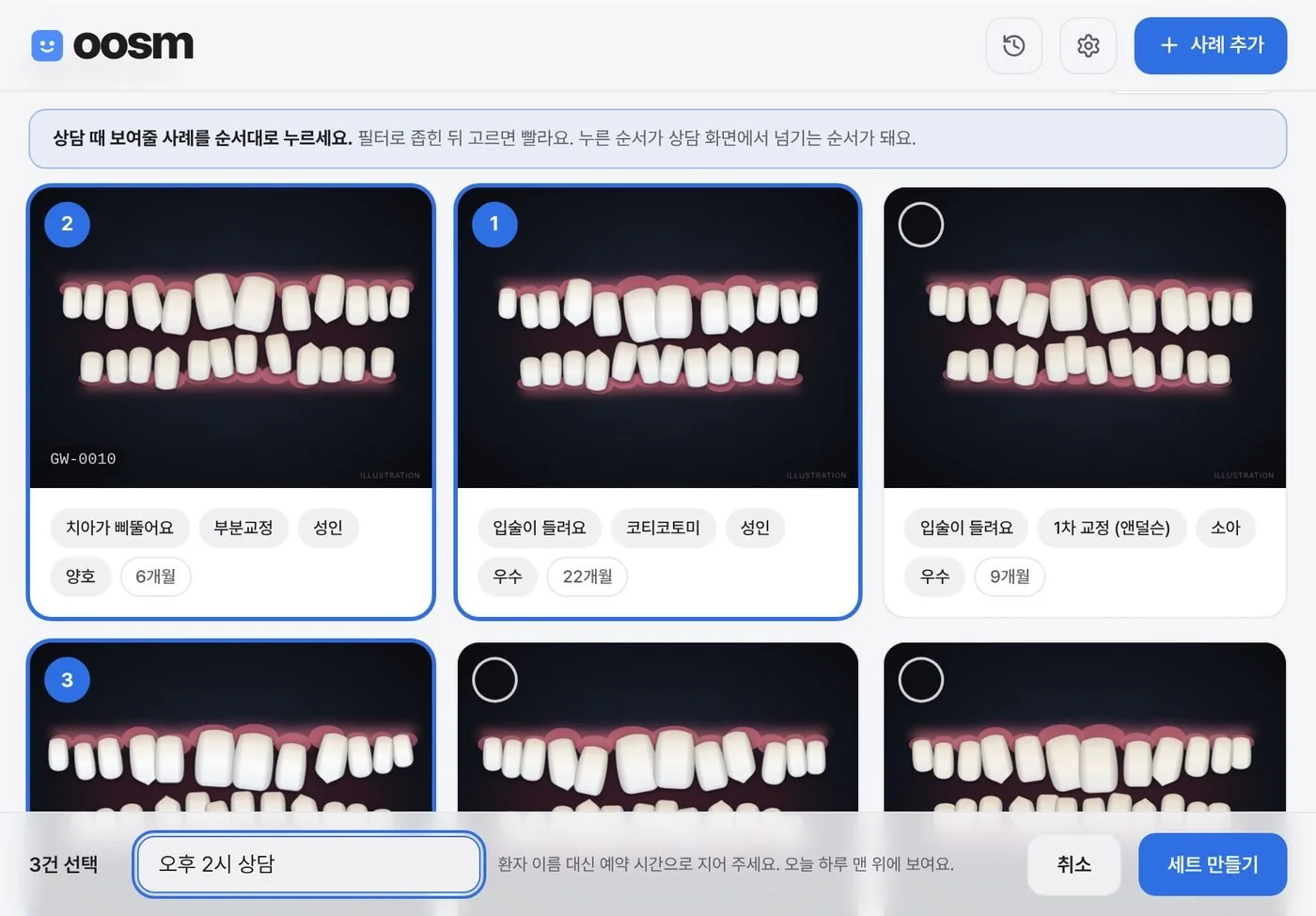 ABC
ABCSwipe to see the whole screen
- A상담 때 보여줄 사례를 순서대로 누르세요“Tap the cases in the order you’ll show them.”
- B1 · 2 · 3The tap order becomes the order on the consult screen.
- C오후 2시 상담“2 PM consult.” The hint beside it asks for an appointment time instead of the patient’s name.
At the chair
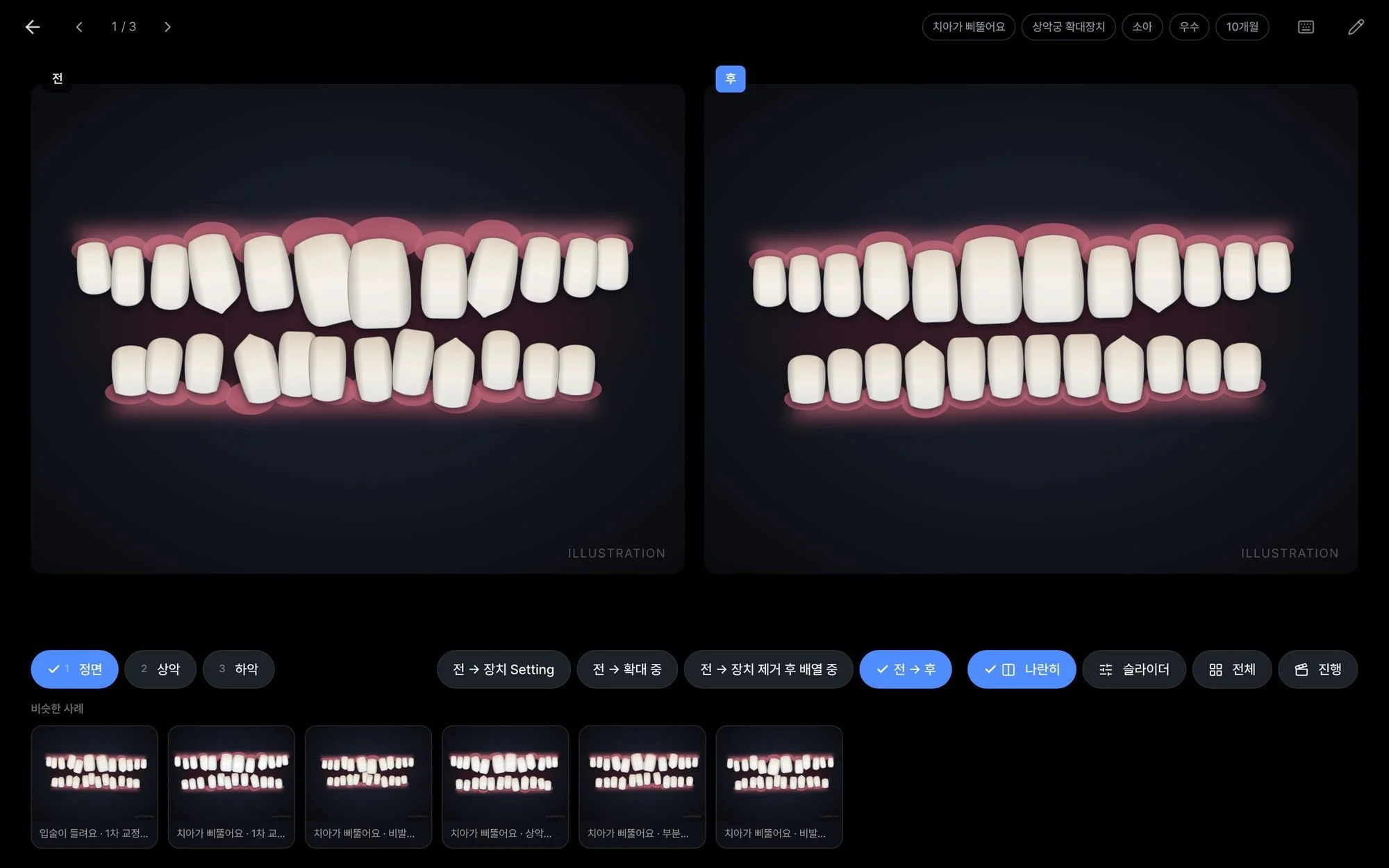
A prepared set opens straight into the consult screen, before and after side by side.
The dentist steps through the set with the arrows, on screen or on a keyboard, switches the angle with the numbered buttons, or jumps to a similar case along the bottom. The consult screen always stays dark, so the photos read clearly.
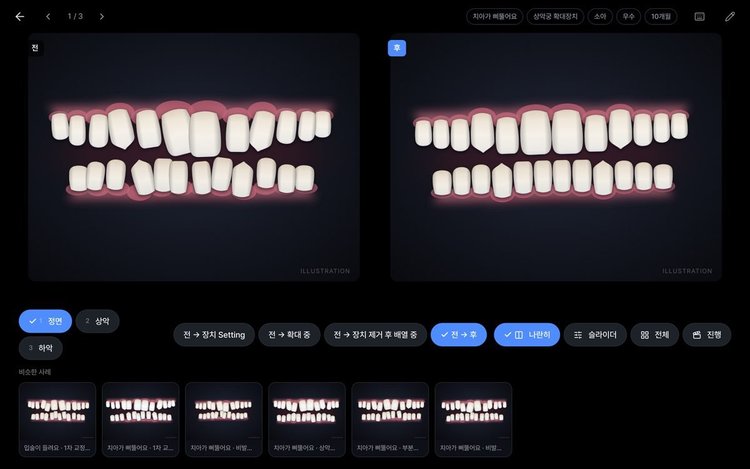 Side by sideWhere every case opens
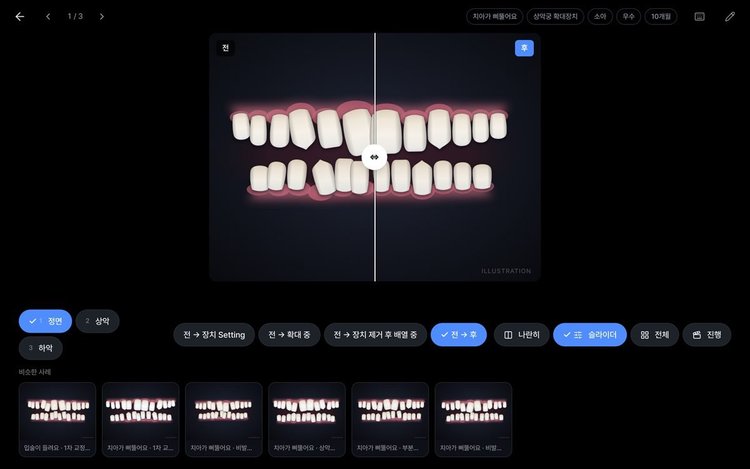 SliderDrag to compare in place
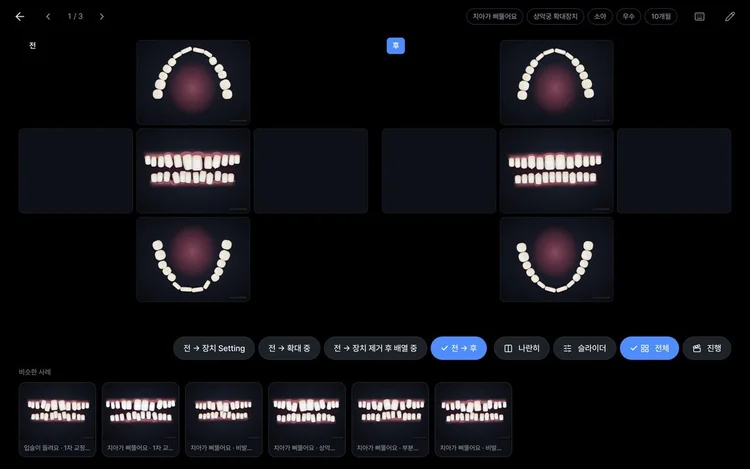 Full mouthAll five angles at once
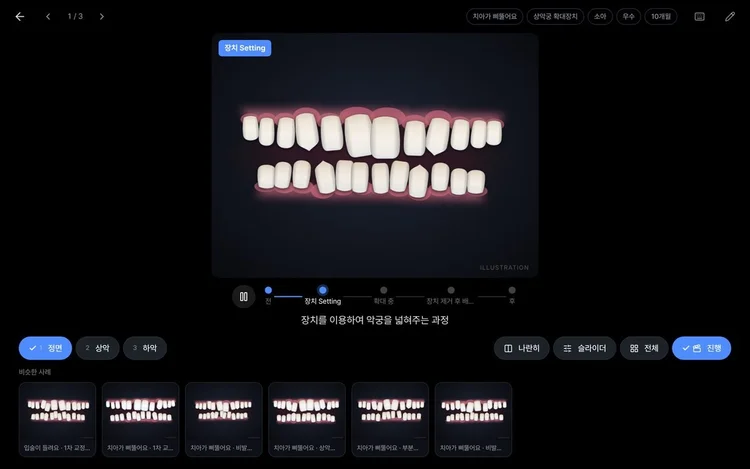 ProgressOne angle, before to after
After the consult
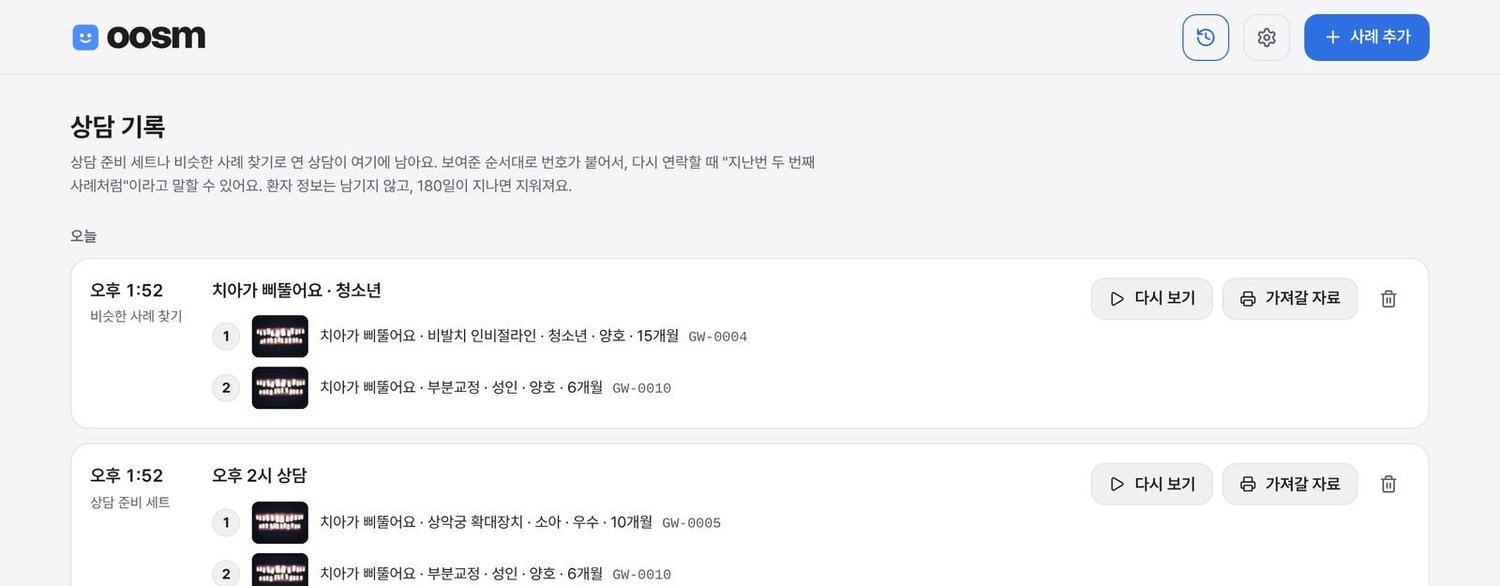
When a set or a quick match is shown, oosm logs which cases appeared, in what order, and when.
It keeps no patient details and clears itself after 180 days. A follow-up call can say “like the second case we showed you.” From the log, staff make a take-home sheet: the front view of each case, before and after, printed or sent by KakaoTalk or email. Face photos never go on it.
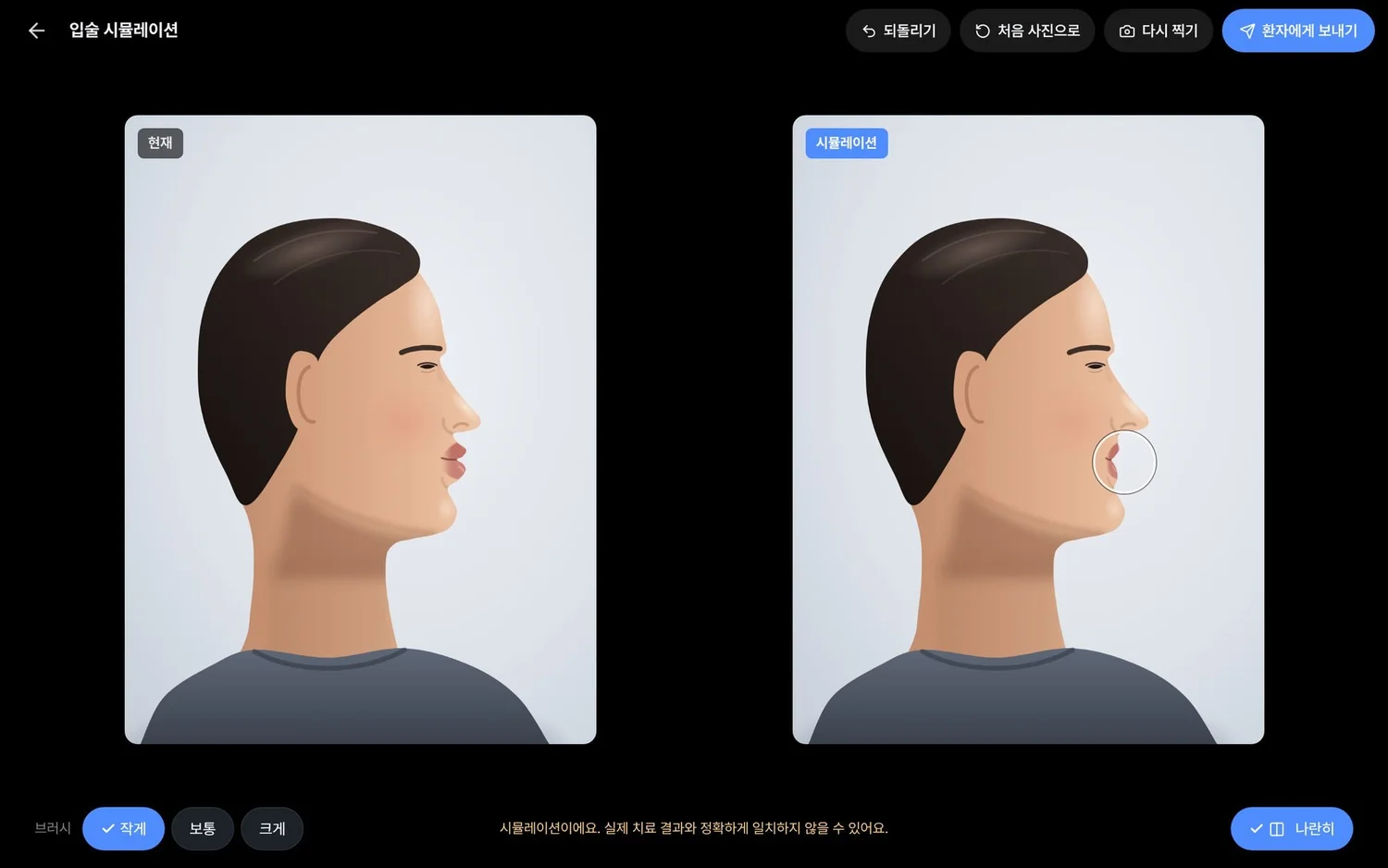
For patients worried about their profile
Staff photograph the profile at the chair and push the lip line back by hand with a brush. Nothing is generated and oosm keeps no copy. The image sent to the patient carries a note that the real result may differ. Whether the consent form covers profile photos is one of the clinic’s open checks.
37 problems found. 36 fixed in two days.
I walked every flow myself and logged what tripped me, sorted by usability principle.
The one I held back is search. At today’s size, tags find anything, so the search box waits until the library passes about 40 cases.
전Two different “archive” buttons sent things to two different places.
후One trash for cases and tags, with restore and an undo right after deleting.
전The card menu appeared only on hover, so it never showed on the tablet.
후It’s always visible on touch screens.
전A case saved without tags never showed up when filtering.
후Saving without tags asks first, and a “No tags” filter finds the strays.
전Dragging a tag reshuffled the row under my finger, too fast to follow.
후A placeholder holds the spot and moves only in the gaps.
Three answers from the dentist changed the design.
Are unfinished cases ever shown to patients?
Yes.
A case can now be saved as “in progress” with only a before photo.
How do the old deck’s two-by-three grids read?
Column by column.
Each column is one visit, left to right, and the importer reads them that way.
Can patients take the photos home?
Without faces.
The take-home sheet carries the front view of the teeth only.
Built for the clinic’s Wi-Fi and budget
연결됨오프라인
바뀐 내용이 다른 기기에도 바로 보여요.보기는 그대로 돼요. 사진을 넣거나 바꾸려면 인터넷이 필요해요.
사진 1,789/1,789장이 이 기기에 저장됨
저장 공간무료 요금제 · 약 960MB
768MB 사용 중 (80%)
곧 가득 차요. 사진 약 447장이 남았어요. 휴지통을 비우면 공간이 늘어나요.
- A login for each staff memberReact and TypeScript on Firebase, built with Claude Code, on an account the clinic owns.
- A guide ordered by the staff’s dayWritten in Korean for the handover. Its screenshots use sample images and are re-shot by a script whenever the interface changes.
Part 3 of 3
Result
Where oosm stands, and what I learned.
결과- 초진
- 과정
- 결과
Working end to end, with sample cases
Real photos go in once the dentist and the consult manager confirm that the consent form covers cloud storage.
I’ll judge oosm by cases added each week and consults where it was opened. Staff told me they lose little time today, so use is the honest measure, and the dentist reaching for it is the one that matters. Next on the list: a QR code on the take-home sheet, and search once the library needs it.
What I learned
- Ask what they already tried.My favorite idea ended in one sentence from someone who had watched it fail. That question was worth more than any concept I brought.
- Design for the person who decides.Most staff saw nothing missing in the PowerPoint, so I designed for the dentist’s one tap and the manager’s few minutes. I’ll measure use, not opinions.
- Put privacy in the form.The set name field asks for an appointment time, so patient names stay out of the app with no extra step.